What is the use of Miro MCP?
Miro MCP usually refers to using MCP (Model Context Protocol) with Miro so AI systems (like ChatGPT, Claude, etc.) can interact directly with your Miro boards.
Let’s break it down simply 👇
1️⃣ What is MCP?
MCP (Model Context Protocol) is a standard that allows AI models to:
- Connect to external tools
- Read structured data
- Perform actions inside software
- Stay in sync with real workspace context
Instead of copy-pasting content manually, MCP lets AI talk directly to tools like Miro.
2️⃣ What is Miro?
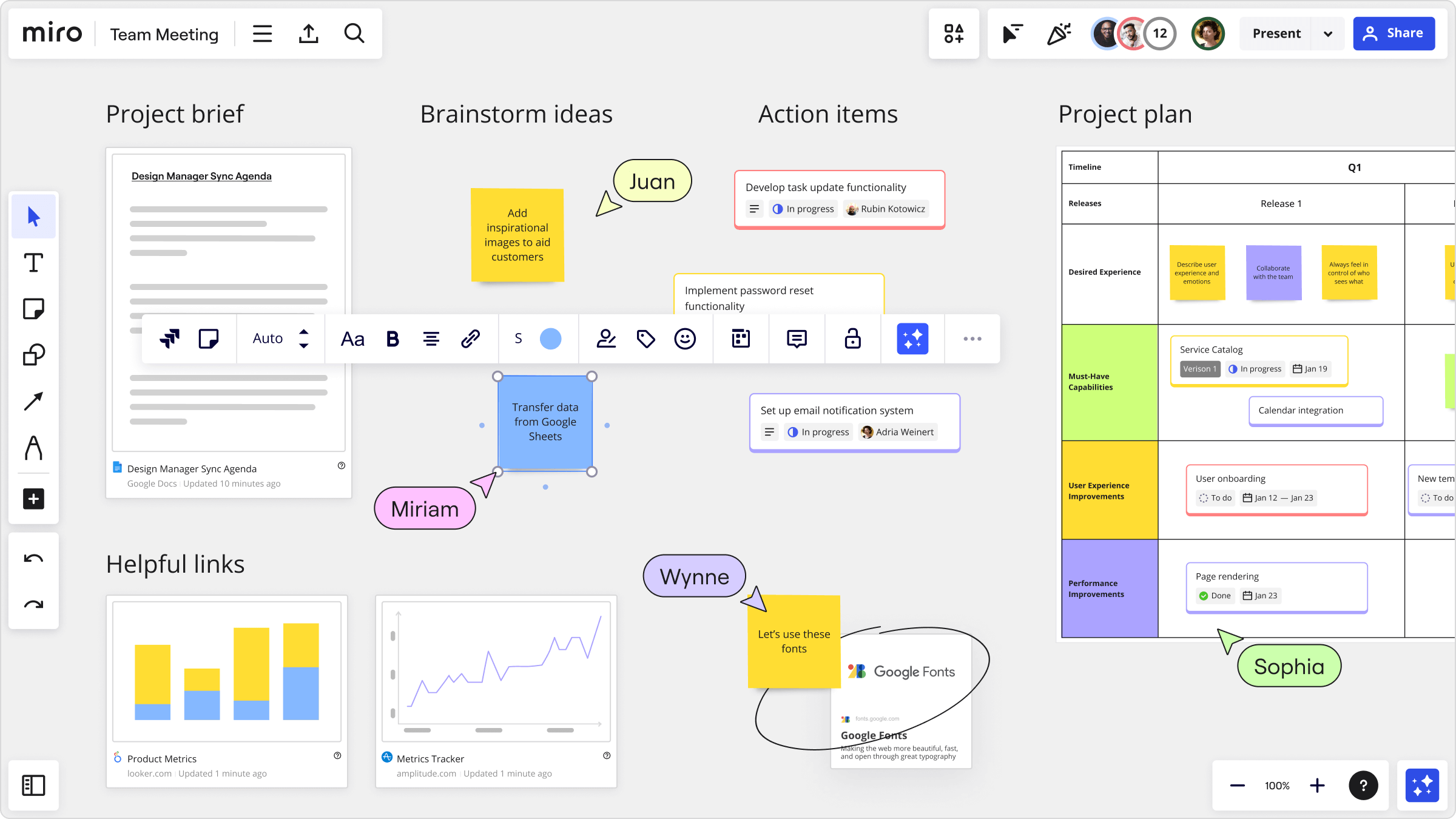
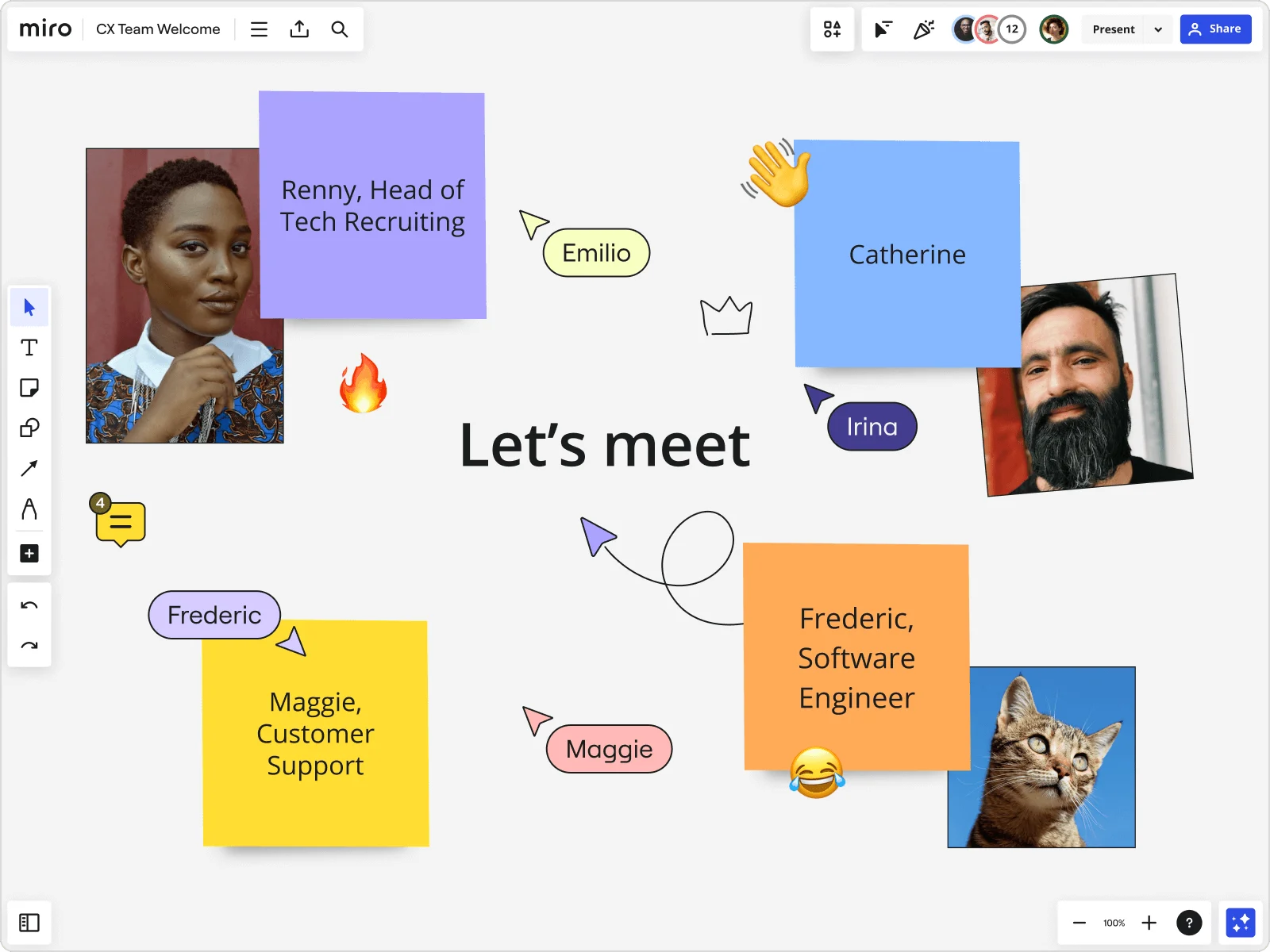

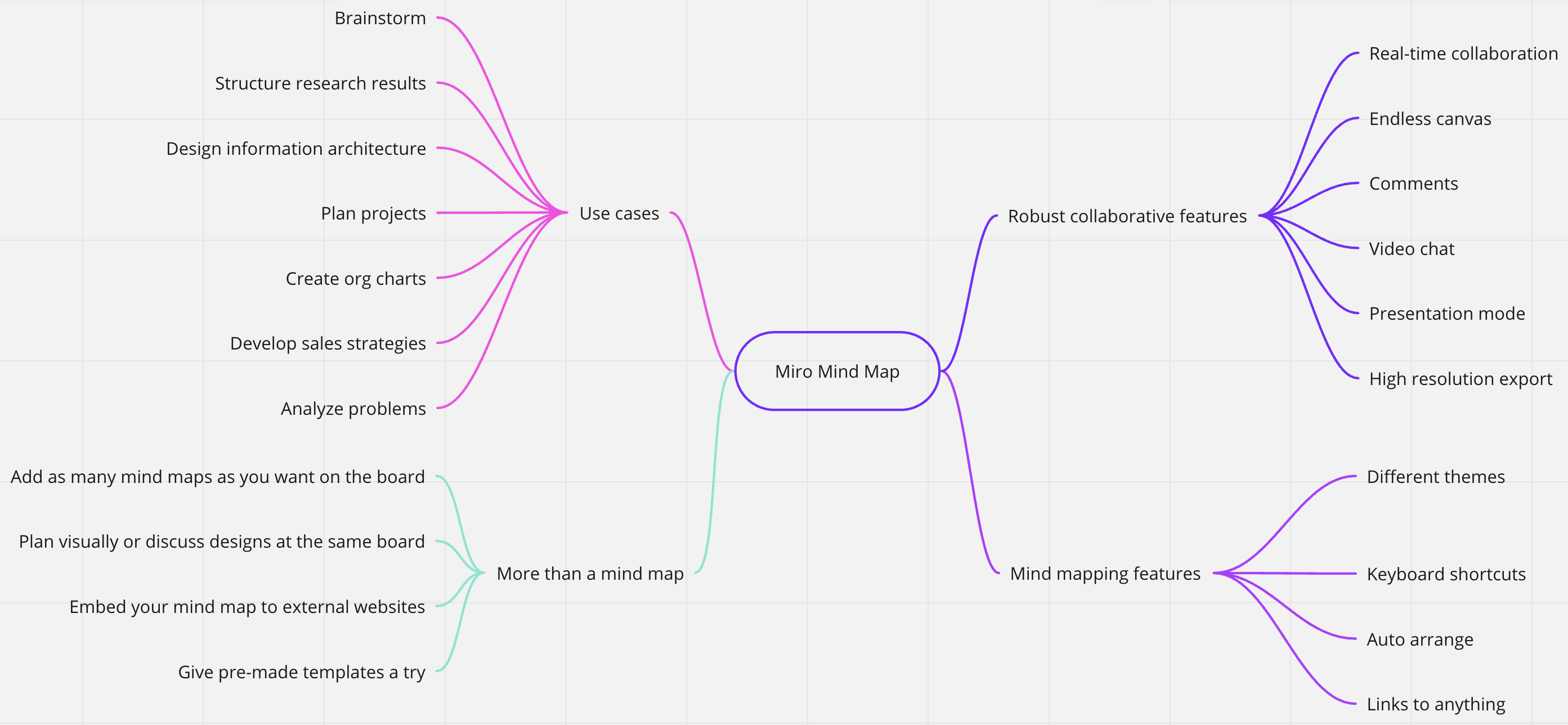
Miro is a visual collaboration platform used for:
- Brainstorming
- Mind mapping
- Sprint planning
- Architecture diagrams
- UX flows
- Incident timelines
- Strategy workshops
3️⃣ So What Does Miro MCP Actually Do?
When connected via MCP, AI can:
✅ Read your board
- Extract sticky notes
- Understand diagrams
- Parse flow structures
- Summarize workshops
✅ Write to your board
- Create sticky notes
- Generate architecture diagrams
- Create mind maps automatically
- Build sprint boards from text
✅ Update content
- Refactor workflows
- Improve wording
- Convert brainstorming → structured roadmap
- Turn notes → Jira-ready tasks
✅ Use it as live working memory
Instead of pasting screenshots into ChatGPT:
- AI reads the board directly
- Keeps context updated
- Makes changes in real time
4️⃣ Real Practical Use Cases
🔹 1. SRE Incident Management
You could:
- Create an incident timeline board
- Let AI analyze patterns
- Generate postmortem structure
- Convert chaos into clean learning summary
Very aligned with your SRE / DevOps training work.
🔹 2. Architecture Diagram Generation
Describe:
“Multi-AZ EKS with NAT + WAF + ALB + gRPC”
AI:
- Creates diagram blocks
- Connects components visually
- Organizes network flows
🔹 3. Workshop Automation
After a 2-hour workshop:
- AI clusters sticky notes
- Identifies themes
- Creates action items
- Assigns owners
🔹 4. Product Roadmapping
Brain dump → AI converts to:
- Timeline
- Milestones
- OKRs
- Prioritized backlog
5️⃣ Why It’s Powerful
Without MCP:
- AI is blind to your board.
- You manually paste content.
With MCP:
- AI becomes a live collaborator.
- Your board becomes structured AI-readable data.
- Workflows become automatable.
6️⃣ Is Miro MCP For Developers or Business?
Both.
| For | Benefit |
|---|---|
| DevOps / Architects | Diagram generation + review |
| SRE Teams | Incident visualization |
| Product Teams | Roadmap structuring |
| Trainers (like you) | Workshop material generation |
| Startup founders | Strategy whiteboarding |
7️⃣ When Should You Use It?
Use Miro MCP when:
- You run workshops regularly
- You do architecture design visually
- You want AI inside your whiteboarding workflow
- You want automation between diagrams and documentation
8️⃣ When It’s Not Needed
You don’t need MCP if:
- You use Miro only casually
- You prefer static documentation (Markdown only)
- No AI automation required
Final Summary (In One Line)
Miro MCP allows AI to directly read, write, and manipulate Miro boards — turning your visual whiteboards into intelligent, automated workspaces.