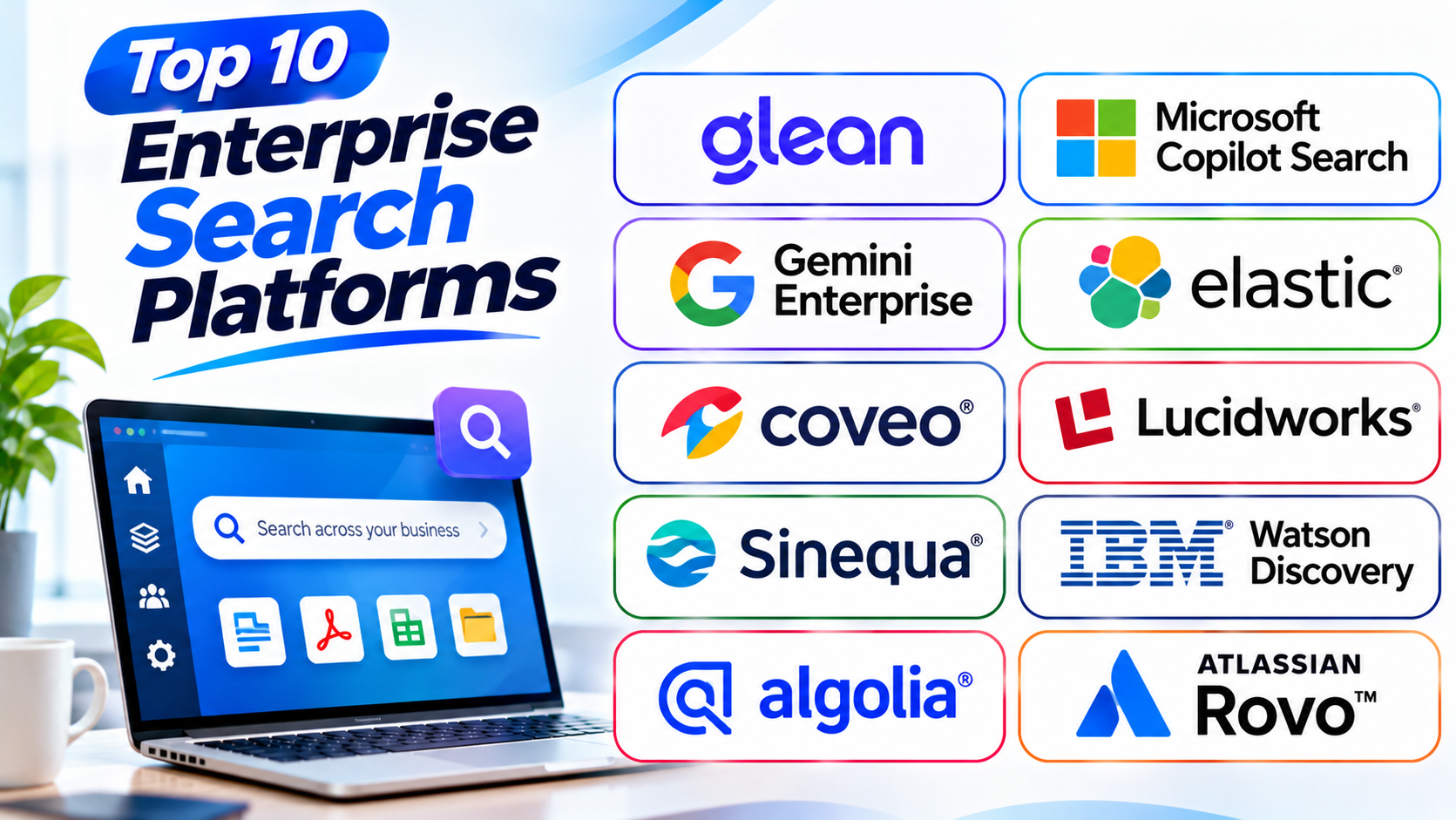
Top 10 Enterprise Search Platforms: Find Business Information Faster
Introduction
Businesses create large amounts of information every day. Files, emails, reports, chats, and records often sit in different places. Finding the right detail can take too much time.
Enterprise search platforms help solve this problem. They bring information from many work tools into one search experience. Employees can find useful content without checking every app.
This guide explores ten leading enterprise search platforms. It compares their features, strengths, weaknesses, and best uses. It also includes a comparison table and tips for choosing the right tool.
What Is Enterprise Search Software?
Enterprise search software helps employees find information across business systems. It can search files, emails, databases, websites, and team conversations.
Instead of opening many apps, users search from one place. Some platforms also use artificial intelligence (AI) to understand questions. They can provide short answers and point users to useful documents.
These tools often connect with systems such as Microsoft 365, Google Workspace, Slack, Salesforce, and SharePoint. They can also follow existing access rules. This means users only see information they have permission to view.
Top 10 Enterprise Search Platforms
The following platforms serve different business needs. Some focus on workplace search, while others help companies build custom search experiences.
1. Glean
Best for: AI-powered workplace search across business apps
Glean helps employees find information across many workplace tools. It connects company knowledge from documents, emails, chats, tickets, and other business apps.
Employees can search using normal questions. The platform understands the meaning behind a query. It can then show useful documents and provide AI-generated answers.
Glean also uses company context to improve search results. It can consider a user’s role, work activity, and team connections. This helps employees find information that matters to their work.
Its connectors bring information from different business systems into one search experience. Glean also respects source permissions. So employees only see content they can already access.
Key Features
- Search across connected business apps
- AI-powered natural language search
- Answers based on company information
- Permission-aware search results
- Document summaries
- Personalized search results
- Company knowledge discovery
- Connectors for popular workplace tools
Pros
- Connects many workplace applications.
- Makes company knowledge easier to find.
- Supports natural language questions.
- Provides useful AI-generated answers.
- Respects existing access permissions.
Cons
- Enterprise pricing may not suit small teams.
- Setup needs careful planning.
- Search quality depends on connected data.
- Organizations must review data access rules.
2. Microsoft Copilot Search
Best for: Businesses that use Microsoft 365
Microsoft Copilot Search gives organizations a unified way to find work information. It works across Microsoft 365 and supported third-party sources.
Employees can search for files, emails, conversations, and other business content. They can use regular keywords or natural language questions.
The platform uses Microsoft Graph to understand relationships between people, content, and work activity. This helps it return more useful results.
Microsoft Copilot Search also supports connections beyond Microsoft applications. This can help companies bring more business information into one search experience.
Organizations that already use Microsoft 365 may find this option useful. However, they should check licensing and available features before choosing it.
Key Features
- Unified search across work applications
- Natural language search
- Microsoft 365 content discovery
- Third-party data connections
- Context-aware results
- Integration with Microsoft 365
- Organization-wide information discovery
Pros
- Fits well into Microsoft 365 environments.
- Helps users find work content quickly.
- Supports natural language queries.
- Uses organizational context.
- Can search supported external sources.
Cons
- Works best within the Microsoft ecosystem.
- Some features depend on licensing.
- Setup may require administrator support.
- Results depend on connected data quality.
3. Gemini Enterprise
Best for: Google-focused businesses and AI-powered knowledge discovery
Gemini Enterprise combines workplace search, AI assistance, and agent-based tools. It helps employees find information across company systems.
The platform connects with Google services and supported third-party applications. These can include tools such as SharePoint, Jira, Confluence, and ServiceNow.
Employees can ask questions in everyday language. Gemini Enterprise can search connected business information and provide helpful answers.
It also supports multimodal search. This means it can work with different types of content, depending on the connected sources and features.
Businesses can use its AI agents to support work tasks. Developers can also build custom search and assistant experiences.
Key Features
- Search across connected business sources
- AI-powered question answering
- Prebuilt application connectors
- Permission-aware information access
- AI assistants and agents
- Multimodal information discovery
- Custom search experiences
Pros
- Combines search and AI assistance.
- Connects with popular business applications.
- Supports natural language questions.
- Offers custom agent options.
- Fits Google Cloud environments.
Cons
- Advanced setup may need cloud expertise.
- Costs depend on the selected edition and usage.
- Some features require careful configuration.
- Businesses should check connector coverage.
4. Elastic Enterprise Search
Best for: Custom search systems and technical teams
Elastic provides a flexible search platform for businesses and developers. It helps organizations build search experiences across large amounts of information.
Its search technology supports keyword, semantic, and hybrid search. Keyword search matches specific terms. Semantic search looks at meaning. Hybrid search combines both methods.
Teams can use Elastic to search documents, websites, product information, and business records. Developers can also use it to power AI assistants and other search applications.
Elastic offers cloud and self-managed deployment options. This gives organizations more control over their search setup.
Its flexibility makes it useful for complex projects. However, teams may need technical skills to build and maintain a complete search experience.
Key Features
- Full-text search
- Semantic search
- Hybrid search
- Vector search
- Search APIs
- Relevance controls
- Cloud and self-managed options
- AI application support
Pros
- Offers flexible search features.
- Supports large data collections.
- Gives developers strong control.
- Provides different deployment options.
- Supports AI-powered search projects.
Cons
- Requires technical knowledge.
- Setup can take time.
- Search tuning needs ongoing work.
- Infrastructure costs need careful planning.
5. Coveo
Best for: Customer-facing search and personalized information discovery
Coveo helps businesses deliver relevant search experiences. It focuses on understanding user intent and improving the content people find.
Organizations can use Coveo for websites, customer support, digital commerce, and workplace search. It can connect information from different business systems.
The platform uses AI to improve search relevance. It can also personalize results based on user behavior and context.
Businesses can use its recommendations to guide customers toward useful products or information. Support teams can help customers find answers through connected knowledge sources.
Coveo suits organizations that need more than basic document search. It works especially well when search plays a key role in customer experience.
Key Features
- AI-powered search relevance
- Personalized search results
- Content recommendations
- Enterprise connectors
- Customer support search
- Product discovery
- Search analytics
- Natural language capabilities
Pros
- Improves search relevance.
- Supports personalized experiences.
- Works across several business use cases.
- Helps customer support teams.
- Offers useful search analytics.
Cons
- Enterprise setup may be complex.
- Pricing requires direct discussion.
- Advanced customization needs planning.
- Some features may exceed basic search needs.
6. Lucidworks Platform
Best for: Large businesses with complex search needs
Lucidworks provides an AI-powered search and discovery platform. It helps businesses connect information from different systems and create useful search experiences.
Organizations can use it for internal knowledge, customer support, product discovery, and digital commerce. It can work with content from several business applications.
Lucidworks focuses on relevance and user intent. Its tools help teams improve how search results appear. Businesses can adjust search behavior to match their users and goals.
The platform also supports AI-based search experiences. Companies can use it to connect business data with modern AI applications.
Lucidworks suits organizations with complex information needs. Teams should plan their data sources, search goals, and technical resources before setup.
Key Features
- AI-powered search and discovery
- Search relevance controls
- Multiple data source connections
- Business content discovery
- Search analytics
- Product and content search
- Custom search experiences
- AI application support
Pros
- Supports complex business search needs.
- Offers flexible search controls.
- Works across several industries.
- Supports AI-driven discovery.
- Connects with different business systems.
Cons
- Setup may need expert support.
- Custom projects can take time.
- Pricing may require a sales discussion.
- Smaller teams may not need every feature.
7. Sinequa
Best for: Large organizations with complex and sensitive information
Sinequa helps large businesses search across documents, systems, and data sources. It focuses on enterprise knowledge discovery and AI-powered information access.
Companies can use it in areas such as finance, manufacturing, research, and life sciences. These industries often manage large amounts of detailed information.
Sinequa connects different content sources through its connector library. It can understand documents and help users find useful information across them.
The platform also supports AI assistants and natural language questions. Organizations can choose different AI models and deployment options.
Sinequa is worth considering when search must work across many systems. Its broad features may need a careful rollout and expert planning.
Key Features
- Enterprise-wide content search
- More than 200 connectors
- Natural language search
- AI-powered knowledge discovery
- Document understanding
- Secure information access
- AI assistant tools
- Flexible deployment options
Pros
- Supports complex enterprise environments.
- Connects many information sources.
- Helps users explore large document collections.
- Offers flexible AI options.
- Focuses on secure information access.
Cons
- May be complex for small businesses.
- Setup needs planning.
- Advanced use may require expert help.
- Pricing is generally based on business needs.
8. IBM Watson Discovery
Best for: Document understanding and business information discovery
IBM Watson Discovery helps organizations find useful information inside large document collections. It uses language understanding and document analysis tools.
Businesses can use it to search reports, contracts, manuals, and other records. It can also identify important details within documents.
Its Smart Document Understanding feature helps users work with complex document layouts. This can include tables, headings, and other structured content.
Watson Discovery also supports search filters and data navigation. These features help users narrow results and explore information more clearly.
The platform suits organizations that need deeper document analysis. It can be useful when simple keyword search does not provide enough detail.
Key Features
- Natural language processing
- Document understanding
- Search across business documents
- Data navigation and filters
- Image text recognition
- Important detail extraction
- AI and language model support
- Structured document analysis
Pros
- Helps search complex documents.
- Finds details inside business records.
- Supports document analysis.
- Offers useful search filters.
- Works with different document types.
Cons
- Advanced setup may need technical skills.
- Document preparation can take time.
- Costs depend on the chosen service and usage.
- May be more than simple search projects need.
9. Algolia
Best for: Fast search inside websites and business applications
Algolia provides a hosted search and discovery platform. It helps businesses add fast search to websites, applications, and digital products.
The platform focuses on speed and relevant results. It can help users find products, content, records, and other information quickly.
Algolia gives developers tools to control search behavior. They can adjust ranking, filters, autocomplete, and other search features.
Businesses can also use its AI retrieval features. These help search systems understand user intent and return more useful results.
Algolia is not a ready-made company-wide workplace search tool like Glean. It is better for organizations that want to build search into their own digital products.
Key Features
- Hosted search engine
- Fast search results
- Search autocomplete
- Filters and facets
- AI-powered retrieval
- Relevance controls
- Search analytics
- Developer tools and APIs
Pros
- Delivers fast search experiences.
- Offers flexible search controls.
- Supports website and app search.
- Provides strong developer tools.
- Scales for large search workloads.
Cons
- Developers may need to build the user experience.
- Usage costs need monitoring.
- Not a complete workplace search solution.
- Search quality depends on good data setup.
10. Atlassian Rovo
Best for: Teams that use Jira and Confluence
Atlassian Rovo helps teams discover knowledge across their work tools. It combines search, AI chat, and agent features.
Employees can search across Atlassian products and supported connected applications. This can help them find project details, documents, tasks, and team knowledge.
Rovo understands relationships between work items and information. This helps users explore content linked to their projects.
Its AI chat can answer questions using connected knowledge. Rovo agents can also help teams with selected work tasks.
Rovo is a natural option for organizations that already rely on Jira and Confluence. Businesses should review its supported connectors and plan availability before adoption.
Key Features
- Enterprise search across connected apps
- AI-powered chat
- Jira and Confluence integration
- Connected knowledge discovery
- AI agents
- Context-aware search
- Team collaboration support
Pros
- Fits well with Atlassian products.
- Helps teams find project information.
- Combines search and AI chat.
- Supports connected business applications.
- Offers useful agent features.
Cons
- Works best for Atlassian-focused teams.
- Some features depend on plan and usage.
- Connector coverage needs review.
- Teams outside the Atlassian ecosystem may prefer other tools.
Enterprise Search Platforms Comparison Table
Use this table to compare the main purpose and strengths of each platform.
| Platform | Best For | Main Strength | Typical Use |
|---|---|---|---|
| Glean | Workplace search | AI search across business apps | Employee knowledge |
| Microsoft Copilot Search | Microsoft 365 users | Unified work search | Business documents |
| Gemini Enterprise | Google-focused companies | AI search and assistants | Company knowledge |
| Elastic | Technical teams | Flexible search infrastructure | Custom search systems |
| Coveo | Customer experiences | Personalized search relevance | Support and commerce |
| Lucidworks | Large businesses | Custom AI search and discovery | Enterprise search |
| Sinequa | Knowledge-heavy enterprises | Broad content discovery | Research and business records |
| IBM Watson Discovery | Document analysis | Document understanding | Reports and contracts |
| Algolia | Websites and applications | Fast hosted search | Product and content search |
| Atlassian Rovo | Jira and Confluence teams | Connected work knowledge | Project information |
How to Choose the Right Enterprise Search Platform
The best platform depends on your business systems and search goals. Review these points before making a decision.
1. Identify Your Main Search Needs
Decide what employees need to find. You may need document search, email search, customer records, or product information.
Choose a platform that supports those needs.
2. Check Application Connections
Your search tool must connect with the apps your team uses. Check support for tools such as Microsoft 365, Google Workspace, Slack, Salesforce, and SharePoint.
Also review how each connector works. Some tools index content, while others search it through live connections.
3. Review Security and Permissions
Enterprise search can expose sensitive business information if teams set it up poorly. Choose a platform that respects access rules from connected systems.
Check its user roles, security controls, and data handling options.
4. Compare Search Quality
A search tool should understand more than exact words. Look for semantic search, filters, useful ranking, and natural language support.
Test it with real employee questions.
5. Check AI Features
Some platforms provide summaries and direct answers. Others help teams build custom AI search experiences.
Choose features that solve real work problems. Do not pay for tools your team will not use.
6. Review Deployment Choices
Some platforms run in the cloud. Others offer self-managed or hybrid options.
Think about your company’s security needs and IT resources.
7. Understand Total Costs
Compare license fees, usage costs, setup work, and maintenance. Also check the cost of adding more users or data sources.
Ask vendors about limits and extra charges.
8. Test Before You Buy
Use a pilot project with real business content. Ask employees to test common searches and report missing results.
This helps you judge the platform before a full rollout.
Common Mistakes to Avoid
Enterprise search can improve work, but poor planning can reduce its value. Avoid these common mistakes.
- Ignoring data quality: Old or duplicate files can create poor results. Clean important data before indexing it.
- Overlooking permissions: Search must respect existing access rules. Test permissions with different user accounts.
- Choosing based only on AI: A good AI demo does not prove search quality. Test the actual results first.
- Ignoring connectors: Missing connections can leave important information out. Check every key business source.
- Skipping employee feedback: Employees know what they search for each day. Include them in the testing process.
- Forgetting content updates: Old information can mislead users. Set clear rules for content owners and reviews.
- Ignoring ongoing costs: Data growth and more users can change costs. Review long-term pricing before signing a contract.
Questions and Answers About Enterprise Search Platforms
1. What is an enterprise search platform?
An enterprise search platform helps employees find information across business systems. It can search documents, emails, databases, and workplace applications.
2. How does enterprise search work?
The platform connects to business data sources. It indexes or retrieves information and shows relevant results when users search.
3. What is the difference between enterprise search and web search?
Web search finds public information across the internet. Enterprise search focuses on a company’s internal information and connected business systems.
4. Which enterprise search platform is best for large businesses?
Glean, Sinequa, Elastic, and Lucidworks suit different large-business needs. The best choice depends on data sources, security, and search goals.
5. Which platform works best with Microsoft 365?
Microsoft Copilot Search is a natural option for Microsoft 365 users. It searches work information across supported Microsoft and external sources.
6. Is enterprise search useful for small businesses?
Yes. Small businesses can use enterprise search to find files and shared knowledge faster. They should choose a tool that matches their size and budget.
7. What is AI-powered enterprise search?
AI-powered enterprise search uses artificial intelligence to understand questions and content. It can provide relevant results, summaries, and direct answers.
8. What is semantic search?
Semantic search looks at the meaning of a question. It can find useful information even when the words do not match exactly.
9. Why do enterprise search platforms need connectors?
Connectors link the search platform with business applications. They help employees find information across different systems.
10. Is enterprise search secure?
It can be secure when teams configure it correctly. Organizations should check access controls, encryption, permissions, and data policies.
11. Can enterprise search work with AI assistants?
Yes. Many platforms can provide information to AI assistants. This helps assistants answer questions using company knowledge.
12. What should businesses test before choosing a platform?
Test search accuracy, connector coverage, speed, security, and ease of use. Also check costs and how well the tool fits existing systems.
Final Thoughts
Enterprise search helps businesses turn scattered information into useful knowledge. It saves time and helps employees make better use of company data.
Glean suits teams that need search across many workplace apps. Microsoft Copilot Search fits Microsoft 365 users. Gemini Enterprise is worth considering for Google-focused businesses.
Elastic offers more control for technical teams. Coveo and Algolia suit customer-facing search needs. Lucidworks and Sinequa support complex enterprise projects.
IBM Watson Discovery focuses on document understanding. Atlassian Rovo works well for teams using Jira and Confluence.
Before you choose, test each platform with real company information. Check security, connectors, search quality, and total cost. The right platform should make business knowledge easier to find and use.