Introduction
People often need quick answers when they use a product or service. They may have questions about setup, payments, features, or common problems.
A knowledge base gives them one place to find answers. It stores useful guides, help articles, FAQs, and other information.
Businesses also use knowledge bases inside their teams. Employees can find company rules, work guides, and training material.
Knowledge base software makes this work easier. It helps teams create, organize, update, and share information.
However, each platform offers different tools. Some focus on customer support. Others help employees share knowledge across a company.
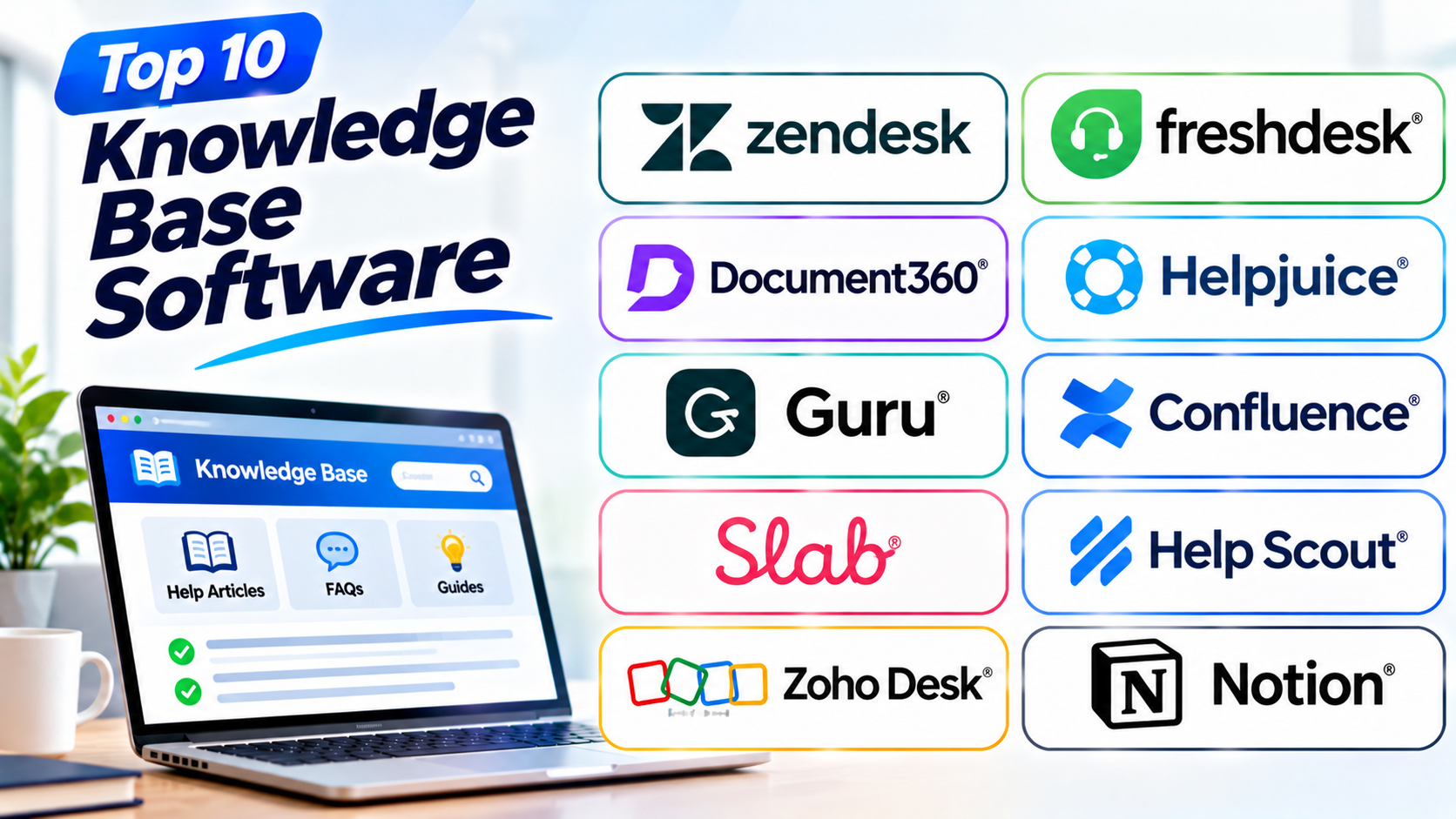
This guide covers ten popular knowledge base software platforms. It explains their main features, pros, and cons. It also includes a comparison table and answers to common questions.
What Is Knowledge Base Software?
Knowledge base software helps businesses create and manage a collection of useful information.
It gives teams a central place to store articles, guides, FAQs, and documents. Users can search this content when they need help.
A knowledge base can serve two main groups:
- Customers: They can find answers without contacting support.
- Employees: They can find company information and work instructions.
Common Uses of Knowledge Base Software
Businesses use knowledge base tools for many tasks:
- Creating customer help centers
- Publishing product guides
- Sharing answers to common questions
- Storing company policies
- Preparing employee training material
- Organizing internal documents
- Helping support teams find answers
- Sharing product updates and instructions
Main Features to Look For
A good knowledge base platform should offer useful tools, such as:
- Article editor: Create and update help content.
- Search: Help users find answers quickly.
- Categories: Group related articles.
- Access controls: Decide who can view or edit content.
- Feedback tools: Let readers rate articles.
- Analytics: Show which articles people use.
- Team collaboration: Help writers review content.
- Customization: Match the help center to your brand.
- Multilingual support: Share information in different languages.
Top 10 Knowledge Base Software
1. Zendesk Knowledge
Zendesk Knowledge helps businesses create a self-service help center. It works with Zendesk’s customer service tools.
Teams can publish help articles, FAQs, and product guides. Customers can search these articles before contacting support.
The platform also helps support agents find answers while helping customers. This can reduce repeated work and improve response times.
Businesses can organize articles into sections and categories. They can also manage content through review and publishing steps.
Zendesk Knowledge suits companies that already use Zendesk for customer support. It offers a connected way to manage help content and support requests.
However, businesses should review the full Zendesk plan and feature costs. Some advanced tools may require higher plans.
Key Features
- Customer help center
- Article and FAQ management
- Search tools
- Article categories and sections
- Content review and publishing
- Support team knowledge tools
- Help center customization
- Reporting and content insights
Pros
- Connects with Zendesk support tools
- Helps customers find answers
- Supports organized help articles
- Gives agents access to useful content
- Works well for customer service teams
Cons
- Advanced features may cost more
- The full platform can feel complex
- Some tools depend on the selected plan
- Setup may take time
- Small teams may not need every feature
2. Freshdesk Knowledge Base
Freshdesk includes knowledge base tools for customer support teams. It helps businesses create help articles and build a self-service portal.
Customers can search the help center for answers. They can read guides before opening a support ticket.
Teams can organize articles into folders and categories. They can also update content as products and services change.
Freshdesk connects knowledge content with its customer support features. Agents can use help articles while handling customer questions.
The platform suits small and growing support teams. It offers a simple way to manage customer help content.
However, businesses should check the features included in each plan. Some advanced options may need a higher subscription.
Key Features
- Customer self-service portal
- Help articles and FAQs
- Article categories and folders
- Search and content browsing
- Article feedback
- Support ticket connections
- Help center customization
- Knowledge content reporting
Pros
- Easy for support teams to use
- Connects with customer support tools
- Helps reduce repeated questions
- Offers organized article management
- Suitable for growing businesses
Cons
- Some features depend on the plan
- Advanced customization may have limits
- Large content libraries need careful organization
- Some tools may need extra setup
- Not every business needs its full support suite
3. Document360
Document360 is a knowledge base platform for creating and managing help content. It supports both customer-facing and internal knowledge bases.
Teams can write product guides, user manuals, FAQs, and support articles. The platform also offers tools to organize content into clear sections.
Its editor helps writers create and update articles. Teams can review content before publishing it.
Document360 also offers search, analytics, and access controls. These tools help businesses manage large knowledge libraries.
The platform suits software companies, product teams, and customer support groups. It works well for businesses that need detailed documentation.
However, teams should plan their content structure before adding many articles. Some advanced features may also depend on the chosen plan.
Key Features
- Public and private knowledge bases
- Article editor
- Content categories and folders
- Search tools
- Version control
- Article review and approval
- Analytics and feedback
- Access and user controls
Pros
- Built for knowledge management
- Supports detailed documentation
- Offers clear content organization
- Helps teams review and update articles
- Supports internal and external content
Cons
- Some plans may cost more
- New users may need training
- Large projects need content planning
- Advanced features may require higher plans
- Setup can take time
4. Helpjuice
Helpjuice is a knowledge base platform for customer support and internal company information. It helps teams create, organize, and share useful articles.
The platform offers an editor for writing help content. Teams can add images, videos, and other media to explain topics.
Helpjuice also includes search tools. Users can look for answers without reading every article.
Its design options help businesses create a knowledge base that matches their brand. Teams can also study article use and reader feedback.
Helpjuice suits companies that want a dedicated knowledge base. It can support customer help centers and employee knowledge libraries.
However, businesses should compare its plans and user limits. Teams with complex needs may also need time to organize their content.
Key Features
- Knowledge base editor
- Customer and internal help centers
- Article categories
- Search tools
- Custom branding
- Reader feedback
- Content analytics
- Team collaboration
Pros
- Focuses on knowledge sharing
- Offers useful search tools
- Supports internal and public content
- Provides branding options
- Helps teams manage help articles
Cons
- Costs may not suit every small team
- Large libraries need careful planning
- Some advanced options may cost extra
- Teams may need time to learn its tools
- Not a full customer support platform
5. Guru
Guru is a knowledge management platform that helps teams find and share company information. It brings useful knowledge into the tools employees already use.
Teams can create knowledge cards for important facts, instructions, and answers. These cards help employees find information without searching through long documents.
Guru also offers verification tools. Content owners can review information and confirm that it remains correct.
The platform supports team knowledge sharing and internal search. It can help sales, support, and operations teams find trusted answers.
Guru suits businesses that want a shared source of company knowledge. It works especially well for teams that need quick access to internal information.
However, teams must assign owners to important content. Without regular reviews, old information can remain in the knowledge base.
Key Features
- Knowledge cards
- Central knowledge library
- Internal search
- Content verification
- Team knowledge sharing
- Browser and workplace connections
- Access controls
- Knowledge insights
Pros
- Helps employees find answers quickly
- Supports trusted content reviews
- Organizes short and useful information
- Connects with workplace tools
- Works well for internal knowledge sharing
Cons
- Needs regular content reviews
- Teams must build good knowledge habits
- Some features depend on plan choice
- Large content libraries need clear rules
- May not replace a public help center
6. Confluence
Confluence is a collaboration and knowledge management platform from Atlassian. It helps teams create, organize, and share company information.
Teams can create pages for projects, meeting notes, guides, and company policies. They can group pages into spaces for different teams or topics.
Confluence also supports comments and team collaboration. Employees can work together on documents and share updates.
Its search tools help users find pages across the workspace. Teams can also use templates to create common documents faster.
Confluence suits companies that need an internal knowledge hub. It works well for project teams, product groups, and large organizations.
However, teams need clear page rules. Without them, the workspace can become difficult to navigate.
Key Features
- Shared team workspaces
- Page and document editor
- Spaces for content organization
- Search tools
- Page templates
- Comments and collaboration
- User permissions
- Connections with Atlassian products
Pros
- Helps teams share company knowledge
- Supports project documentation
- Offers useful collaboration tools
- Provides ready-made templates
- Connects with other Atlassian products
Cons
- Large workspaces can become messy
- New users may need training
- Some advanced features depend on plans
- Page organization needs regular care
- Not designed only for customer help centers
7. Slab
Slab is an internal knowledge base platform for teams. It helps businesses create a shared place for company information.
Employees can use Slab to write guides, share processes, and store important documents. Teams can organize content into topics.
Its editor keeps writing simple. Users can create clear pages without dealing with complex document layouts.
Slab also offers search and integrations with workplace tools. These features help employees find information from one central place.
The platform suits startups and growing companies. It can help teams reduce repeated questions and keep work instructions easy to find.
However, Slab focuses mainly on internal knowledge. Businesses that need a full public customer help center may need another platform.
Key Features
- Internal knowledge library
- Simple page editor
- Topic organization
- Search tools
- Team collaboration
- Content permissions
- Workplace integrations
- Knowledge sharing
Pros
- Easy to write and organize content
- Helps teams share internal knowledge
- Offers a clean workspace
- Supports team collaboration
- Works well for company documentation
Cons
- Focuses mainly on internal knowledge
- May not suit complex public help centers
- Content still needs regular updates
- Some integrations may need setup
- Large teams should review plan limits
8. Help Scout Docs
Help Scout Docs helps businesses create a customer-facing knowledge base. It gives customers a place to find answers before contacting support.
Teams can publish help articles and group them into collections. The search tool helps visitors find useful information.
Docs works with Help Scout’s customer support tools. Support agents can share articles when answering customer questions.
The platform also supports a clean help center design. Businesses can organize content around products, services, and common questions.
Help Scout Docs suits small and medium-sized support teams. It is useful for companies that want a simple customer help center.
However, businesses with complex documentation needs may want a more specialized platform. They should also review the available customization options.
Key Features
- Customer help center
- Article and collection management
- Search tools
- Help center branding
- Support inbox connections
- Article sharing
- Content editing
- Customer self-service
Pros
- Simple customer help center
- Connects with Help Scout support
- Helps customers solve common problems
- Offers clean content presentation
- Suitable for small support teams
Cons
- Advanced documentation needs may require more tools
- Customization options may have limits
- Some features depend on Help Scout plans
- Not focused on large internal knowledge libraries
- Large content projects need careful planning
9. Zoho Desk Knowledge Base
Zoho Desk includes knowledge base features for customer service teams. It helps businesses create articles and build a self-service help center.
Teams can publish answers to common questions. They can also create guides that explain products and services.
Customers can search the knowledge base before raising a support ticket. Support agents can also use articles when they answer questions.
Zoho Desk supports article categories and access controls. It also connects knowledge content with its ticket management tools.
The platform suits businesses that use Zoho products or need an affordable customer support system. It can help teams manage customer questions and help content together.
However, some features depend on the selected plan. Businesses should check the full feature list before choosing it.
Key Features
- Customer self-service portal
- Knowledge articles and FAQs
- Article categories
- Search tools
- Support ticket connections
- Content access controls
- Help center customization
- Customer support reporting
Pros
- Connects knowledge with ticket support
- Helps customers find answers
- Offers useful article management
- Works with other Zoho products
- Suitable for growing support teams
Cons
- Advanced tools may need higher plans
- Customization may have limits
- Large knowledge bases need planning
- Some users may need time to learn the platform
- Best value often comes with other Zoho tools
10. Notion
Notion is a flexible workspace for notes, documents, and team knowledge. Businesses can use it to build an internal knowledge base.
Teams can create pages for company rules, project guides, training notes, and work processes. They can also connect related pages and organize information into workspaces.
Notion offers templates and shared editing tools. These features help teams create and update content together.
Its search tool helps users find information across pages. Businesses can also control who can view or edit different areas.
Notion suits startups, small teams, and companies that want a flexible internal knowledge hub. However, it may not offer every feature of a dedicated customer help center.
Key Features
- Shared pages and documents
- Internal knowledge workspaces
- Templates
- Search tools
- Team collaboration
- Page permissions
- Databases and linked content
- Connections with other workplace tools
Pros
- Flexible content organization
- Easy to create team documents
- Offers useful templates
- Supports shared editing
- Works for many internal knowledge needs
Cons
- Large workspaces need clear organization
- Not a dedicated customer support platform
- Advanced workflows may need extra setup
- Teams must manage content quality
- Some business features depend on plan choice
Knowledge Base Software Comparison Table
| Software | Best For | Main Strength | Knowledge Base Type |
|---|---|---|---|
| Zendesk Knowledge | Customer support teams | Connected help center | Customer-facing |
| Freshdesk Knowledge Base | Growing support teams | Self-service support | Customer-facing |
| Document360 | Product documentation | Detailed knowledge libraries | Internal and customer-facing |
| Helpjuice | Dedicated knowledge management | Search and content organization | Internal and customer-facing |
| Guru | Employee knowledge sharing | Verified knowledge cards | Internal |
| Confluence | Project and company documentation | Team collaboration | Internal |
| Slab | Startups and growing teams | Simple company knowledge hub | Internal |
| Help Scout Docs | Small support teams | Customer help center | Customer-facing |
| Zoho Desk Knowledge Base | Zoho users and support teams | Knowledge and ticket management | Customer-facing |
| Notion | Flexible team documentation | Shared workspace | Mainly internal |
How to Choose the Right Knowledge Base Software
The best platform depends on your business needs. Think about who will use it and what information you need to share.
1. Decide Who Will Use the Knowledge Base
First, decide whether you need a public or private knowledge base.
A public help center serves customers. An internal knowledge base serves employees.
Some platforms support both types.
2. Check the Content Editor
Your team should find it easy to create and update articles. Look for a clear editor and useful media tools.
Also, check whether the platform supports review and approval steps.
3. Review Search Features
A knowledge base is useful only when people can find answers. Check its search quality and content filters.
Try searching for common questions before choosing a platform.
4. Check Content Organization
Look for folders, categories, tags, and collections. These tools help keep articles easy to browse.
A clear structure becomes more important as your content grows.
5. Review Access Controls
Some information should stay private. Check whether the platform lets you control who can view and edit content.
This matters for company policies and internal guides.
6. Compare Analytics and Feedback
Analytics can show which articles people read. Feedback can show whether an article solves their problem.
These tools help teams improve weak or outdated content.
7. Check Integrations
Your knowledge base may need to connect with support, chat, or workplace tools. Review the integrations that your team already uses.
This can help employees find answers without switching between many apps.
8. Compare Pricing and Growth
Check the cost of users, storage, and extra features. Also, review limits on articles and content access.
Choose a platform that can support your future needs.
Common Mistakes to Avoid When Choosing Knowledge Base Software
A good knowledge base needs more than a large collection of articles. It needs clear content and useful tools.
Avoid these common mistakes:
- Choosing only by price: Compare the features and limits too.
- Ignoring search quality: Users need to find answers quickly.
- Creating too many categories: Keep the content structure simple.
- Skipping content reviews: Old information can confuse readers.
- Ignoring user access: Keep private information safe.
- Writing unclear articles: Use simple words and clear steps.
- Forgetting mobile users: Make sure the help center works on phones.
- Ignoring analytics: Study which articles help users.
- Choosing too many features: Pay for tools your team will use.
- Skipping a trial: Test the platform before making a final choice.
Questions and Answers About Knowledge Base Software
1. What is knowledge base software?
Knowledge base software helps businesses create, store, organize, and share useful information. It can support customers and employees.
2. Why do businesses need a knowledge base?
A knowledge base helps people find answers without asking the same questions again. It can also reduce support work and save time.
3. Which knowledge base software is best for beginners?
Notion and Slab offer simple ways to create internal knowledge pages. Help Scout Docs can suit teams that need a basic customer help center.
4. What is the difference between an internal and external knowledge base?
An internal knowledge base serves employees. An external knowledge base shares information with customers or the public.
5. Can knowledge base software reduce support tickets?
Yes. Customers can find answers to common questions on their own. This may reduce the number of repeated support requests.
6. What should a good knowledge base article include?
A good article should have a clear title and simple explanation. It should also include useful steps, images, or examples when needed.
7. Can a knowledge base support multiple languages?
Some platforms offer multilingual content tools. Check each product’s language features before choosing it.
8. Is Notion a knowledge base tool?
Yes. Teams can use Notion to create internal knowledge libraries. However, it may not replace a dedicated customer help center.
9. What is the difference between a knowledge base and a help desk?
A knowledge base stores answers and guides. A help desk manages customer questions, support tickets, and service requests.
10. How often should a business update its knowledge base?
Teams should review important articles regularly. They should also update content whenever products, services, or company rules change.
11. Can employees work together on knowledge base articles?
Yes. Many platforms support shared editing, comments, and review steps. These tools help teams keep information clear and correct.
12. How do I choose the best knowledge base software?
Start with your users and content needs. Then compare search, editing, access, integrations, pricing, and reporting tools.
Final Thoughts
Knowledge base software helps businesses keep important information organized. It gives customers and employees a place to find answers.
Zendesk, Freshdesk, and Help Scout Docs focus on customer support. Document360 and Helpjuice offer dedicated tools for knowledge management.
Guru helps teams share trusted internal information. Confluence and Slab support company documentation. Notion offers a flexible workspace, while Zoho Desk connects articles with customer support.
Before choosing, think about your users and daily tasks. Test the search, editing, and sharing tools.
The best knowledge base software should make information easy to find. It should also help your team keep answers clear and up to date.