Businesses create and store huge amounts of digital data. They save customer records, business files, databases, applications, and system information. As this data grows, storage management becomes more important.
Poor storage management can create many problems. Systems may run slowly, storage costs may rise, and teams may struggle to find available space. These issues can also affect important business applications.
Storage management tools help organizations control their storage systems. They allow IT teams to monitor capacity, track performance, manage resources, and improve storage use.
Some tools focus on storage monitoring. Others provide software-defined storage, centralized administration, and automated resource management.
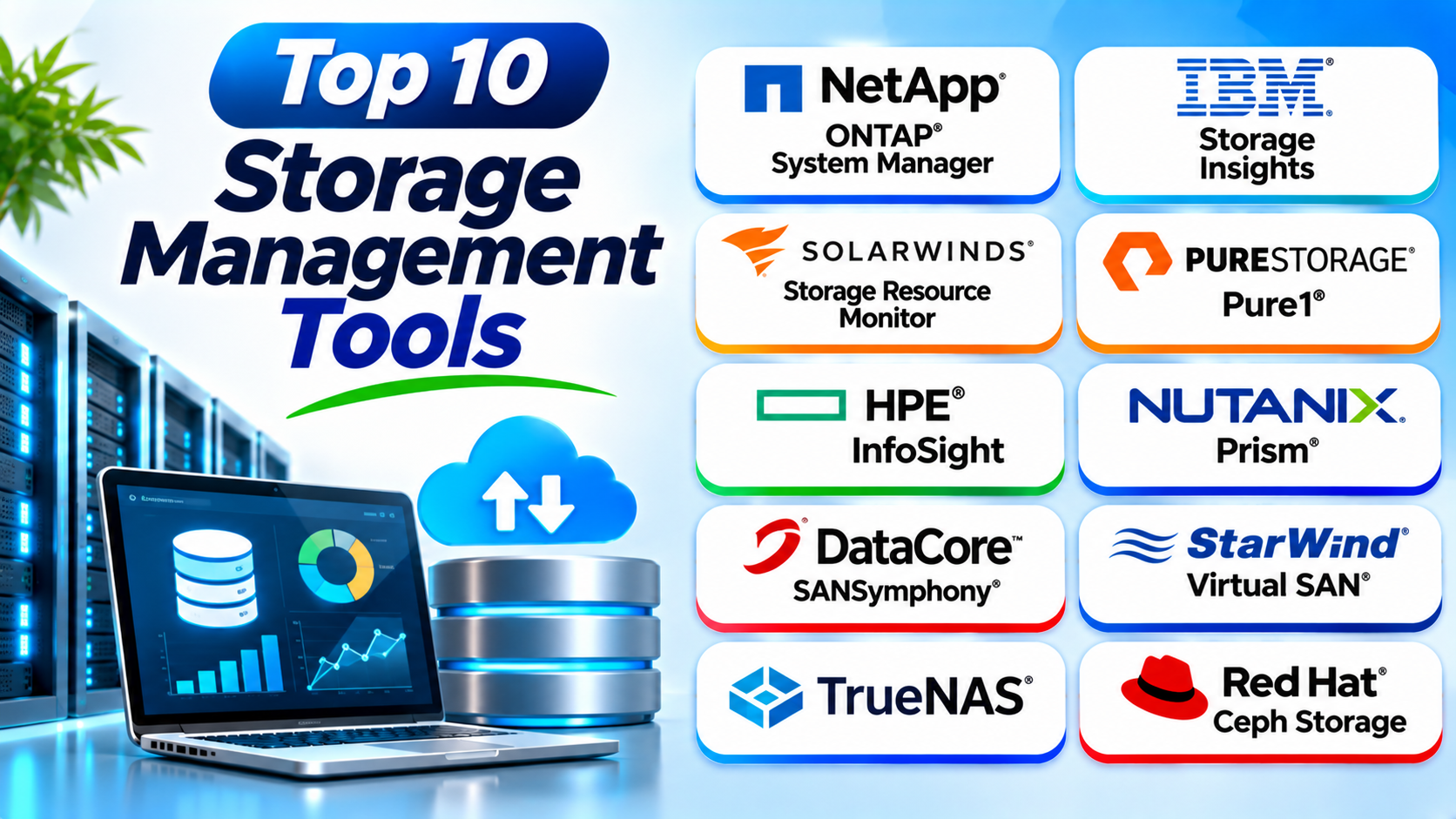
This guide explores ten useful storage management tools. It compares their features, Pros, Cons, and best use cases.
What Are Storage Management Tools?
Storage management tools help organizations manage digital storage resources. They provide ways to monitor, organize, control, and optimize stored data.
These tools can manage different storage types, including:
- Direct-attached storage (DAS)
- Network-attached storage (NAS)
- Storage area networks (SAN)
- Cloud storage
- Object storage
- Software-defined storage
- Hybrid storage environments
IT teams use these tools to understand storage capacity and performance. They can also identify problems before those problems affect users.
Some platforms manage storage hardware directly. Others monitor several storage systems through one interface.
Why Do Businesses Need Storage Management Software?
Growing data needs can make storage systems difficult to manage. Businesses need clear tools to control their storage resources.
Here are some important reasons to use storage management software.
1. Monitor storage capacity: Teams can track available space and plan future storage needs.
2. Improve performance: Monitoring helps identify slow storage systems and performance problems.
3. Reduce storage costs: Better resource use can reduce unnecessary storage purchases.
4. Simplify administration: Centralized dashboards help teams manage different storage resources.
5. Support business growth: Scalable platforms help organizations handle increasing data volumes.
6. Improve reliability: Monitoring and alerts help teams identify storage problems early.
7. Manage hybrid environments: Some platforms provide visibility across local and cloud storage.
Top 10 Storage Management Tools
The following tools support different storage management needs. Some focus on monitoring and analytics. Others provide software-defined storage and centralized administration.
1. NetApp ONTAP System Manager
<text weight=”semibold”>NetApp ONTAP System Manager</text> helps IT teams manage NetApp storage systems. It provides a web-based interface for configuring and monitoring storage resources.
Administrators can manage volumes, storage pools, network settings, and protection features. The interface also helps teams review system health and storage performance.
ONTAP supports file and block storage workloads. It also provides features for data efficiency, snapshots, replication, and storage automation.
System Manager works within the NetApp ONTAP ecosystem. Organizations can use it to manage supported NetApp systems from a central interface.
Key Features
- Centralized storage administration.
- Volume and storage pool management.
- Storage performance monitoring.
- Snapshot and replication management.
- Data efficiency features.
- Storage provisioning controls.
- Integration with NetApp ONTAP environments.
Pros
- Provides a clear management interface.
- Supports important storage administration tasks.
- Includes data protection features.
- Helps manage NetApp storage resources.
Cons
- Focuses on the NetApp ecosystem.
- Advanced configuration needs technical knowledge.
- Some features depend on the ONTAP version and system.
Best For: Organizations that use NetApp storage systems and need centralized administration.
2. IBM Storage Insights
IBM Storage Insights helps organizations monitor and manage storage infrastructure. It provides visibility into storage capacity, performance, and system health.
The platform collects information from supported storage systems. IT teams can use dashboards and reports to understand storage usage.
IBM Storage Insights also helps identify capacity risks and performance issues. These insights support better storage planning.
Organizations can use the platform to improve storage operations. It is especially useful for teams that manage large storage environments.
Key Features
- Storage capacity monitoring.
- Performance analysis.
- Storage health information.
- Capacity planning reports.
- Centralized storage visibility.
- Alert and issue monitoring.
- Support for compatible IBM storage environments.
Pros
- Provides useful storage insights.
- Helps teams plan future capacity.
- Supports storage performance monitoring.
- Offers centralized visibility.
Cons
- Some capabilities depend on supported hardware.
- Advanced analysis may need technical knowledge.
- It may not replace every storage administration tool.
Best For: Businesses that use IBM storage systems and need capacity and performance insights.
3. SolarWinds Storage Resource Monitor
SolarWinds Storage Resource Monitor helps IT teams monitor storage infrastructure. It provides visibility into storage performance, capacity, and health.
The software supports monitoring across compatible storage systems. Administrators can review important storage metrics through a centralized dashboard.
Teams can use alerts to identify unusual activity. They can also track capacity trends and investigate performance problems.
This tool focuses mainly on monitoring and reporting. It helps organizations understand storage conditions without replacing every vendor’s storage administration interface.
Key Features
- Storage capacity monitoring.
- Performance tracking.
- Storage health dashboards.
- Automated alerts.
- Capacity trend analysis.
- Reporting and visualization.
- Monitoring for supported storage systems.
Pros
- Offers centralized monitoring.
- Helps identify storage performance problems.
- Provides useful capacity reports.
- Supports compatible multi-vendor environments.
Cons
- Focuses more on monitoring than provisioning.
- Setup may require careful configuration.
- Licensing costs may increase with larger environments.
Best For: IT teams that monitor storage systems from multiple vendors.
4. Pure1
Pure1 is Pure Storage’s cloud-based management and monitoring platform. It helps organizations monitor supported Pure Storage systems.
The platform provides information about storage performance, capacity, and system health. Administrators can use its dashboards to understand their storage environment.
Pure1 also offers predictive analytics and planning capabilities. These features help teams identify possible issues and plan future storage requirements.
Organizations can use Pure1 to simplify storage operations. Its value is strongest within the Pure Storage ecosystem.
Key Features
- Cloud-based storage monitoring.
- Capacity and performance insights.
- Predictive analytics.
- Storage health information.
- Performance planning.
- Centralized system visibility.
- Support for compatible Pure Storage products.
Pros
- Provides centralized monitoring.
- Helps teams plan storage capacity.
- Offers predictive insights.
- Supports Pure Storage administration.
Cons
- Focuses on the Pure Storage ecosystem.
- Available features depend on supported products.
- Teams may need other tools for wider infrastructure monitoring.
Best For: Organizations that use Pure Storage systems and want centralized monitoring.
5. HPE InfoSight
HPE InfoSight provides analytics and monitoring for supported HPE infrastructure. It uses collected system information to help identify issues and improve operations.
The platform helps administrators understand storage performance and system health. Its analytics can also support troubleshooting and capacity planning.
HPE uses InfoSight capabilities across supported infrastructure products. The exact features depend on the product and service configuration.
For organizations with HPE storage, InfoSight can help reduce manual monitoring work. It also gives IT teams more information about their infrastructure.
Key Features
- Predictive analytics.
- Infrastructure health monitoring.
- Performance insights.
- Capacity information.
- Automated issue analysis.
- Support for compatible HPE products.
- Centralized analytics and reporting.
Pros
- Helps identify infrastructure problems.
- Provides useful analytics.
- Supports performance planning.
- Reduces some manual monitoring tasks.
Cons
- Works within supported HPE environments.
- Feature availability varies by product.
- Some insights need technical interpretation.
Best For: Organizations that use supported HPE storage and infrastructure products.
6. Nutanix Prism
Nutanix Prism provides centralized management for Nutanix infrastructure. It helps administrators manage storage, virtual machines, and related resources.
The platform offers dashboards for system health and performance. Teams can monitor resource usage and manage infrastructure through a common interface.
Nutanix Prism also supports automation and operational insights. These capabilities help reduce repetitive administration work.
Its storage management features form part of the wider Nutanix platform. It is useful for organizations that run hyperconverged infrastructure.
Key Features
- Centralized infrastructure management.
- Storage resource monitoring.
- Virtual machine management.
- Performance dashboards.
- Resource usage tracking.
- Automation and operational insights.
- Integration with Nutanix environments.
Pros
- Combines storage and infrastructure management.
- Provides centralized dashboards.
- Helps simplify daily administration.
- Supports automation.
Cons
- Works best within Nutanix environments.
- Advanced features may need training.
- Licensing and platform requirements need review.
Best For: Organizations that use Nutanix hyperconverged infrastructure.
7. DataCore SANsymphony
DataCore SANsymphony is a software-defined storage platform. It helps organizations pool and manage storage resources from different systems.
The platform can present storage through supported block protocols. It also supports storage virtualization and resource management.
IT teams can use SANsymphony to improve storage availability. Its features include data replication, automated tiering, and performance management.
This approach can help organizations use existing storage hardware more effectively. It also provides flexibility when building shared storage environments.
Key Features
- Software-defined storage.
- Storage virtualization.
- Storage pooling.
- Automated storage tiering.
- Data replication.
- High-availability features.
- Centralized storage management.
Pros
- Supports storage virtualization.
- Helps use existing hardware.
- Offers flexible storage management.
- Includes availability and replication features.
Cons
- Deployment needs technical expertise.
- Configuration can become complex.
- Licensing and infrastructure costs need review.
Best For: Businesses that want to virtualize and manage storage from different hardware systems.
8. StarWind Virtual SAN
StarWind Virtual SAN provides software-defined shared storage. It uses local storage from servers to create shared storage for supported environments.
The platform helps organizations build storage infrastructure without relying on a traditional physical SAN in every setup. It can support virtualization and high-availability configurations.
IT teams can use it to improve storage availability across connected hosts. Its design can suit smaller data centers and remote locations.
StarWind Virtual SAN also offers monitoring and management features. Administrators can manage supported storage configurations through its tools.
Key Features
- Software-defined shared storage.
- Storage pooling across hosts.
- High-availability configurations.
- Data synchronization.
- Virtualization platform support.
- Storage monitoring.
- Centralized administration.
Pros
- Can reduce the need for traditional SAN hardware.
- Supports shared storage configurations.
- Fits smaller infrastructure environments.
- Offers high-availability options.
Cons
- Requires careful network planning.
- Setup needs technical knowledge.
- Performance depends on hardware and configuration.
Best For: Small and medium businesses that need shared storage for virtualization.
9. TrueNAS
TrueNAS is a storage platform built around OpenZFS. It provides file, block, and object storage capabilities across supported deployments.
Organizations can use TrueNAS to create and manage network storage systems. Its interface helps administrators manage storage pools, datasets, users, and sharing services.
TrueNAS also includes snapshots and data protection features. These capabilities help users protect stored information and manage storage resources.
The platform offers different editions for different needs. It can suit home labs, small businesses, and enterprise environments with suitable hardware and support.
Key Features
- File, block, and object storage support.
- OpenZFS storage management.
- Storage pool administration.
- Snapshots and replication.
- Data integrity features.
- Network file sharing.
- Monitoring and reporting.
Pros
- Offers flexible storage options.
- Uses OpenZFS data protection features.
- Provides a useful web interface.
- Has options for different deployment sizes.
Cons
- Requires suitable hardware.
- Advanced setup needs storage knowledge.
- Enterprise support and features depend on the selected edition.
Best For: IT teams and businesses that want flexible self-managed storage.
10. Red Hat Ceph Storage
Red Hat Ceph Storage provides software-defined distributed storage. It helps organizations manage large storage environments across multiple servers.
Ceph supports object, block, and file storage. It distributes data across storage nodes to support scalability and resilience.
Administrators can manage storage pools, monitor cluster health, and control storage resources. The platform also supports cloud and container infrastructure.
Ceph can handle demanding storage workloads. However, organizations need skilled teams to deploy and maintain it properly.
Key Features
- Distributed storage architecture.
- Object, block, and file storage.
- Storage pool management.
- Cluster monitoring.
- Data replication.
- Scalability across storage nodes.
- Integration with cloud-native environments.
Pros
- Supports different storage types.
- Scales across multiple nodes.
- Offers flexible deployment options.
- Fits large distributed environments.
Cons
- Deployment can be complex.
- Requires strong technical skills.
- Hardware and network planning are important.
Best For: Enterprises and service providers that need scalable distributed storage.
Comparison Table of the Top 10 Storage Management Tools
The table below highlights the main focus of each platform.
| Tool | Main Focus | Key Strength | Best For |
|---|---|---|---|
| NetApp ONTAP System Manager | Storage administration | Centralized ONTAP management | NetApp users |
| IBM Storage Insights | Monitoring and analytics | Capacity and performance insights | IBM storage environments |
| SolarWinds Storage Resource Monitor | Storage monitoring | Multi-vendor visibility | IT infrastructure teams |
| Pure1 | Storage monitoring | Predictive analytics | Pure Storage users |
| HPE InfoSight | Infrastructure analytics | Predictive issue analysis | HPE environments |
| Nutanix Prism | Infrastructure management | Unified storage and VM controls | Nutanix users |
| DataCore SANsymphony | Software-defined storage | Storage virtualization | Mixed storage hardware |
| StarWind Virtual SAN | Shared virtual storage | High-availability storage | Small and medium businesses |
| TrueNAS | Storage platform | OpenZFS-based storage | Self-managed storage teams |
| Red Hat Ceph Storage | Distributed storage | Scalable object, block, and file storage | Large IT environments |
Important Features to Check Before Choosing Storage Management Software
Every storage environment has different needs. Review these features before selecting a platform.
1. Storage Capacity Monitoring
Capacity monitoring shows how much storage your systems use. It also helps teams identify systems that may soon run out of space.
Choose a tool that provides clear capacity reports. Trend information can help teams plan future purchases.
2. Performance Monitoring
Storage performance affects applications and users. Slow storage can delay file access and database operations.
Look for tools that track latency, throughput, and input/output operations. These measurements help teams find performance problems.
3. Centralized Management
Large businesses may use many storage systems. Managing each system separately can waste time.
Centralized management provides a common view of storage resources. It can simplify daily administration and reporting.
4. Storage Provisioning
Provisioning means creating and assigning storage resources. It helps administrators provide storage to applications and users.
Look for tools that support simple provisioning workflows. Automation can also reduce manual work.
5. Storage Virtualization
Storage virtualization combines physical storage resources into logical pools. This can help teams manage different devices more easily.
Check whether the platform supports your hardware and storage protocols. Compatibility is important before deployment.
6. Data Protection
Storage management also involves protecting important information. Snapshots and replication can help support recovery.
Check the available protection features. Also review how the platform works with your existing backup tools.
7. Automation
Automation can handle repeated storage tasks. It may help with provisioning, alerts, reporting, and resource allocation.
Choose a platform that supports useful workflows. Make sure administrators can review and control automated actions.
8. Scalability
Storage needs often grow over time. Your management platform should support future expansion.
Review its limits and supported architecture. Consider how easily you can add storage capacity or new systems.
How to Choose the Right Storage Management Tool
The right platform depends on your infrastructure and technical needs. Follow these steps before making a decision.
1. Review your storage environment: List your SAN, NAS, cloud, and software-defined storage systems.
2. Identify your main goal: Decide whether you need monitoring, provisioning, virtualization, or centralized control.
3. Check compatibility: Confirm that the platform supports your hardware and operating systems.
4. Review monitoring features: Check capacity reports, performance metrics, and alerts.
5. Evaluate automation: Look for features that reduce repeated manual work.
6. Consider future growth: Choose a platform that can support your expected storage needs.
7. Compare total costs: Review licensing, hardware, support, and maintenance expenses.
8. Test the platform: Use a trial or demonstration where available before making a final decision.
Common Uses of Storage Management Tools
Organizations use storage management software for many tasks.
- Storage monitoring: Track capacity, health, and performance.
- Capacity planning: Estimate future storage requirements.
- Storage provisioning: Create and assign storage resources.
- Storage virtualization: Combine physical storage into logical pools.
- Performance optimization: Identify slow systems and resource problems.
- Cloud storage management: Monitor compatible cloud storage environments.
- Data center management: Control storage resources across enterprise systems.
- Hybrid infrastructure: Manage supported local and cloud storage resources.
- Storage automation: Reduce repetitive administration tasks.
- Resource reporting: Review usage and identify storage trends.
Benefits of Using Storage Management Software
A good storage management platform can improve IT operations.
- Provides better visibility into storage resources.
- Helps identify capacity problems early.
- Improves storage planning.
- Supports better resource use.
- Helps detect performance issues.
- Reduces repetitive administration tasks.
- Supports growing storage environments.
- Helps manage complex infrastructure.
- Improves storage operations and reporting.
Challenges of Storage Management Software
Storage management tools also come with some challenges. Businesses should understand these issues before deployment.
Complex setup: Enterprise storage platforms may need specialist knowledge.
Hardware compatibility: Some tools support only selected storage systems.
High costs: Licensing, hardware, and support can increase total expenses.
Learning requirements: IT teams may need training to use advanced features.
Integration work: Connecting different storage platforms can require planning.
Performance risks: Poor configuration can affect storage speed and availability.
A clear deployment plan can help reduce these problems. Teams should also monitor systems and review configurations regularly.
Best Practices for Storage Management
A good storage strategy needs more than software. Organizations should follow clear management practices.
- Monitor storage capacity regularly.
- Review performance trends.
- Set alerts for important storage issues.
- Remove unused data when safe and appropriate.
- Apply suitable access controls.
- Keep storage systems updated.
- Plan capacity before systems reach their limits.
- Test snapshots and replication processes.
- Document storage configurations.
- Review storage costs and usage regularly.
These practices help teams maintain a healthy storage environment. They also support better planning and daily operations.
Questions and Answers About Storage Management Tools
1. What are storage management tools?
Storage management tools help organizations monitor and control storage resources. They support capacity planning, performance monitoring, and administration.
2. Why do businesses need storage management software?
Businesses use these tools to manage growing data needs. They also help reduce storage problems and improve resource use.
3. Which storage management tool is best for enterprises?
NetApp, IBM, HPE, Nutanix, and Red Hat offer enterprise storage solutions. The best choice depends on your infrastructure and workload.
4. What is storage virtualization?
Storage virtualization combines physical storage resources into logical storage pools. It helps administrators manage storage more flexibly.
5. What is the difference between SAN and NAS?
SAN provides block-level storage over a dedicated storage network. NAS provides shared file storage over a network.
6. Can storage management tools monitor cloud storage?
Some platforms support cloud and hybrid environments. However, cloud monitoring features depend on the product and supported services.
7. What is software-defined storage?
Software-defined storage separates storage management from specific hardware. It uses software to pool and control storage resources.
8. How does storage monitoring help IT teams?
Storage monitoring tracks capacity, performance, and system health. It helps teams find problems before they affect users.
9. Are open-source storage management tools available?
Yes. TrueNAS and Ceph offer open-source-based storage options. Organizations should review their support and deployment needs.
10. How can businesses improve storage efficiency?
Businesses can monitor usage and remove unnecessary data. They can also use suitable storage tiers and automation.
Final Thoughts
Storage management plays an important role in modern IT operations. It helps businesses control growing data and maintain reliable systems.
The right platform depends on your storage environment. NetApp ONTAP System Manager supports NetApp administration. IBM Storage Insights and SolarWinds help teams monitor storage resources.
Pure1 and HPE InfoSight provide analytics for supported infrastructure. Nutanix Prism manages Nutanix environments. DataCore and StarWind offer software-defined storage options.
TrueNAS and Red Hat Ceph Storage provide flexible storage platforms. Each tool serves different technical needs.
Before choosing, review your current systems and future plans. Compare features, compatibility, support, and total costs. A suitable storage management tool can help your team work more efficiently and manage data with confidence.