Introduction
Good customer service helps every business grow. Customers expect quick answers and helpful support. They also want simple ways to contact a business.
Call center software helps teams manage these conversations. It handles incoming calls, outgoing calls, call queues, and customer records. Many platforms also support chat, email, SMS, and social messages.
The right software can help agents work faster. It can also reduce missed calls and improve customer satisfaction.
However, each platform offers different tools. Some focus on small support teams. Others help large companies manage thousands of customer conversations.
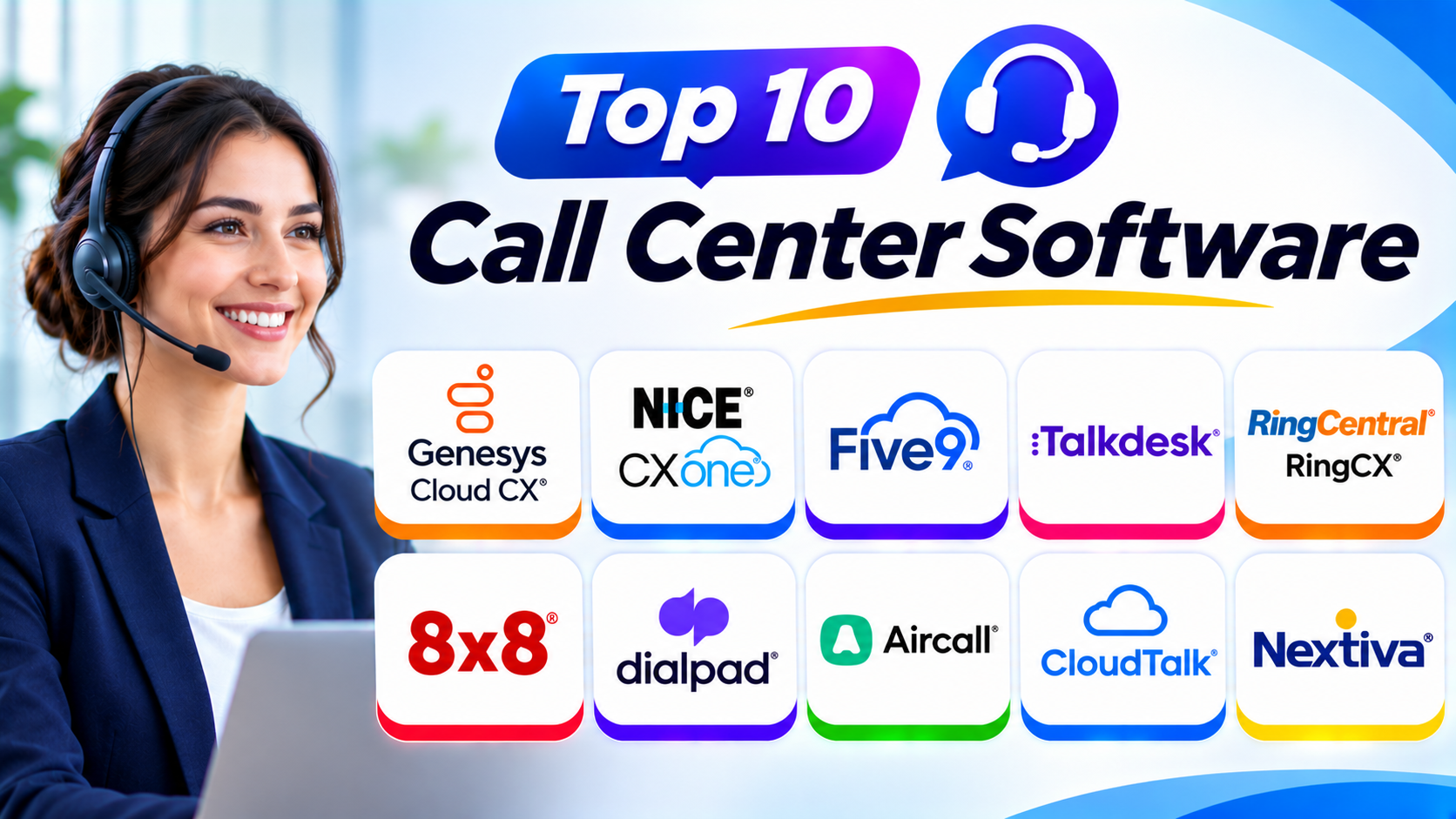
This guide explores ten popular call center software platforms. It explains their features, Pros, Cons, and best uses. It also includes a comparison table and helpful buying tips.
What Is Call Center Software?
Call center software helps businesses manage customer calls from one system. It connects customers with the right support agents.
The software can manage incoming and outgoing calls. It can also record calls, track agent activity, and create reports.
Many modern platforms work through the internet. Businesses can use them without installing large phone systems.
Some platforms also support other customer service channels. These may include live chat, email, SMS, and social messaging.
Why Do Businesses Use Call Center Software?
Businesses use call center software to improve customer communication. It also helps managers control daily support work.
Here are some common reasons:
- Manage incoming calls: Send customer calls to the right agents.
- Handle outgoing calls: Help sales teams contact customers.
- Reduce waiting time: Use call queues and automatic routing.
- Track performance: Review call volume, agent activity, and response times.
- Record conversations: Keep records for training and quality checks.
- Improve customer support: Give agents useful customer information.
- Support remote teams: Let agents work from different locations.
- Automate simple tasks: Use menus and virtual agents to answer common questions.
Top 10 Call Center Software
1. Genesys Cloud CX
Genesys Cloud CX is a cloud-based contact center platform. It helps businesses manage customer conversations across different channels.
The platform supports voice, chat, email, and digital messaging. It also provides tools for call routing, workforce management, and customer experience tracking.
Businesses can use its automation features to handle common customer requests. Managers can review performance through reports and dashboards.
Genesys Cloud CX suits large businesses with complex support needs. It can help teams manage customer journeys across many departments.
Key Features
- Inbound and outbound call management
- Automatic call distribution
- Interactive voice response
- Omnichannel customer communication
- Workforce management tools
- Call recording and quality checks
- Performance reports and analytics
- AI-powered customer service tools
- CRM and business system integrations
Pros
- Offers a broad range of contact center features.
- Supports voice and digital communication.
- Provides advanced call routing options.
- Helps managers track team performance.
- Supports complex business operations.
Cons
- New users may need training.
- Setup can take time.
- Some advanced features require higher plans.
- Large deployments may need technical support.
Best For: Large businesses that need advanced call routing, automation, and customer experience management.
2. NICE CXone
NICE CXone is a cloud contact center platform for customer service teams. It combines communication, automation, analytics, and workforce tools.
The platform helps businesses manage customer calls and digital conversations. It also supports agent scheduling, quality management, and performance tracking.
Managers can use its reporting tools to understand customer service results. AI features can help agents find information and manage conversations.
NICE CXone works well for businesses with large support teams. It also suits companies that need detailed workforce management.
Key Features
- Inbound and outbound call handling
- Omnichannel customer engagement
- Automatic call distribution
- Interactive voice response
- Workforce management
- Quality management
- Call recording and monitoring
- AI-powered agent assistance
- Customer experience analytics
Pros
- Offers strong workforce management tools.
- Supports many customer communication channels.
- Provides detailed reporting features.
- Helps improve call quality.
- Supports large contact center operations.
Cons
- Some features may require extra setup.
- The wide feature set can feel complex.
- Pricing may not suit small teams.
- Staff may need training before using advanced tools.
Best For: Large companies that need workforce planning, quality management, and detailed customer service reports.
3. Five9
Five9 provides cloud-based call center software for customer service and sales teams. It supports inbound, outbound, and blended call operations.
The platform helps agents manage calls through one workspace. It also offers call routing, predictive dialing, reporting, and automation.
Businesses can use its outbound tools for sales campaigns. Its inbound features help customers reach the right department.
Five9 also provides AI-based tools for agent support and customer self-service. These features can help reduce manual work.
Key Features
- Inbound and outbound call management
- Predictive and power dialing
- Automatic call distribution
- Interactive voice response
- Call recording and monitoring
- Omnichannel communication
- AI-powered agent assistance
- Workforce engagement tools
- Real-time reporting and analytics
Pros
- Supports large call volumes.
- Offers useful outbound dialing tools.
- Provides strong call management features.
- Includes reporting and monitoring tools.
- Supports customer service automation.
Cons
- Pricing may be high for small businesses.
- Some plans have seat requirements.
- Advanced setup may need expert help.
- Users may need time to learn the platform.
Best For: Medium and large businesses that handle high call volumes and sales campaigns.
4. Talkdesk
Talkdesk is a cloud-based contact center platform. It helps businesses manage customer support through voice and digital channels.
The platform offers tools for call routing, customer engagement, and agent performance. It also supports automation and AI-powered customer service.
Talkdesk provides industry-focused solutions for different business needs. Companies can use these tools to improve customer communication and support operations.
Its reporting features help managers review team performance. Agents can also use customer information to handle conversations more effectively.
Key Features
- Inbound and outbound calling
- Omnichannel customer support
- Automatic call distribution
- Interactive voice response
- AI-powered automation
- Agent assistance tools
- Workforce engagement features
- Call recording and quality management
- Reports and performance dashboards
Pros
- Offers a modern cloud platform.
- Supports voice and digital channels.
- Provides useful automation tools.
- Includes workforce management options.
- Supports industry-specific needs.
Cons
- Advanced features may increase costs.
- Some integrations need extra setup.
- New users may need training.
- Smaller teams may not need every feature.
Best For: Businesses that want AI-powered customer service and flexible contact center tools.
5. RingCentral RingCX
RingCentral RingCX helps businesses manage customer conversations through a cloud contact center. It works alongside RingCentral’s broader business communication services.
The platform supports inbound and outbound calls. It also provides digital communication, call routing, reporting, and agent management tools.
Businesses can use RingCX to connect customer support with their wider communication setup. This can help teams manage calls and other conversations in a more organized way.
Its cloud-based design supports remote and office-based agents. Managers can also use reports to review contact center activity.
Key Features
- Inbound and outbound calling
- Omnichannel customer engagement
- Call routing and queues
- Interactive voice response
- Call recording
- Agent monitoring
- Performance reports
- CRM integrations
- AI-powered customer service features
Pros
- Combines contact center and business communication.
- Supports remote agents.
- Offers useful call routing tools.
- Provides reporting and monitoring.
- Fits businesses using RingCentral services.
Cons
- Some advanced features may cost extra.
- Setup depends on business requirements.
- Smaller teams may find the platform more than they need.
- Users should check available integrations before buying.
Best For: Businesses that want contact center tools alongside a wider business communication platform.
6. 8×8 Contact Center
8×8 Contact Center helps businesses manage customer calls and digital interactions. It forms part of the wider 8×8 communication platform.
The software supports inbound and outbound calls. It also offers call routing, agent tools, analytics, and customer engagement features.
Businesses can use the platform to manage customer support and sales conversations. Managers can review reports and monitor team activity.
8×8 also connects contact center services with business communication tools. This can help companies bring different communication tasks together.
Key Features
- Inbound and outbound calling
- Automatic call distribution
- Interactive voice response
- Call recording
- Omnichannel communication
- Agent monitoring
- Performance analytics
- CRM integrations
- Workforce management options
Pros
- Combines business communication and contact center services.
- Supports multiple communication channels.
- Offers call management tools.
- Provides performance reports.
- Can support growing teams.
Cons
- Some features depend on the selected package.
- Advanced settings may need technical help.
- Businesses should review integration needs.
- The full platform may feel complex for small teams.
Best For: Businesses that want calling, customer support, and team communication from one provider.
7. Dialpad Ai Contact Center
Dialpad Ai Contact Center combines business calling with AI-powered customer service tools. It helps agents manage conversations and understand customer needs.
The platform offers call routing, live transcription, and conversation summaries. These tools can help agents spend less time on manual notes.
Managers can use analytics to review call activity and agent performance. The platform also supports integrations with business applications.
Dialpad can suit teams that want AI features as part of their daily calling workflow. It can also help sales and support teams manage customer conversations.
Key Features
- Inbound and outbound calling
- AI-powered call transcription
- Automatic call summaries
- Call routing and queues
- Live agent assistance
- Call recording
- Performance analytics
- CRM integrations
- Team communication tools
Pros
- Offers useful AI calling features.
- Helps reduce manual call notes.
- Supports call monitoring.
- Provides business communication tools.
- Offers a modern user experience.
Cons
- Some AI features depend on the plan.
- Internet quality can affect call performance.
- Businesses should check regional availability.
- Advanced contact center needs may require a higher plan.
Best For: Sales and support teams that want AI transcription, call summaries, and agent assistance.
8. Aircall
Aircall is a cloud-based phone and call center solution. It focuses on simple business calling and customer communication.
The platform helps teams manage incoming and outgoing calls. It also offers call routing, shared inboxes, recording, and analytics.
Aircall connects with many business applications. These integrations can help agents view customer details while handling calls.
Small and medium businesses may find Aircall easy to adopt. It can also support sales teams that need calling tools connected to their CRM.
Key Features
- Cloud-based business calling
- Inbound and outbound calls
- Call routing and queues
- Interactive voice response
- Call recording
- Shared call inbox
- Call analytics
- CRM integrations
- Power dialing options
Pros
- Offers a simple interface.
- Supports quick team setup.
- Connects with many business applications.
- Helps organize shared customer calls.
- Suits sales and support workflows.
Cons
- Costs can increase with extra features.
- Some advanced contact center tools may be limited.
- Businesses should review seat requirements.
- Heavy enterprise operations may need a broader platform.
Best For: Small and medium businesses that need simple cloud calling and CRM-connected call management.
9. CloudTalk
CloudTalk is a cloud call center platform for sales and customer support teams. It helps businesses manage calls across different locations.
The software offers call routing, smart dialing, call recording, and analytics. It also connects with CRM and helpdesk applications.
Sales teams can use its dialing tools to manage outbound campaigns. Support teams can use call queues and routing to handle incoming requests.
CloudTalk can help businesses that work with customers in different countries. Its calling and integration options support distributed teams.
Key Features
- Inbound and outbound calling
- Smart and power dialing
- Call routing and queues
- Interactive voice response
- Call recording
- Call monitoring
- Call analytics
- CRM and helpdesk integrations
- International calling options
Pros
- Offers useful sales dialing features.
- Supports distributed teams.
- Connects with popular business tools.
- Provides call monitoring and reports.
- Helps organize inbound and outbound calls.
Cons
- Some features require higher plans.
- Calling costs may vary by destination.
- Advanced workflows may need setup.
- Businesses should test call quality in key regions.
Best For: Sales and support teams that need cloud calling, CRM integrations, and international communication.
10. Nextiva
Nextiva offers business communication and customer experience software. Its services include business phone systems and contact center tools.
The platform helps teams manage customer calls and other communication tasks. It also provides call routing, reporting, and business communication features.
Nextiva can suit companies that want to connect phone services with wider team communication. Its tools can help businesses manage customer conversations from different locations.
Companies should review the exact contact center package before choosing it. Available features can vary across products and plans.
Key Features
- Business calling
- Inbound and outbound call handling
- Call routing and queues
- Interactive voice response options
- Call recording
- Team communication tools
- Customer engagement features
- Reporting and analytics
- Business application integrations
Pros
- Combines business phone and communication services.
- Supports remote teams.
- Offers call management features.
- Provides reporting tools.
- Can support growing businesses.
Cons
- Contact center features vary by package.
- Some advanced tools may cost extra.
- Businesses should confirm integration support.
- Large contact centers may need more specialized features.
Best For: Small and medium businesses that want business calling and customer communication in one platform.
Call Center Software Comparison Table
| Software | Best For | Main Strength | Team Type |
|---|---|---|---|
| Genesys Cloud CX | Complex customer operations | Advanced routing and experience tools | Large businesses |
| NICE CXone | Workforce management | Quality and workforce tools | Large businesses |
| Five9 | High call volumes | Inbound and outbound calling | Medium and large businesses |
| Talkdesk | AI-powered customer service | Automation and omnichannel support | Medium and large businesses |
| RingCentral RingCX | Connected business communication | Contact center and communication tools | Growing businesses |
| 8×8 Contact Center | Unified communication | Calling and customer engagement | Growing businesses |
| Dialpad Ai Contact Center | AI-assisted calling | Transcription and summaries | Small and medium businesses |
| Aircall | Simple cloud calling | CRM integrations and call management | Small and medium businesses |
| CloudTalk | Sales and international calling | Smart dialing and integrations | Small and medium businesses |
| Nextiva | Business communication | Phone and customer communication tools | Small and medium businesses |
How to Choose the Best Call Center Software
Choosing call center software requires careful planning. A platform should match your team’s daily work and customer needs.
Consider these points before making a decision.
1. Understand Your Call Volume
Start by checking how many calls your team handles. Small teams may need basic call queues and routing.
Large teams may need advanced tools. These include automatic call distribution, predictive dialing, and workforce management.
2. Check Communication Channels
Some businesses only need phone support. Others also handle email, live chat, SMS, and social messages.
Choose software that supports the channels your customers use. This helps agents manage conversations more easily.
3. Review Call Routing Options
Call routing sends customers to the right agent or department. Good routing can reduce waiting time.
Look for skill-based routing, call queues, and interactive voice response. These features can improve the customer experience.
4. Check CRM Integrations
CRM integration connects call center software with customer records. Agents can then view useful details during calls.
Check whether the platform supports your current CRM. Also review its helpdesk and business application integrations.
5. Review Reports and Analytics
Reports help managers understand call center performance. They can show call volume, waiting time, missed calls, and agent activity.
Choose software with reports that support your business goals. Clear data helps managers make better decisions.
6. Compare Pricing
Review the full cost before buying. Some providers charge per agent, while others use usage-based pricing.
Also check setup fees, phone charges, storage costs, and paid add-ons. Ask vendors for a complete quote.
7. Check Security and Reliability
Call centers may handle private customer information. Security should remain a key buying factor.
Review access controls, data protection, recording policies, and available compliance features. Also ask about service reliability and support.
8. Test the Software
Request a demo or trial before making a decision. Let agents test the main features.
Check call quality, ease of use, reporting, and integrations. Real tests can reveal problems that product descriptions may not show.
Common Uses of Call Center Software
Businesses use call center software for many daily tasks.
Customer Support
Support teams answer questions and solve customer problems. They can use call records to understand earlier conversations.
Sales Calls
Sales teams contact new leads and existing customers. Dialing tools can help agents manage large calling lists.
Technical Support
Technical teams help customers fix product or service problems. Call recording can also support training and quality checks.
Appointment Booking
Healthcare providers, service companies, and other businesses use calls to book appointments. Call queues help teams manage customer requests.
Order and Delivery Support
Businesses use call centers to answer questions about orders and deliveries. Agents can check customer details and provide updates.
Customer Feedback
Companies can contact customers to collect feedback. They can use reports to understand common concerns.
Benefits of Call Center Software
Call center software can improve daily customer service work. It can also help businesses manage teams and customer conversations.
Better Call Management: Teams can organize incoming and outgoing calls.
Faster Customer Support: Call routing helps customers reach the right department.
Improved Agent Productivity: Agents can use one system to manage calls and customer details.
Useful Performance Reports: Managers can track call activity and service results.
Remote Team Support: Cloud platforms let agents work from different locations.
Better Customer Records: Call history and CRM links help agents understand customer needs.
Reduced Manual Work: Automation can handle simple tasks and routine requests.
More Organized Operations: Managers can use queues, reports, and monitoring tools to manage daily work.
Challenges of Call Center Software
Call center software offers many benefits. However, businesses should also understand its challenges.
Setup and Training: Some platforms need technical setup and agent training.
Internet Dependence: Cloud calling needs a stable internet connection.
Extra Costs: Add-ons, phone usage, and advanced features can increase the total bill.
Integration Issues: Some systems may not connect easily with existing business tools.
Data Protection: Businesses must protect customer details and call recordings.
Change Management: Agents may need time to adjust to a new system.
A clear plan can reduce these problems. Test the platform and train agents before a full rollout.
Questions and Answers About Call Center Software
1. What Is Call Center Software?
Call center software helps businesses manage customer calls. It supports call routing, recording, monitoring, reporting, and other communication tasks.
2. Which Call Center Software Is Best?
The best choice depends on your business needs. Genesys Cloud CX, NICE CXone, Five9, and Talkdesk suit many advanced operations. Aircall and CloudTalk may suit smaller teams.
3. Is Call Center Software Suitable for Small Businesses?
Yes. Small businesses can use cloud-based call center software. They can manage customer calls without building a large phone system.
4. What Is Cloud-Based Call Center Software?
Cloud-based call center software runs through the internet. Agents can access it from supported devices and locations.
5. What Is Automatic Call Distribution?
Automatic call distribution sends incoming calls to suitable agents. It can use rules such as agent availability, skills, or department.
6. What Is an IVR System?
IVR means Interactive Voice Response. It lets callers use voice commands or keypad options to reach the right service.
7. Can Call Center Software Record Calls?
Many platforms offer call recording. Businesses can use recordings for training, quality checks, and service reviews. They must also follow relevant privacy and consent rules.
8. Does Call Center Software Support Remote Agents?
Yes. Many cloud platforms support remote agents. Agents can handle calls from different locations with a suitable internet connection.
9. Can Call Center Software Connect With CRM Systems?
Many platforms offer CRM integrations. These connections help agents view customer details and call history.
10. How Much Does Call Center Software Cost?
Costs depend on the provider, plan, and number of agents. Some vendors charge per user, while others charge based on usage. Contact vendors for a quote that matches your needs.
Final Thoughts
Call center software helps businesses improve customer communication. It gives agents useful tools to manage calls and customer requests.
However, every business has different needs. Large companies may need advanced routing and workforce tools. Small teams may prefer simple calling and CRM integrations.
Genesys Cloud CX and NICE CXone offer broad tools for complex operations. Five9 supports businesses with busy inbound and outbound teams. Talkdesk provides automation and customer engagement features.
Aircall, CloudTalk, and Dialpad offer useful options for smaller teams. RingCentral RingCX, 8×8, and Nextiva connect calling with wider business communication.
Before choosing, compare features, costs, integrations, and support. Test the software with your team. The right platform should make customer service easier and more organized.