Introduction
Social media helps businesses reach people and build trust. But managing many social accounts takes time.
A good social media management tool makes this work easier. It helps teams plan posts, publish content, track results, and reply to followers.
Some tools focus on scheduling. Others offer analytics, team workflows, and social listening. The right choice depends on your goals and budget.
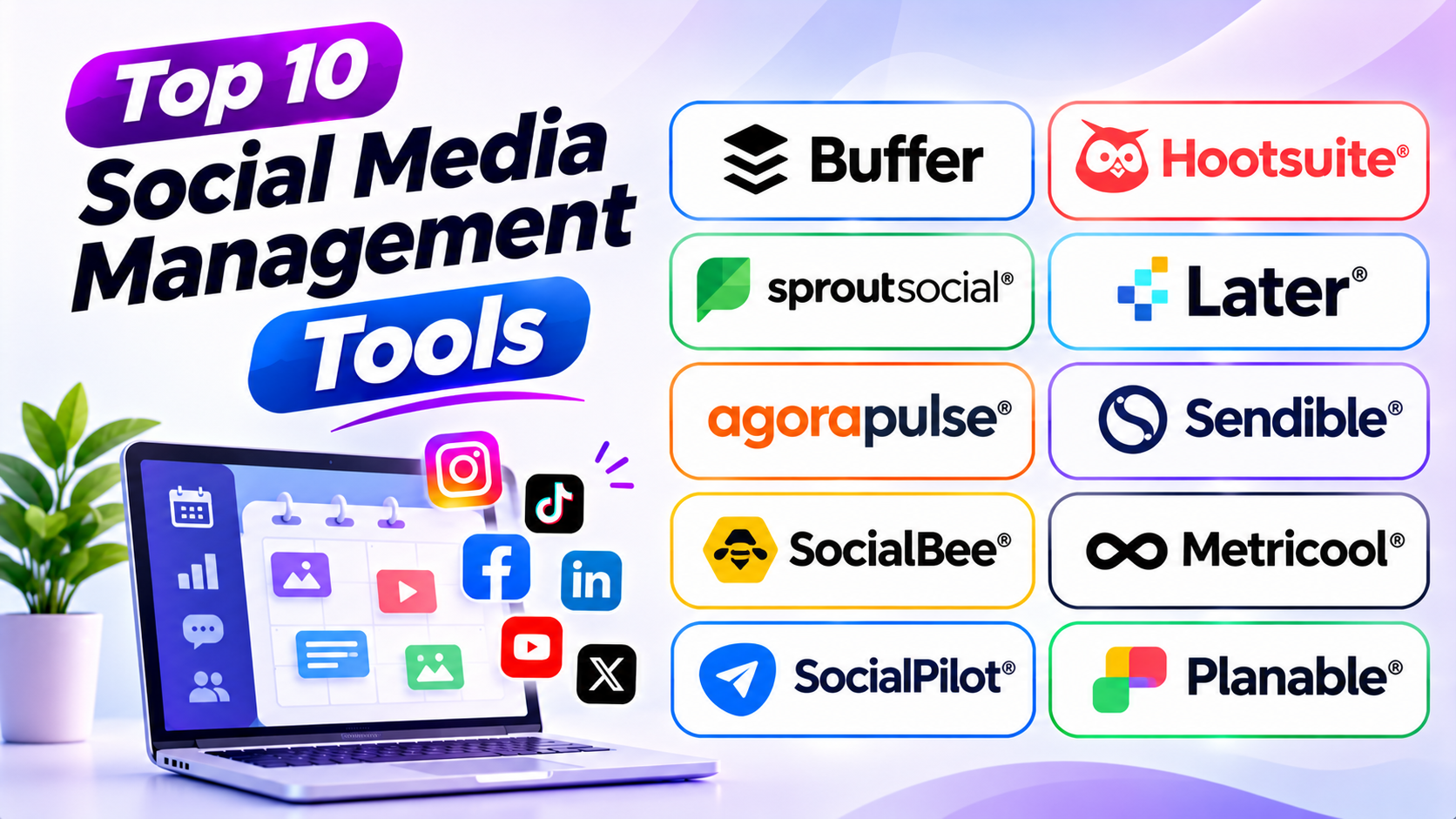
This guide covers ten popular social media management tools. You will learn about their features, best uses, pros, and cons. A comparison table will help you compare them.
What Are Social Media Management Tools?
Social media management tools help businesses manage several social accounts from one place. They reduce the need to switch between different apps.
These platforms help users plan posts, schedule content, and track results. Many also support comments, messages, reports, and team approvals.
Common features include:
- Social media post scheduling.
- Content calendars and draft management.
- Multiple account management.
- Social inbox and comment replies.
- Performance reports and analytics.
- Team roles and approval workflows.
- Content suggestions and automation.
- Competitor tracking and social listening.
These tools can help solo creators, small businesses, marketing teams, and agencies. However, each platform offers different features and pricing.
Top 10 Social Media Management Tools
1. Buffer
Buffer is a simple social media management platform. It helps creators and businesses plan and publish content across social networks.
Users can connect their social accounts and manage posts from one dashboard. The visual calendar makes it easy to plan upcoming content.
Buffer also offers tools for tracking post performance. Its simple design makes it a good choice for beginners.
Small businesses and solo marketers can use Buffer to save time. It works well for teams that need easy scheduling without complex features.
Key Features
- Schedule posts across supported social networks.
- Manage content with a publishing calendar.
- Create and organize post drafts.
- Review post performance and engagement.
- Manage comments through supported engagement tools.
- Collaborate with team members on eligible plans.
- Use AI tools to help create and improve content.
Pros
- Simple and clean interface.
- Easy for beginners to learn.
- Offers a free plan.
- Supports multiple social networks.
- Helps organize posts in advance.
- Uses clear scheduling workflows.
Cons
- Advanced features require paid plans.
- Per-channel costs can grow with more accounts.
- Social listening features are limited.
- Some networks have publishing restrictions.
2. Hootsuite
Hootsuite is a well-known social media management platform. It helps businesses manage publishing, engagement, monitoring, and reporting.
Users can connect several social accounts to one dashboard. They can schedule content and monitor activity across supported networks.
Hootsuite also offers tools for tracking brand conversations. Teams can use these features to understand audience activity and respond to customer needs.
Large businesses and marketing teams may find Hootsuite useful. It offers a broad set of tools for managing social media at scale.
Key Features
- Manage multiple social media accounts.
- Schedule and publish posts.
- Monitor social media conversations.
- Manage comments and messages.
- Track campaign performance.
- Create social media reports.
- Use AI-assisted content tools.
- Support team workflows and permissions.
Pros
- Offers many management features.
- Supports several social networks.
- Helps monitor brand activity.
- Provides useful reporting tools.
- Supports team collaboration.
- Works well for larger organizations.
Cons
- Can feel complex for new users.
- Paid plans may cost more than simple tools.
- Some features require higher plans.
- Large teams may need extra training.
3. Sprout Social
Sprout Social offers social media management, analytics, and customer engagement tools. It helps businesses manage their social presence from one platform.
Its smart inbox brings supported messages and comments into one place. Teams can assign conversations and work together on customer replies.
Sprout Social also provides detailed reports. Businesses can use these reports to study audience growth, engagement, and campaign results.
It suits medium-sized businesses and large organizations. Marketing and customer support teams can use it to manage social communication.
Key Features
- Schedule and publish social media posts.
- Manage messages and comments through a unified inbox.
- Track engagement and audience growth.
- Create detailed performance reports.
- Monitor brand mentions and conversations.
- Assign tasks to team members.
- Manage review and customer care workflows.
- Support social media strategy and reporting.
Pros
- Strong analytics and reporting tools.
- Useful shared inbox features.
- Supports team collaboration.
- Helps monitor brand conversations.
- Offers detailed performance insights.
- Suits established marketing teams.
Cons
- Pricing can be high for small businesses.
- Some features need higher plans.
- New users may need training.
- Costs can rise as teams grow.
4. Later
Later focuses on visual social media planning and publishing. It helps brands plan content for platforms such as Instagram and TikTok.
Its visual calendar lets users preview how content may look before publishing. This can help brands maintain a clear and consistent social media style.
Later also offers tools for creator campaigns and user-generated content workflows. These features can help brands work with creators and organize visual content.
It suits creators, online stores, and visual-first businesses. Brands that focus on photos and short videos may find it useful.
Key Features
- Plan posts with a visual content calendar.
- Schedule content for supported social networks.
- Preview visual posts before publishing.
- Manage media and content assets.
- Support creator and influencer workflows.
- Track social media performance.
- Manage link-in-bio features.
- Organize content for visual campaigns.
Pros
- Strong visual planning tools.
- Useful for Instagram-focused brands.
- Helps organize photos and videos.
- Offers creator-focused features.
- Supports content scheduling.
- Provides a clear content calendar.
Cons
- Some features focus on visual platforms.
- Advanced tools may need higher plans.
- Some publishing tasks need manual steps.
- It may not suit businesses that need deep social listening.
5. Agorapulse
Agorapulse helps businesses manage social publishing and customer engagement. It brings supported comments, messages, and mentions into one social inbox.
Teams can review incoming conversations and assign them to the right people. They can also use moderation tools to manage social activity.
Agorapulse provides reporting tools for measuring social media results. Businesses can use these reports to review engagement and campaign performance.
It suits agencies and businesses that receive many social messages. Teams that focus on customer conversations may find it especially useful.
Key Features
- Schedule and publish social media content.
- Manage messages and comments in one inbox.
- Assign conversations to team members.
- Use moderation and inbox rules.
- Review social media analytics.
- Generate client and performance reports.
- Monitor supported brand mentions.
- Track social media return on investment.
Pros
- Strong social inbox features.
- Helps teams manage customer replies.
- Offers useful reporting tools.
- Supports content scheduling.
- Provides moderation options.
- Works well for agencies.
Cons
- Per-user pricing can affect growing teams.
- Some advanced features need higher plans.
- New users may need time to learn the inbox.
- Social profile limits depend on the plan.
6. Sendible
Sendible is a social media management platform built for agencies and businesses. It helps teams manage several brands and client accounts.
Users can plan posts, schedule content, and review campaign results. The platform also supports team collaboration and client approval workflows.
Agencies can organize their work with separate client workspaces. This makes it easier to manage different brands without mixing their content.
Sendible suits marketing agencies and social media managers. It can help teams manage many accounts from one system.
Key Features
- Manage multiple social media profiles.
- Schedule posts across supported networks.
- Organize content with publishing calendars.
- Create social media reports.
- Support client approval workflows.
- Manage team members and permissions.
- Organize client accounts in workspaces.
- Use content suggestions and publishing tools.
Pros
- Useful for marketing agencies.
- Helps organize different client accounts.
- Offers scheduling and reporting tools.
- Supports team collaboration.
- Provides client-focused workflows.
- Helps manage several brands.
Cons
- Some advanced features need higher plans.
- New users may need time to learn the dashboard.
- Certain networks have limited support.
- Costs depend on the plan and account needs.
7. SocialBee
SocialBee helps businesses plan and organize social media content. It offers category-based scheduling and content recycling features.
Users can place posts into different content groups. For example, a business can create separate groups for tips, offers, news, and company updates.
SocialBee can then reuse selected evergreen posts. Evergreen content means information that stays useful over time.
This helps businesses maintain a steady posting schedule. It suits small businesses, creators, and marketing teams that publish regularly.
Key Features
- Schedule posts across supported networks.
- Organize content into categories.
- Recycle selected evergreen posts.
- Manage social media calendars.
- Create and organize content drafts.
- Use AI tools for content ideas.
- Track post performance.
- Support multiple social accounts.
Pros
- Useful content category system.
- Helps reuse evergreen posts.
- Saves time with scheduling.
- Supports multiple social accounts.
- Helps maintain a steady posting plan.
- Offers content creation support.
Cons
- The category system may take time to learn.
- Some advanced features need paid plans.
- Repeated content needs careful review.
- It may not suit teams that need deep social listening.
8. Metricool
Metricool combines social media scheduling, analytics, and reporting. It helps businesses understand how their content performs across platforms.
Users can plan posts with a content calendar. They can also review engagement, audience growth, and other useful metrics.
Metricool offers tools for competitor analysis and advertising reports. These features help marketers study their performance and compare results.
It suits freelancers, small businesses, and agencies. Teams that care about analytics may find it especially useful.
Key Features
- Schedule social media posts.
- Manage content with a calendar.
- Track audience growth and engagement.
- Create social media reports.
- Compare competitor performance.
- Review supported advertising data.
- Manage multiple brands.
- Analyze content performance.
Pros
- Strong analytics features.
- Useful reporting tools.
- Offers a free plan.
- Supports multiple social networks.
- Helps compare competitor activity.
- Useful for agencies and freelancers.
Cons
- Some features require paid plans.
- Advanced reports may need extra setup.
- Certain networks have feature limits.
- The dashboard may feel busy to beginners.
9. SocialPilot
SocialPilot helps businesses and agencies manage social media publishing. It offers scheduling, content planning, reporting, and collaboration tools.
Users can manage several social accounts from one dashboard. They can also schedule posts in bulk to save time.
Agencies can use client management features to organize their work. Approval tools help teams review content before it goes live.
SocialPilot suits agencies and businesses with many social accounts. It can also help teams that need affordable publishing workflows.
Key Features
- Schedule posts across social networks.
- Manage several social accounts.
- Upload and schedule content in bulk.
- Organize posts with a content calendar.
- Support team and client workflows.
- Create social media reports.
- Manage content approvals.
- Track post performance.
Pros
- Useful for agencies and client teams.
- Supports bulk scheduling.
- Offers content approval features.
- Helps manage multiple accounts.
- Provides reporting tools.
- Offers practical publishing workflows.
Cons
- Some advanced tools need higher plans.
- Social listening features are limited.
- The interface may take time to explore.
- Reporting depth may not meet every enterprise need.
10. Planable
Planable focuses on social media planning and team approvals. It helps teams create, review, and approve posts before publishing.
Users can preview content and share drafts with clients. Team members can leave comments and request changes within the workflow.
Planable also provides a shared content calendar. This helps teams see upcoming posts and manage publishing tasks.
It suits marketing agencies and businesses with several reviewers. Teams that need a clear approval process may find it useful.
Key Features
- Plan posts with a shared calendar.
- Create drafts for social networks.
- Preview posts before publishing.
- Support team and client approvals.
- Add comments and feedback to content.
- Manage multiple workspaces.
- Organize publishing workflows.
- Track supported social media activity.
Pros
- Strong content approval workflows.
- Easy to review planned posts.
- Helps teams share feedback.
- Useful for agencies and clients.
- Supports organized content calendars.
- Helps reduce approval confusion.
Cons
- Some features depend on the plan.
- Advanced analytics may be limited.
- It focuses more on planning than deep social listening.
- Large workflows may need careful setup.
Comparison Table: Top 10 Social Media Management Tools
| Tool | Best For | Main Strength | Key Use |
|---|---|---|---|
| Buffer | Creators and small businesses | Simple scheduling | Post planning |
| Hootsuite | Larger marketing teams | Broad management features | Publishing and monitoring |
| Sprout Social | Established businesses | Analytics and engagement | Customer care and reporting |
| Later | Visual brands and creators | Visual planning | Instagram and video content |
| Agorapulse | Agencies and social teams | Unified social inbox | Community management |
| Sendible | Marketing agencies | Client workspaces | Multi-client publishing |
| SocialBee | Small businesses and creators | Content recycling | Regular posting |
| Metricool | Analytics-focused teams | Reports and competitor analysis | Performance tracking |
| SocialPilot | Agencies and growing businesses | Bulk scheduling | Multi-account publishing |
| Planable | Teams and agencies | Content approvals | Review and collaboration |
How to Choose the Right Social Media Management Tool
Choosing the right platform can improve your daily workflow. Start by understanding what your business needs.
1. Identify Your Social Media Goals
Decide what you want to achieve. You may want more followers, better engagement, or stronger brand awareness.
Choose a platform that supports those goals. A scheduling tool may suit a small team. A reporting platform may suit a larger marketing team.
2. Check Supported Social Networks
Not every tool supports every social network. Some offer stronger features for Instagram, TikTok, or LinkedIn.
Check the networks you use most. Also review the publishing features for each account type.
3. Review Scheduling Features
A good content calendar can save time. Look for bulk scheduling, draft management, and post previews.
Check whether the tool supports your preferred content formats. Some platforms may need manual publishing for certain posts.
4. Compare Analytics and Reports
Analytics help you understand what works. Look for reports on reach, engagement, clicks, and audience growth.
Agencies should also check client reporting options. Clear reports make it easier to show campaign results.
5. Check Team Collaboration
Growing teams need clear workflows. Look for user roles, comments, task assignments, and approval tools.
These features help prevent publishing mistakes. They also make teamwork easier.
6. Review Social Inbox Features
Businesses often receive questions through social media. A shared inbox can help teams reply faster.
Check whether the platform supports comments, direct messages, and message assignments. Make sure it covers the channels your customers use.
7. Compare Pricing and Account Limits
Check the full cost before choosing a tool. Some platforms charge by user, profile, brand, or channel.
Also review limits on scheduled posts and reports. Choose a plan that fits your current needs and future growth.
8. Test the Platform Before Buying
Use a free plan or trial when available. Test the calendar, publishing, reports, and team tools.
A short test can show whether the platform fits your daily work. It can also help you avoid paying for features you do not need.
Common Mistakes to Avoid
1. Choosing a Tool Only by Price
A low price may look attractive. But the platform may lack useful features.
Compare the tools before you decide. Check the total cost and account limits.
2. Ignoring Your Target Audience
Every audience uses social media in different ways. Focus on the platforms where your customers spend time.
Do not create accounts everywhere without a clear plan. Use the networks that support your business goals.
3. Posting the Same Content Everywhere
Each social network has its own style. A post that works on LinkedIn may not suit TikTok.
Adjust your message and format for each platform. This helps your content feel natural.
4. Ignoring Analytics
Posting without checking results can waste time. Review your reports on a regular basis.
Look for posts that get strong engagement. Use those lessons to improve future content.
5. Overusing Automation
Automation can save time. But it should not replace real conversations.
Reply to customers when they ask questions. Keep your brand voice natural and helpful.
6. Skipping Content Approvals
Unreviewed posts can contain errors. They may also include the wrong image or message.
Use approval steps when several people manage an account. Review important posts before publishing.
7. Forgetting Account Security
Many tools connect to several social accounts. Weak access control can create risks.
Use strong passwords and two-factor authentication. Give team members only the access they need.
Questions and Answers
1. What are social media management tools?
They help businesses manage social accounts from one platform. They support scheduling, publishing, analytics, and engagement.
2. Which social media management tool is best overall?
There is no single best choice for every business. Buffer suits simple scheduling. Sprout Social offers deeper reporting and engagement tools.
3. Which tool is best for beginners?
Buffer offers a simple interface and easy scheduling. It can be a good starting point for new users.
4. Which tool is best for agencies?
Sendible, SocialPilot, Agorapulse, and Planable support agency workflows. They offer features for client accounts, reports, or approvals.
5. Which tool is best for Instagram management?
Later focuses strongly on visual content planning. Buffer and other platforms also support Instagram scheduling.
6. Can I manage multiple social media accounts with one tool?
Yes. Most tools in this list support multiple accounts. The number of accounts depends on the plan.
7. Can these tools schedule posts automatically?
Yes. They let users prepare posts and choose publishing times. Some networks may still require manual steps for certain content.
8. Do social media management tools offer analytics?
Most tools offer performance reports. These reports can show engagement, reach, clicks, and audience growth.
9. Are free social media management tools available?
Yes. Buffer and Metricool offer free plans. However, free plans usually have account or feature limits.
10. Can teams approve posts before publishing?
Yes. Tools such as Planable, Sendible, and SocialPilot offer approval workflows. These features help teams review content before it goes live.
11. What is social listening?
Social listening means tracking online conversations about a brand or topic. It helps businesses understand customer views and industry trends.
12. Are social media management tools useful for small businesses?
Yes. They help small teams save time and plan content. They also make it easier to track results.
13. Can I manage customer comments with these tools?
Many platforms offer a social inbox. It helps teams review and reply to supported comments and messages.
14. How often should I check social media analytics?
Review basic results each week. Also check monthly reports to spot wider trends and changes.
15. How do I choose the right platform?
Start with your goals and social networks. Then compare features, pricing, account limits, and ease of use.
Final Thoughts
Social media management takes planning and steady effort. The right platform can make that work easier.
Buffer offers a simple way to schedule posts. Hootsuite supports broad social media management. Sprout Social helps teams with reporting and customer engagement.
Later suits brands that focus on visual content. Agorapulse supports community management. Sendible and SocialPilot help agencies manage client accounts.
SocialBee helps teams reuse useful content. Metricool offers strong analytics. Planable makes content reviews easier.
Before you choose, think about your daily workflow. Compare the features you will actually use. Test a few platforms before you pay.
The best tool is not always the one with the most features. It is the one that helps your team work better and reach its goals.