Introduction
OKR and goal management software helps companies plan and track important goals. It gives teams a clear way to measure progress.
OKR means Objectives and Key Results.
An objective explains what a company wants to achieve. Key results show how the company will measure success.
For example:
- Objective: Improve customer satisfaction.
- Key Result 1: Increase customer satisfaction scores.
- Key Result 2: Reduce customer complaints.
- Key Result 3: Improve customer response times.
Goal management software helps teams create these plans. It also connects company goals with team and employee goals.
Why Do Businesses Use OKR Software?
Companies use OKR software to keep everyone focused on shared goals. It helps teams understand priorities and measure results.
Here are some common reasons.
- Set clear goals: Teams know what they need to achieve.
- Track progress: Managers can review results regularly.
- Improve alignment: Employees can connect their work with company goals.
- Support teamwork: Different teams can share updates.
- Find problems early: Managers can spot goals that need attention.
- Improve planning: Leaders can adjust goals when business needs change.
- Save time: Automated updates and reports reduce manual work.
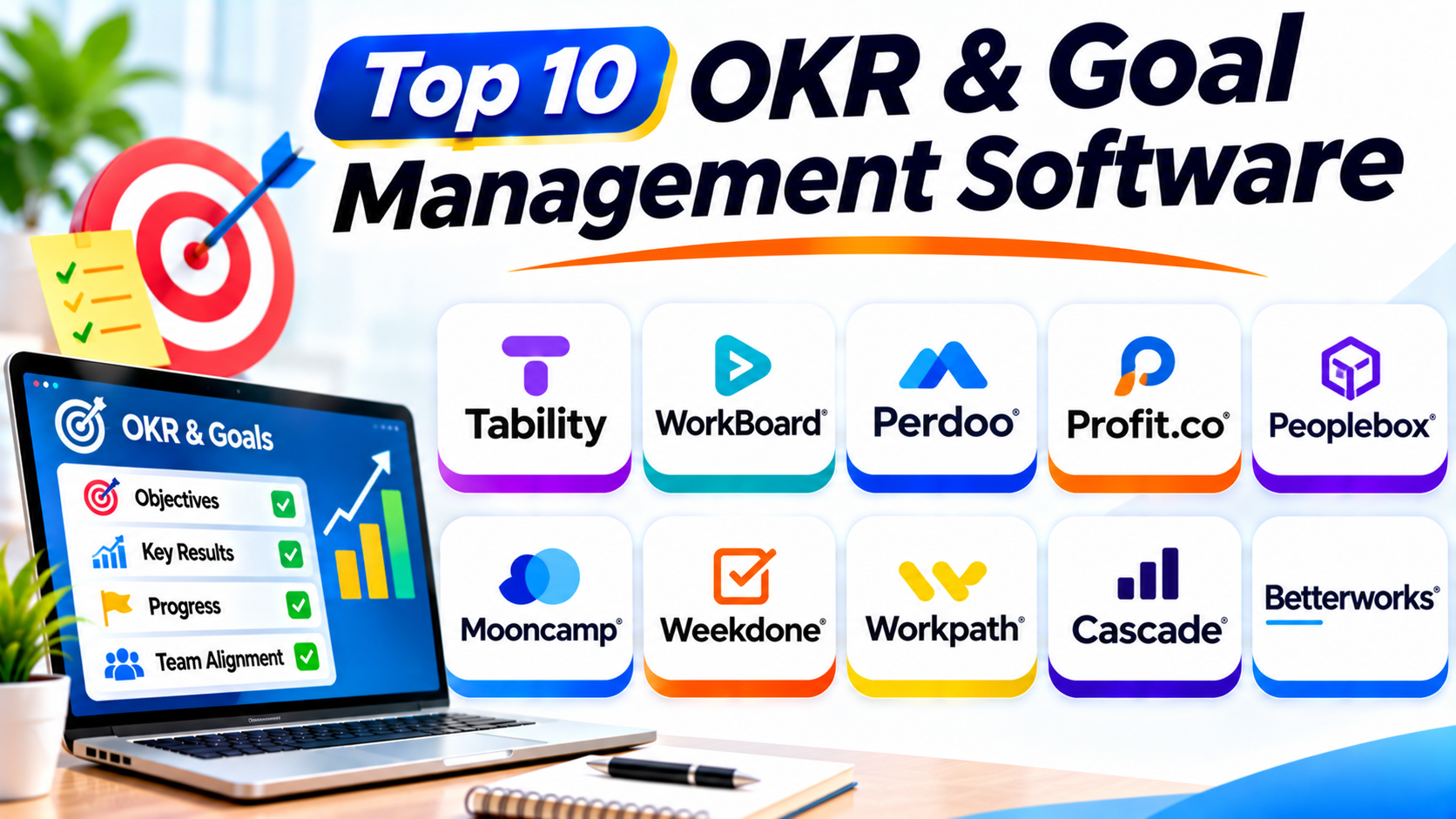
Top 10 OKR & Goal Management Software
1. Tability
Tability helps teams create, manage, and track company goals. It focuses on making OKR planning simple and clear.
Teams can create objectives and connect them with measurable results. Managers can review progress through regular check-ins.
Tability also supports goal updates and reporting. Its AI features can help teams work with goals and understand progress.
The platform suits companies that want a focused goal management system. It can help teams manage OKRs without building complex spreadsheets.
Key Features
- OKR and goal tracking.
- Objectives and key results.
- Regular progress check-ins.
- Goal dashboards.
- Team alignment.
- AI-supported goal assistance.
- Reporting and progress insights.
- Integrations with workplace tools.
Pros
- Focuses on simple goal management.
- Helps teams track progress.
- Supports regular check-ins.
- Offers useful goal dashboards.
- Includes AI-supported features.
Cons
- Some advanced features may need higher plans.
- Teams must keep goal updates current.
- Companies should test integrations before adoption.
Best For: Companies that want simple OKR tracking with modern goal management features.
2. WorkBoard
WorkBoard helps large companies connect business strategy with daily work. It focuses on OKRs, strategy execution, and business results.
Leaders can create company objectives and connect them with team goals. Employees can then track their progress and share updates.
WorkBoard also supports business reviews and performance discussions. These tools help managers understand whether teams are moving toward important results.
The platform suits organizations with many departments. It can help leaders maintain a shared view of business priorities.
Key Features
- Enterprise OKR management.
- Strategy alignment.
- Goal tracking.
- Key result updates.
- Business performance dashboards.
- Progress reporting.
- Business review support.
- Enterprise integrations.
Pros
- Supports large organizations.
- Connects strategy with execution.
- Helps teams track shared objectives.
- Offers business review tools.
- Supports enterprise planning.
Cons
- May feel complex for small teams.
- Setup can require planning.
- Pricing may require a direct quote.
Best For: Large organizations that need enterprise OKR management and strategy execution.
3. Perdoo
Perdoo helps companies connect strategy, OKRs, and KPIs. It gives teams a visual way to understand business goals and progress.
Users can create objectives and add measurable key results. They can also connect goals with company strategy.
Perdoo supports KPI tracking alongside OKRs. This helps companies monitor both planned changes and ongoing business performance.
The platform works well for companies that want a clear view of their goals. It can also help teams understand how their work supports company plans.
Key Features
- OKR management.
- KPI tracking.
- Strategy maps.
- Goal alignment.
- Progress updates.
- Performance dashboards.
- Team check-ins.
- Goal reporting.
Pros
- Connects OKRs with KPIs.
- Offers visual strategy maps.
- Helps teams understand goal alignment.
- Supports regular progress updates.
- Offers a free entry option.
Cons
- Some advanced needs may require paid plans.
- Teams need clear goals before setup.
- Reporting needs regular data updates.
Best For: Small and mid-sized companies that want to connect OKRs with business performance.
4. Profit.co
Profit.co offers OKR management with performance and task management features. It helps companies plan goals and track execution.
Teams can create objectives and define measurable key results. They can also connect tasks with their goals.
Managers can review progress and identify areas that need attention. The platform also supports performance reviews and employee development.
Profit.co suits companies that want more than basic goal tracking. It can connect business objectives with everyday work.
Key Features
- OKR creation and tracking.
- Goal alignment.
- Task management.
- KPI dashboards.
- Progress check-ins.
- Performance reviews.
- Employee feedback.
- Reporting and analytics.
Pros
- Combines OKRs with task management.
- Supports performance management.
- Helps connect goals with daily work.
- Offers useful dashboards.
- Supports different business needs.
Cons
- Many features may require training.
- Setup can take time.
- Pricing and modules need careful review.
Best For: Companies that want OKRs, task tracking, and performance management together.
5. Peoplebox
Peoplebox helps companies manage OKRs and connect them with business performance. It supports goal alignment, progress tracking, and employee performance workflows.
Teams can create goals and monitor key results. Managers can review updates and understand progress across departments.
Peoplebox also offers performance management and employee engagement features. This makes it useful for companies that want to connect goals with people management.
The platform can help leaders understand how teams contribute to business priorities. It also supports regular goal discussions.
Key Features
- OKR management.
- Goal alignment.
- KPI tracking.
- Progress dashboards.
- Automated reminders.
- Performance reviews.
- Employee feedback.
- Business reporting.
Pros
- Connects OKRs with performance management.
- Supports team goal alignment.
- Offers useful dashboards.
- Helps managers review progress.
- Combines several people management tools.
Cons
- Some features may require separate modules.
- New users may need training.
- Companies should review available integrations.
Best For: Growing companies that want OKRs and employee performance tools in one platform.
6. Mooncamp
Mooncamp helps companies organize strategy, goals, and OKRs. It gives teams a flexible way to manage objectives and track results.
Users can create goals and connect them with other company priorities. Teams can also share updates and review progress.
Mooncamp offers customizable views and goal structures. This helps companies adapt the platform to their planning methods.
The platform suits businesses that want a modern and flexible OKR system. It can support teams that need a clear view of company priorities.
Key Features
- OKR management.
- Goal alignment.
- Custom goal structures.
- Progress tracking.
- Dashboards and reports.
- Team collaboration.
- Goal check-ins.
- Workplace integrations.
Pros
- Offers flexible goal structures.
- Supports company-wide alignment.
- Provides clear goal views.
- Helps teams share progress.
- Supports different OKR methods.
Cons
- Customization may need initial planning.
- Some integrations may require setup.
- Teams need regular check-ins for useful reports.
Best For: Growing companies that want flexible OKR planning and goal tracking.
7. Weekdone
Weekdone combines OKR tracking with weekly planning and team updates. It helps teams connect long-term goals with daily work.
Employees can share weekly plans and progress reports. Managers can review updates and understand team challenges.
The platform also supports objectives and key results. This helps teams keep their weekly work connected with larger company goals.
Weekdone can be useful for small teams that are starting with OKRs. Its weekly planning approach can help employees build regular reporting habits.
Key Features
- OKR management.
- Weekly planning.
- Progress check-ins.
- Team updates.
- Goal dashboards.
- Weekly reports.
- Team feedback.
- Progress tracking.
Pros
- Combines weekly planning with OKRs.
- Encourages regular updates.
- Helps managers review team progress.
- Suitable for smaller teams.
- Offers a simple way to start with OKRs.
Cons
- May not suit complex enterprise planning.
- Weekly updates need regular participation.
- Advanced reporting needs may require another tool.
Best For: Small teams and startups that want weekly planning with OKR tracking.
8. Workpath
Workpath helps large organizations connect strategy with business execution. It supports goal management, strategic planning, and performance tracking.
Companies can create goals and connect them with business priorities. Managers can review progress across teams and departments.
Workpath also supports strategy execution workflows. This helps organizations turn high-level plans into measurable actions.
The platform suits businesses with complex planning needs. It can help leaders maintain a shared view of strategic priorities.
Key Features
- Strategy execution management.
- OKR and KPI tracking.
- Goal alignment.
- Progress dashboards.
- Strategic planning tools.
- Team collaboration.
- Performance reporting.
- Enterprise workflows.
Pros
- Supports enterprise strategy execution.
- Helps connect goals across teams.
- Offers KPI tracking.
- Supports complex planning needs.
- Provides business performance insights.
Cons
- May be too advanced for small teams.
- Setup can require expert support.
- Companies should review its fit with their existing systems.
Best For: Large organizations that need structured strategy execution and enterprise goal management.
9. Cascade
Cascade helps companies turn business strategy into measurable plans. It connects strategic goals, projects, and performance results.
Teams can create strategic plans and track progress. Managers can also connect initiatives with wider business objectives.
The platform offers dashboards and reporting tools. These features help leaders understand how plans move forward.
Cascade suits companies that need more than simple OKR tracking. It can help organizations manage strategy across several departments.
Key Features
- Strategy planning.
- Goal and OKR tracking.
- KPI management.
- Strategic initiatives.
- Progress dashboards.
- Performance reporting.
- Team collaboration.
- Strategy execution workflows.
Pros
- Connects strategy with execution.
- Supports cross-team planning.
- Offers useful dashboards.
- Helps track strategic initiatives.
- Supports business reporting.
Cons
- Some teams may find it complex.
- Setup needs clear planning.
- It may offer more features than small businesses need.
Best For: Companies that want to manage strategic plans, goals, and business results together.
10. Betterworks
Betterworks helps companies manage goals and employee performance. It supports OKRs, continuous feedback, and performance conversations.
Managers can set objectives and connect them with team priorities. Employees can update their progress and discuss results.
The platform also supports performance management workflows. This helps companies connect goal tracking with employee development.
Betterworks suits organizations that want structured goal management. It can help large teams improve alignment and review progress.
Key Features
- OKR management.
- Goal alignment.
- Continuous feedback.
- Performance reviews.
- Progress tracking.
- Employee development.
- Manager conversations.
- Performance reporting.
Pros
- Connects goals with employee performance.
- Supports regular feedback.
- Helps teams align objectives.
- Offers structured review workflows.
- Suits larger organizations.
Cons
- May be complex for small teams.
- Some features need setup and training.
- Pricing may require a vendor quote.
Best For: Mid-sized and large companies that want OKRs with employee performance management.
Comparison Table of the Top 10 OKR & Goal Management Software
| Software | Main Strength | Best For |
|---|---|---|
| Tability | Simple OKR tracking and AI support | Teams seeking easy goal management |
| WorkBoard | Enterprise strategy execution | Large organizations |
| Perdoo | OKRs and KPI tracking | Small and mid-sized companies |
| Profit.co | OKRs, tasks, and performance | Companies needing connected workflows |
| Peoplebox | OKRs and people management | Growing companies |
| Mooncamp | Flexible goal structures | Modern and growing teams |
| Weekdone | Weekly planning and OKRs | Startups and small teams |
| Workpath | Enterprise strategy execution | Large organizations |
| Cascade | Strategy and initiative tracking | Strategy-focused companies |
| Betterworks | Goals and employee performance | Mid-sized and large companies |
Important Features to Look for in OKR Software
Choosing the right platform can help your company manage goals more clearly. Review these features before you buy.
1. Objective and Key Result Creation
The platform should help teams create clear objectives. It should also support measurable key results.
2. Goal Alignment
Company goals should connect with team and employee goals. This helps everyone understand shared priorities.
3. Progress Tracking
Teams need a clear way to update results. Choose software with simple progress tracking and status views.
4. Regular Check-Ins
Check-ins help teams discuss progress and problems. Choose a platform that supports regular updates.
5. Dashboards and Reports
Dashboards help managers understand goal progress. Reports can show which goals need attention.
6. KPI Management
KPIs measure ongoing business performance. Some companies need both OKRs and KPIs in one system.
7. Task and Project Integration
Goals often depend on daily tasks. Integrations can connect goal progress with project work.
8. Team Collaboration
Employees need to share updates and discuss goals. Look for comments, notifications, and shared views.
9. Automation and Reminders
Automated reminders help teams update their goals. They can also reduce manual follow-up.
10. Security and Access Controls
Goal data may include private business plans. Review user permissions, data protection, and security controls.
Common Uses of OKR & Goal Management Software
Companies use these platforms across different business activities.
- Strategic planning: Turn company plans into measurable objectives.
- Team goal setting: Give each department clear targets.
- Employee goals: Connect personal goals with team priorities.
- Business performance: Track important results and KPIs.
- Project alignment: Connect projects with business objectives.
- Weekly check-ins: Review progress and identify problems.
- Quarterly planning: Create and review goals for each quarter.
- Leadership reporting: Give leaders a clear view of business progress.
- Cross-team collaboration: Help departments work toward shared results.
- Performance discussions: Connect goals with employee feedback.
Benefits of OKR and Goal Management Software
Clearer Business Priorities
Teams can understand what matters most. Clear objectives help employees focus their work.
Better Team Alignment
Employees can see how their goals support company plans. This helps teams work toward shared results.
Easier Progress Tracking
Managers can review updates in one place. They can also spot goals that need help.
Better Accountability
Each goal can have an owner and measurable results. This makes responsibilities easier to understand.
Faster Business Reviews
Dashboards and reports help managers review progress. They spend less time collecting updates manually.
Stronger Team Communication
Regular check-ins create more chances to discuss goals. Teams can share challenges and support each other.
Challenges of Using OKR Software
These tools can improve goal management, but companies must use them well.
Unclear Objectives
Vague goals make progress hard to measure. Write objectives in simple and clear language.
Too Many Goals
Too many objectives can reduce focus. Choose the goals that matter most.
Weak Key Results
Key results should measure real progress. Avoid results that only list tasks.
Low Employee Participation
Employees may ignore updates when the process feels difficult. Keep check-ins short and useful.
Poor Follow-Up
Teams may set goals and forget them. Review progress regularly and discuss problems.
Difficult Adoption
Employees may resist a new system. Provide training and explain how the platform helps their work.
How to Choose the Right OKR & Goal Management Software
Follow these steps before selecting a platform.
- Define your needs: Decide whether you need OKRs, KPIs, strategy planning, or all three.
- Review company size: Choose a platform that fits your current team and future growth.
- Check goal alignment: Make sure company, team, and employee goals can connect.
- Test progress tracking: Review how easily employees can update key results.
- Review dashboards: Choose reports that help managers make decisions.
- Check integrations: Confirm support for your project and communication tools.
- Review automation: Check reminders, check-ins, and reporting features.
- Compare security: Review permissions and data protection.
- Compare pricing: Check user limits, modules, and contract terms.
- Run a trial: Ask managers and employees to test the platform.
Questions and Answers About OKR & Goal Management Software
1. What is OKR software?
OKR software helps companies create and track objectives and key results. It helps teams measure progress and stay focused.
2. What does OKR stand for?
OKR stands for Objectives and Key Results. Objectives explain what a team wants to achieve, while key results measure success.
3. Why do companies use goal management software?
Companies use it to organize goals and track progress. It also helps teams connect their work with business priorities.
4. What is the difference between OKRs and KPIs?
OKRs help teams set goals and measure important results. KPIs track ongoing business performance. Companies can use both together.
5. Can small businesses use OKR software?
Yes. Small businesses can use simple platforms to manage goals. They should choose tools that fit their team size and budget.
6. How often should teams review OKRs?
Many teams review progress weekly or monthly. They can also set new OKRs each quarter.
7. Can OKR software track employee goals?
Yes. Many platforms connect employee goals with team and company objectives. This helps employees understand their role in business success.
8. What is the difference between OKR software and project management software?
OKR software focuses on goals and measurable results. Project management software focuses on tasks, schedules, and project delivery. Some platforms combine both.
9. Does OKR software support remote teams?
Yes. Many platforms offer online dashboards, check-ins, comments, and notifications. These tools help remote teams share progress.
10. How do I choose the best OKR software?
Start with your business goals and team needs. Compare features, ease of use, integrations, security, and cost before choosing.
Final Thoughts
OKR and goal management software helps companies turn plans into measurable results. It gives teams a clearer way to set goals and track progress.
Tability offers focused goal tracking. WorkBoard and Workpath suit larger organizations with strategy execution needs. Perdoo connects OKRs with KPIs, while Weekdone supports weekly planning.
Profit.co and Peoplebox combine goals with wider business and people management features. Mooncamp offers flexible goal structures. Cascade supports strategic planning, while Betterworks connects goals with employee performance.
The best platform depends on your company size and planning style. Compare the tools carefully before making your choice.
Most importantly, keep goals clear and measurable. Review progress often and help teams act on what they learn.