Introduction
Managing a project takes planning, teamwork, and clear communication. Every project has tasks, deadlines, people, and goals.
Without a good system, work can become confusing. Teams may miss deadlines or lose important updates.
Project management software helps teams organize their work. It brings tasks, schedules, files, and team updates into one place.
These tools also help managers track progress. They can assign work, check deadlines, and find problems early.
Some platforms focus on simple task tracking. Others support complex projects, budgets, resources, and reports.
This guide explores ten popular project management software platforms. It explains their features, Pros, Cons, and best uses.
What Is Project Management Software?
Project management software helps people plan and manage projects. It gives teams a shared space to organize work.
A project usually includes many smaller tasks. Each task has an owner, deadline, and expected result.
For example, a company may plan a new website. The project may include research, design, writing, development, testing, and launch.
Project management software keeps these steps connected. It helps everyone understand their duties and deadlines.
Common Features
- Task creation and assignment
- Project schedules and calendars
- Gantt charts and timelines
- Kanban boards
- File sharing and document storage
- Team communication
- Task dependencies
- Time tracking
- Resource planning
- Budget tracking
- Reports and dashboards
- Workflow automation
How Does Project Management Software Work?
Most project management platforms follow a simple process.
- Create a project: Add the project name, goals, and basic details.
- Break down the work: Divide the project into smaller tasks.
- Assign responsibilities: Give each task to a team member.
- Set deadlines: Add due dates and project milestones.
- Share information: Add files, notes, and team updates.
- Track progress: Review task status and project activity.
- Complete the project: Finish the work and review the results.
This process helps teams stay organized. It also makes project progress easier to understand.
Top 10 Project Management Software Platforms
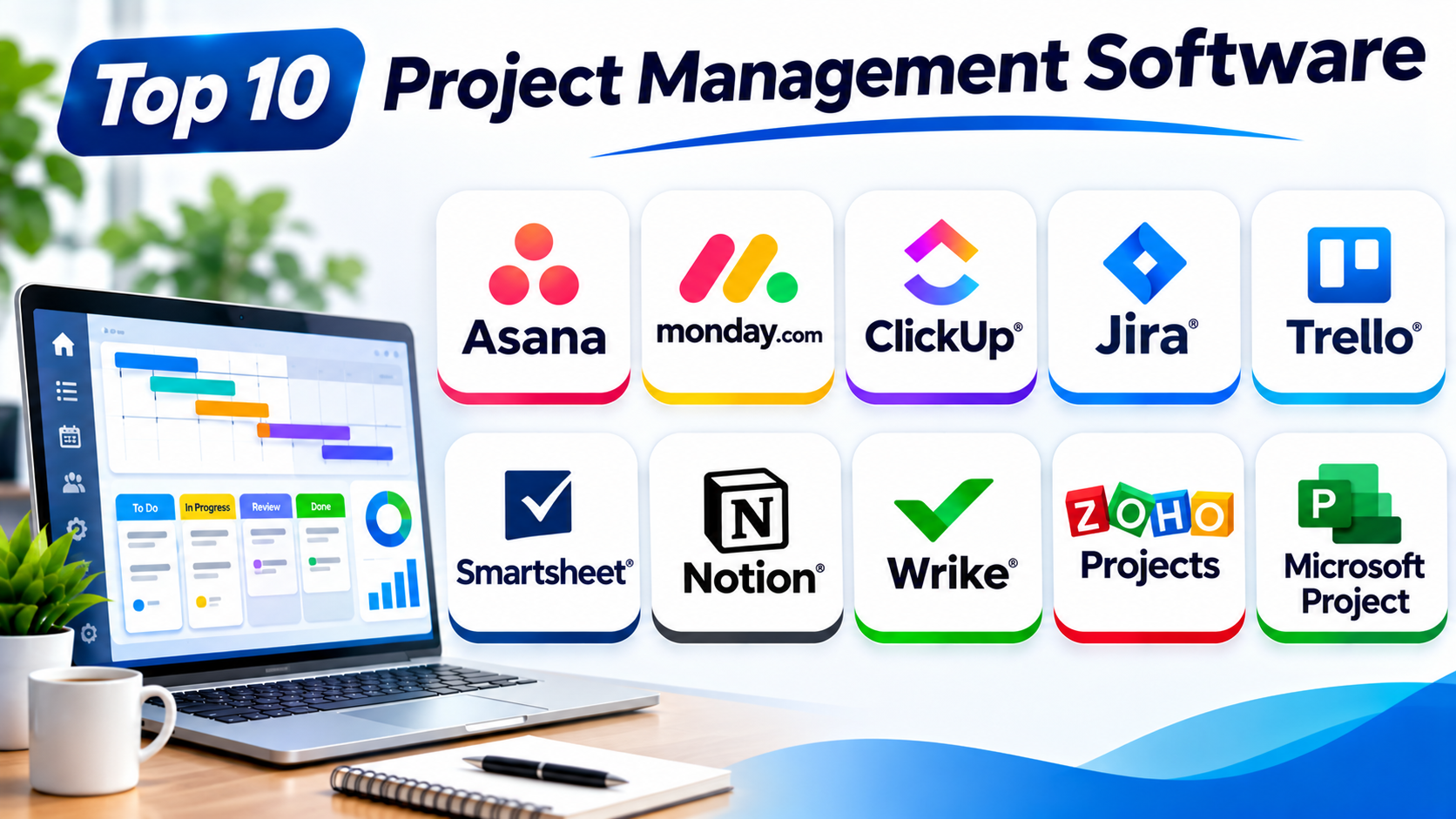
The following platforms serve different teams and project types. The best choice depends on your work style, project size, and budget.
1. Asana
Best For: Cross-functional teams and business project management.
Asana helps teams plan, organize, and track projects. It gives users a shared workspace for tasks and team goals.
Users can create projects and divide them into smaller tasks. Each task can include an owner, due date, description, and attachments.
Asana offers several project views. Teams can use lists, boards, calendars, and timelines.
Task dependencies help teams manage work order. For example, a design task may need to finish before development begins.
Asana also supports workflow automation. Teams can create rules for assignments, updates, and notifications.
Its goal and reporting features help managers connect daily tasks with larger business plans.
Key Features
- Project and task management
- List, board, calendar, and timeline views
- Task dependencies
- Workflow automation
- Project portfolios and goals
- Team collaboration
- Reports and dashboards
- Business app integrations
Pros
- Offers a clean and friendly interface.
- Helps teams manage shared responsibilities.
- Supports different project views.
- Connects tasks with larger goals.
- Provides useful workflow automation.
Cons
- Advanced features may need paid plans.
- Large projects need careful setup.
- Some users may receive too many alerts.
- New users may need training.
2. monday.com
Best For: Visual project planning and customizable workflows.
monday.com offers a visual platform for managing projects and team work. It uses boards, columns, and status labels to organize information.
Teams can create boards for different projects. Each board can include tasks, owners, deadlines, priorities, and progress details.
Users can switch between several views. These include tables, Kanban boards, calendars, and timelines.
The platform also offers automation. Teams can set rules for reminders, task changes, and notifications.
Dashboards help managers review information across projects. This makes it easier to track work and spot delays.
monday.com supports many business departments. Teams can adapt its boards to match their own processes.
Key Features
- Custom project boards
- Task assignment and tracking
- Multiple project views
- Workflow automation
- Team dashboards
- Forms and data collection
- Workload management
- Business app integrations
Pros
- Makes project status easy to see.
- Offers flexible board designs.
- Supports many business workflows.
- Provides useful automation.
- Helps managers review project progress.
Cons
- Advanced features depend on the plan.
- Costs can grow as teams expand.
- Large boards may become crowded.
- Custom workflows need careful setup.
3. ClickUp
Best For: Teams that want an all-in-one project workspace.
ClickUp brings project tasks, documents, goals, and collaboration tools together. It helps teams manage different types of work in one place.
Users can create tasks and subtasks. They can also set priorities, deadlines, owners, and custom fields.
ClickUp offers many project views. These include lists, boards, calendars, timelines, and Gantt charts.
Teams can create documents and connect them with project tasks. This keeps important information close to the work.
Its dashboards help managers review project progress. Automation tools can also handle repeated actions.
ClickUp offers many features for teams with different needs. However, users may need time to organize the workspace.
Key Features
- Task and subtask management
- Gantt charts and timelines
- Kanban boards
- Project documents
- Goals and dashboards
- Custom fields and statuses
- Workflow automation
- Time tracking and integrations
Pros
- Combines many project tools.
- Offers flexible task views.
- Supports detailed task settings.
- Connects documents with projects.
- Provides useful dashboards.
Cons
- The large feature set can feel complex.
- Workspace setup takes time.
- Some features need higher plans.
- Too many options may distract new users.
4. Jira
Best For: Software development and Agile project teams.
Jira helps software teams plan and manage development work. It supports Agile methods such as Scrum and Kanban.
Teams can create issues for tasks, bugs, and new features. Each issue can include a description, owner, priority, and status.
Jira offers boards for tracking work. Scrum teams can also plan sprints and manage backlogs.
Its reports help teams review development progress. They can study sprint activity and identify workflow problems.
Jira also connects with many developer tools. This helps teams link project work with their development process.
Jira focuses strongly on software and technical projects. Other business teams may prefer a simpler platform.
Key Features
- Issue and task tracking
- Scrum and Kanban boards
- Sprint planning
- Backlog management
- Bug tracking
- Custom workflows
- Agile reports
- Developer tool integrations
Pros
- Supports Agile project methods.
- Helps teams manage software tasks.
- Offers detailed issue tracking.
- Provides useful development reports.
- Connects with developer tools.
Cons
- Can feel complex for new users.
- General projects may need extra setup.
- Advanced workflows require planning.
- Too many settings can confuse small teams.
5. Trello
Best For: Small teams and simple visual project tracking.
Trello uses boards, lists, and cards to manage projects. Its visual layout makes project progress easy to understand.
Teams can create a board for each project. They can then add lists such as To Do, In Progress, and Done.
Each card represents a task. Users can add checklists, due dates, labels, files, and comments.
Team members can move cards as work changes. This gives everyone a quick view of project status.
Trello also offers built-in automation. Its Power-Ups can add extra features and connections.
Trello works well for small projects. Large projects may need more advanced planning tools.
Key Features
- Kanban project boards
- Task cards and checklists
- Due dates and labels
- File attachments
- Team comments
- Built-in automation
- Power-Ups
- Additional project views on supported plans
Pros
- Simple and easy to learn.
- Makes project progress clear.
- Supports quick team collaboration.
- Offers a useful free option.
- Works well for small projects.
Cons
- Complex projects may need other tools.
- Some views depend on paid plans.
- Large boards can become crowded.
- Advanced reporting is limited.
6. Smartsheet
Best For: Spreadsheet-based project planning and business operations.
Smartsheet combines spreadsheet-style work with project management features. It helps teams manage schedules, tasks, and project information.
Users can create sheets with rows and columns. Each row can represent a task or project activity.
Teams can add owners, dates, status, and other project details. They can also use formulas to work with project data.
Smartsheet offers grid, card, calendar, and Gantt views. These views help teams understand work in different ways.
Automation can send alerts and update workflows. Reports and dashboards help managers review information across projects.
Smartsheet suits teams that already work with spreadsheets. It offers more project controls than a basic spreadsheet.
Key Features
- Spreadsheet-style project planning
- Grid and card views
- Gantt charts and calendars
- Task assignment and deadlines
- Workflow automation
- Reports and dashboards
- Forms and data collection
- Project portfolio views
Pros
- Familiar spreadsheet-style layout.
- Supports detailed project tracking.
- Offers strong reporting tools.
- Helps manage schedules and resources.
- Works well with structured data.
Cons
- The layout may not suit every user.
- Advanced features can increase costs.
- Large sheets need good organization.
- New users may need training.
7. Notion
Best For: Teams that connect project work with documents and knowledge.
Notion combines project management with notes, documents, databases, and team knowledge. It helps teams keep project information together.
Users can create project databases. They can add tasks, owners, deadlines, priorities, and status fields.
Notion offers table, board, calendar, and timeline views. Teams can choose the layout that suits their work.
Users can connect tasks with project notes and documents. This helps people find useful information without switching between many tools.
Templates can help teams create project trackers. However, teams may need to build their own structure.
Notion suits teams that need documentation alongside project tracking.
Key Features
- Project databases
- Task and deadline tracking
- Board and calendar views
- Shared documents and notes
- Custom templates
- Team knowledge spaces
- Database filters
- Integrations and automation options
Pros
- Combines projects and documentation.
- Offers flexible database views.
- Supports custom workspaces.
- Helps teams share knowledge.
- Provides useful templates.
Cons
- Setup can take time.
- Advanced project features are less specialized.
- Large workspaces need good organization.
- Some features require paid plans.
8. Wrike
Best For: Large teams and complex project workflows.
Wrike helps organizations manage projects, tasks, and business workflows. It supports teams that handle many projects at once.
Users can create tasks and assign them to team members. Each task can include deadlines, files, descriptions, and dependencies.
Wrike offers list, board, calendar, and Gantt views. These tools help teams plan work and track schedules.
Request forms help teams collect new project requests. Managers can then review and assign incoming work.
Wrike also offers workload management and reports. These features help managers understand team capacity and project progress.
Its advanced tools can support large organizations. Smaller teams may not need every feature.
Key Features
- Task and project management
- Gantt charts and timelines
- Custom workflows
- Project request forms
- Task dependencies
- Workload management
- Reports and dashboards
- Team collaboration
Pros
- Supports complex project workflows.
- Offers detailed planning views.
- Helps manage incoming requests.
- Provides useful reports.
- Supports large teams.
Cons
- Advanced setup can take time.
- New users may need training.
- Some features require higher plans.
- The interface may feel complex for simple projects.
9. Zoho Projects
Best For: Small and medium businesses that need affordable project management.
Zoho Projects helps teams plan, organize, and track project work. It supports tasks, schedules, collaboration, and project reports.
Users can divide projects into tasks and subtasks. They can also assign owners and set deadlines.
The platform offers Gantt charts and task lists. These views help teams understand project schedules and task order.
Zoho Projects also supports time tracking. Teams can record work hours and review time spent on tasks.
Its collaboration tools include discussions, comments, and file sharing. The platform also connects with other Zoho business applications.
Zoho Projects can suit businesses that want structured project management without a large enterprise platform.
Key Features
- Project and task management
- Task lists and subtasks
- Gantt charts
- Time tracking
- Task dependencies
- Team discussions
- Project reports
- Zoho app integrations
Pros
- Offers useful project planning tools.
- Supports time tracking.
- Connects with other Zoho products.
- Helps teams manage deadlines.
- Can suit small and medium businesses.
Cons
- Some advanced features need paid plans.
- The interface may take time to learn.
- Customization can require setup.
- Large organizations may need wider tools.
10. Microsoft Project
Best For: Formal project scheduling and enterprise planning.
Microsoft Project helps project managers plan schedules and manage complex work. It supports projects with many tasks, resources, and deadlines.
Users can create task lists and connect related activities. The platform can show task order and project milestones.
Microsoft Project offers Gantt charts and scheduling tools. These help managers understand project timelines.
Resource management features help teams plan people and work. Managers can review assignments and identify resource conflicts.
The platform also connects with other Microsoft services. This can help organizations that already use Microsoft business tools.
Microsoft Project suits formal project planning. Teams that only need simple task lists may prefer lighter software.
Key Features
- Project scheduling
- Gantt charts
- Task dependencies
- Project milestones
- Resource planning
- Workload management
- Project reports
- Microsoft ecosystem connections
Pros
- Supports detailed project schedules.
- Offers strong planning features.
- Helps manage task dependencies.
- Supports resource planning.
- Fits formal project management work.
Cons
- Can feel complex for beginners.
- Some plans have limited features.
- Setup needs careful project planning.
- Simple teams may not need its full feature set.
Comparison Table: Top 10 Project Management Software
| Software | Main Strength | Key Features | Best For |
|---|---|---|---|
| Asana | Team coordination | Goals, timelines, automation | Cross-functional teams |
| monday.com | Visual workflows | Boards, dashboards, automation | Business teams |
| ClickUp | All-in-one workspace | Tasks, docs, Gantt charts | Teams needing many features |
| Jira | Agile development | Sprints, backlogs, issue tracking | Software teams |
| Trello | Simple visual planning | Boards, cards, checklists | Small teams |
| Smartsheet | Spreadsheet-style planning | Grid, Gantt, reports | Operations teams |
| Notion | Project documentation | Databases, notes, templates | Knowledge-focused teams |
| Wrike | Complex workflows | Request forms, workload, reports | Large teams |
| Zoho Projects | Affordable project planning | Tasks, time tracking, Gantt charts | Small and medium businesses |
| Microsoft Project | Formal scheduling | Dependencies, resources, timelines | Enterprise project managers |
How to Choose the Right Project Management Software
The right platform should match your team’s work. Follow these steps before making a choice.
1. Understand Your Project Needs
Start by listing the projects your team handles. Decide whether you need simple task tracking or advanced project planning.
2. Check Ease of Use
Choose a platform your team can learn quickly. A simple system can improve adoption and reduce confusion.
3. Review Project Views
Check whether the tool offers lists, boards, calendars, and Gantt charts. Different views help teams manage different types of work.
4. Check Collaboration Features
Look for comments, file sharing, notifications, and team discussions. These features help people share updates.
5. Review Resource Planning
Large projects may need resource management. Check whether the platform helps you assign people and balance workloads.
6. Check Reporting Tools
Reports help managers review progress and project performance. Look for dashboards that show useful information.
7. Review Integrations
Your platform may need to connect with email, calendars, chat, storage, or business applications. Check these options before buying.
8. Compare Costs
Review user fees, plan limits, storage, support, and extra features. The lowest starting price may not offer everything your team needs.
9. Test Before Buying
Try a real project with a small group. Check how easily users create tasks, share updates, and track progress.
Common Uses of Project Management Software
Project management software supports many industries and teams.
- Software development: Manage features, bugs, releases, and sprints.
- Marketing: Plan campaigns, content, and advertising work.
- Construction: Track schedules, tasks, materials, and project milestones.
- Education: Organize lessons, assignments, and school projects.
- Healthcare: Coordinate internal projects and service improvements.
- Human resources: Manage recruitment and employee programs.
- Sales: Track campaigns, targets, and customer projects.
- Consulting: Manage client work, deadlines, and deliverables.
- Operations: Coordinate daily activities and business improvements.
Benefits of Project Management Software
These tools can help teams work with more clarity and control.
Better Organization
Teams can keep tasks and project details in one place. This makes information easier to find.
Clear Responsibilities
Managers can assign tasks to specific people. Everyone knows who handles each activity.
Improved Time Management
Deadlines and schedules help teams plan work. They can also identify delays early.
Better Communication
Comments, files, and updates keep project information connected. This can reduce repeated messages.
Easier Progress Tracking
Dashboards show project status and task completion. Managers can review progress without checking every task.
Better Resource Planning
Some platforms help managers balance team workloads. This can prevent overloading team members.
Stronger Team Collaboration
Shared project spaces help people work toward the same goal. Teams can coordinate tasks across departments.
Challenges of Project Management Software
Project management software also brings some challenges.
- Learning time: Some platforms need staff training.
- Poor setup: Unclear project structures can create confusion.
- Too many features: Complex tools may distract users.
- Low adoption: Teams may avoid software they find difficult.
- Data overload: Too many tasks and reports can hide important details.
- Extra costs: Advanced features and user licenses can increase spending.
- Tool overlap: Using several platforms can split project information.
Start with a clear project structure. Give your team simple rules and review the system often.
Questions and Answers About Project Management Software
1. What is project management software?
Project management software helps teams plan, organize, and track projects. It manages tasks, schedules, resources, and team updates.
2. Which project management software is best overall?
There is no single best choice for every team. Asana, monday.com, and ClickUp are strong general-purpose options, while Jira and Microsoft Project suit more specific needs.
3. Which project management tool is best for small businesses?
Trello and Zoho Projects can suit small businesses. The best choice depends on the number of users and the complexity of their projects.
4. Which software is best for Agile project management?
Jira is a popular choice for Agile software teams. It supports Scrum boards, Kanban boards, backlogs, and sprint planning.
5. Is ClickUp good for project management?
Yes. ClickUp offers tasks, documents, dashboards, and several project views. It can suit teams that want many features in one workspace.
6. What is the difference between project management and task management?
Task management focuses on individual tasks. Project management covers the full project, including goals, schedules, resources, and results.
7. Can project management software track deadlines?
Yes. Most platforms support due dates and project schedules. Some also send reminders when deadlines approach.
8. Does project management software support remote teams?
Yes. Shared boards, files, comments, and online updates help remote teams work together.
9. Can project management software track project costs?
Some platforms support budgets and cost tracking. Check the available features before choosing a tool for financial planning.
10. How do I choose the right project management platform?
Compare your project needs, team size, features, integrations, ease of use, and costs. Test the platform with real work before buying.
Final Thoughts
Project management software helps teams plan work and reach project goals. It keeps tasks, schedules, and updates organized.
Asana supports cross-team coordination. monday.com offers visual workflows. ClickUp brings many work features into one space.
Jira supports Agile development. Trello keeps project tracking simple. Smartsheet suits spreadsheet-based planning.
Notion connects project work with documents. Wrike supports complex workflows. Zoho Projects helps smaller businesses manage projects. Microsoft Project supports formal scheduling.
Before choosing, think about your team’s daily work. Compare the features, costs, and ease of use.
The best project management software should make work clearer. It should help your team plan better, share updates, and deliver projects with confidence.