Introduction
Imagine checking a factory machine without visiting the factory. You can view its condition, study its performance, and find possible problems. You can even test changes before making them in the real world.
Digital twin technology makes this possible. It creates a digital model of a real object, machine, building, or process. The model can use data from sensors, software, and other systems.
A digital twin does more than show a 3D model. It can connect live data, simulate real conditions, and help teams make better choices.
For example, a factory can use a digital twin to study machine performance. A building manager can track energy use. An aircraft engineer can test how a system may behave under different conditions.
Many software companies now offer digital twin platforms. However, each platform serves different needs. Some focus on product design. Others support industrial operations, asset maintenance, infrastructure, or advanced simulation.
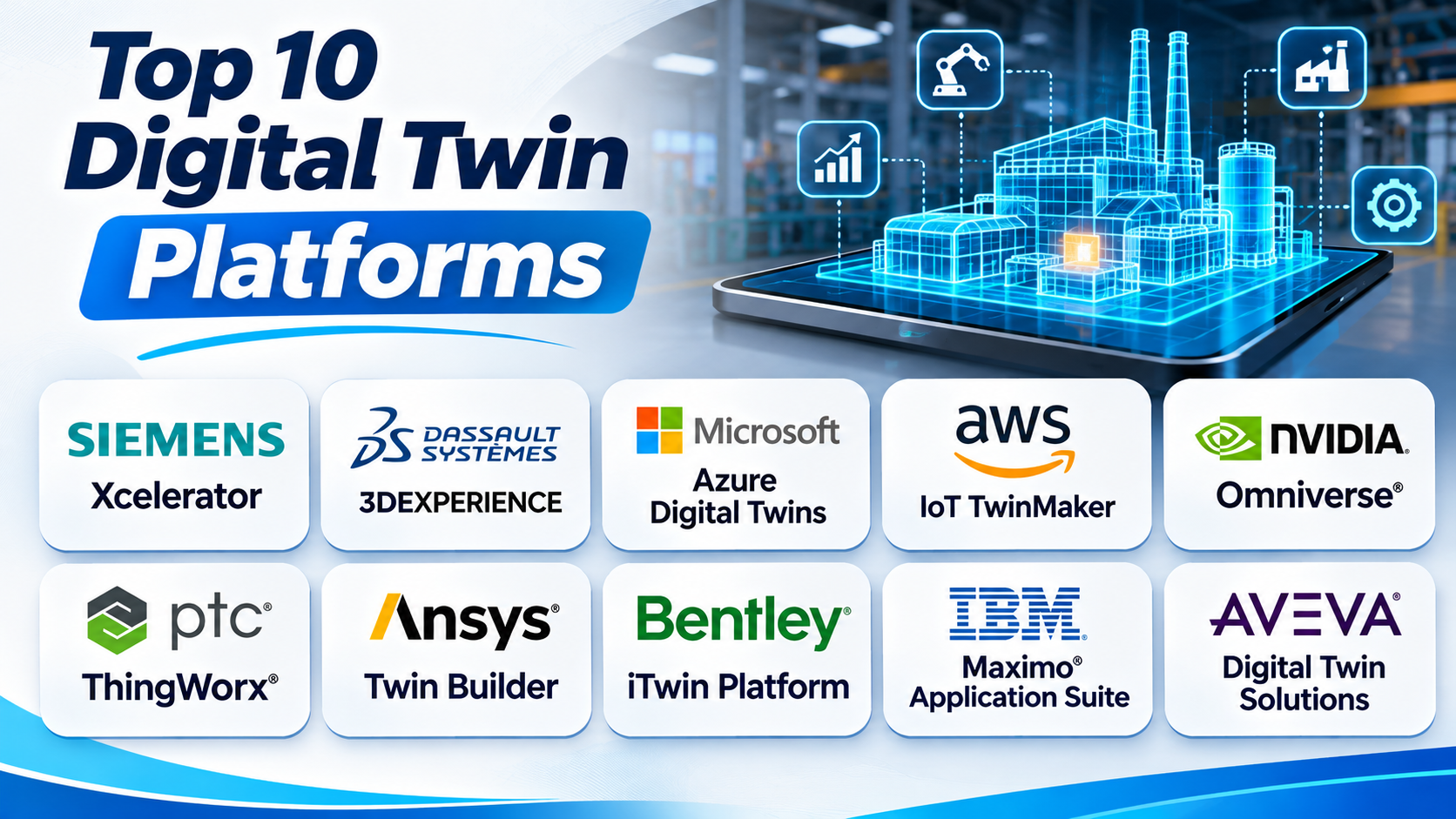
This guide explores ten digital twin platforms. It explains how each one works, its main features, advantages, and limitations.
What Is a Digital Twin Platform?
A digital twin platform helps create and manage digital copies of real-world objects or systems. It connects digital models with information from the physical world.
This information may come from:
- Sensors and connected devices.
- Industrial machines and equipment.
- Computer-aided design models.
- Building information models.
- Business and maintenance systems.
- Cameras and monitoring systems.
- Simulation and engineering software.
The platform uses this information to help teams understand real-world performance.
For example, a factory digital twin may show machine temperature, production speed, and equipment health. Engineers can study this information and plan maintenance.
Digital twins can serve different purposes.
Product digital twins: These represent products such as cars, aircraft, and machines. Engineers use them to study design and performance.
Process digital twins: These represent processes such as factory production, supply chains, and energy systems.
Asset digital twins: These represent physical equipment and help teams monitor condition, performance, and maintenance needs.
Infrastructure digital twins: These represent roads, bridges, buildings, railways, and other large structures.
The right platform depends on what you want to model and improve.
Top 10 Digital Twin Platforms
1. Siemens Xcelerator
Best for: Product engineering, smart manufacturing, and industrial digital twins.
Siemens Xcelerator brings together software, services, and development tools. It helps companies connect product design, engineering, manufacturing, and operations.
The platform supports digital twin workflows across the product lifecycle. Teams can create digital models and study how products or production systems may perform.
For example, an automotive company can model a vehicle before building a physical version. Engineers can study its parts, systems, and production process. They can also use simulation to explore design changes.
Manufacturers can use digital twins to study factory layouts and production lines. This helps them find possible problems before changing real equipment.
Siemens also connects engineering models with operational information. This helps teams compare planned performance with real results.
One major strength is its wide engineering ecosystem. Companies can connect different parts of product development and manufacturing. This can help reduce gaps between design and production teams.
However, Siemens offers a broad software portfolio. Companies must select the right products for their workflows. The setup can also require skilled engineers and careful planning.
Key Features
- Product and production digital twins.
- Engineering and manufacturing integration.
- Multiphysics simulation support.
- Virtual commissioning.
- Product lifecycle management.
- Factory planning and optimization.
- Industrial data connection.
- Engineering collaboration.
Pros
- Supports several stages of product development.
- Connects engineering and manufacturing workflows.
- Helps teams test designs before production.
- Supports complex industrial projects.
- Offers a wide engineering software ecosystem.
Cons
- The product range can be complex.
- Implementation may need expert support.
- Licensing and setup can require a large budget.
- Teams may need training across several products.
Best Suited For: Automotive companies, manufacturers, engineering teams, and businesses that need connected product and production digital twins.
2. Dassault Systèmes 3DEXPERIENCE
Best for: Product design, engineering, simulation, and virtual twins.
Dassault Systèmes 3DEXPERIENCE connects people, data, and engineering tools in one environment. It helps companies manage product development and create virtual representations of products and systems.
The platform supports product design and engineering work. Teams can share product information and work together across different departments.
Its virtual twin capabilities help engineers study how products may behave. They can use digital models and engineering simulations to explore different design conditions.
For example, an aircraft company can create a virtual model of an aircraft system. Engineers can study parts, materials, and performance before building physical components.
The platform also supports product lifecycle management. This helps teams manage product information from early design through later development stages.
One important strength is its connection between design, simulation, and collaboration. Teams can work with shared product information instead of keeping separate files across departments.
However, 3DEXPERIENCE covers a wide range of business and engineering tasks. Companies should plan their product roles, data structure, and user access before adoption.
Key Features
- Virtual twin capabilities.
- 3D product design.
- Engineering simulation.
- Product lifecycle management.
- Collaborative product development.
- Product data management.
- Design and manufacturing workflows.
- Enterprise information sharing.
Pros
- Connects product design and engineering work.
- Supports complex product development.
- Helps teams share product information.
- Supports simulation-based design decisions.
- Offers a broad engineering environment.
Cons
- The platform may take time to learn.
- Setup can require careful planning.
- Advanced features may increase costs.
- Large projects need clear data management.
Best Suited For: Aerospace, automotive, industrial equipment, and companies with complex product development needs.
3. Microsoft Azure Digital Twins
Best for: Connected buildings, factories, smart spaces, and custom IoT solutions.
Microsoft Azure Digital Twins is a cloud platform for creating digital models of real-world environments. It helps developers represent buildings, factories, energy networks, and other connected systems.
The platform uses digital models to describe physical objects and their relationships. For example, a building model can include floors, rooms, elevators, and connected devices.
These models form a digital twin graph. This graph helps users understand how different parts of an environment connect.
Azure Digital Twins can receive information from connected devices and other business systems. Teams can use this information to keep digital models updated.
For example, a smart building can send temperature and equipment data to the platform. Managers can study room conditions and equipment performance through connected applications.
The platform also provides query tools. These help developers search the digital environment and find useful information.
Companies can connect twin data with other Azure services. This supports further data storage, analytics, and application development.
However, Azure Digital Twins is not a complete ready-made solution for every project. Teams often need to build applications and connect data sources around it. They also need cloud development skills.
Key Features
- Digital twin graph modeling.
- Digital Twins Definition Language support.
- IoT data connection.
- Real-time event processing.
- Relationship modeling.
- Query APIs.
- Integration with Azure services.
- Support for connected environments.
Pros
- Supports large connected environments.
- Helps model relationships between assets.
- Connects with other Azure services.
- Offers flexible development options.
- Supports custom digital twin applications.
Cons
- Requires cloud development knowledge.
- Teams may need to build their own applications.
- Data integration can take time.
- Costs depend on the wider cloud setup.
Best Suited For: Developers, smart building teams, IoT engineers, and businesses already using Microsoft Azure.
4. AWS IoT TwinMaker
Best for: Industrial operations, connected factories, and building monitoring.
AWS IoT TwinMaker helps companies create digital twins of physical and digital systems. It connects information from sensors, cameras, and business applications.
The platform helps teams create a digital view of factories, buildings, and industrial plants. They can use this view to monitor operations and study problems.
One useful feature is its knowledge graph. This graph connects equipment, spaces, and processes. It helps users understand how different parts of a facility relate to each other.
AWS IoT TwinMaker also supports 3D scene creation. Teams can add existing 3D or CAD models and connect them with real-world data.
For example, a factory team can create a 3D model of its production area. They can connect machine locations with sensor readings. Users can then view equipment information in the correct place.
The platform also connects with other AWS services. This helps teams build wider monitoring and analytics applications.
However, users need to understand the AWS environment. They may also need to prepare 3D models and build suitable applications for their workers.
Key Features
- Industrial digital twin modeling.
- Knowledge graph support.
- Sensor and camera data connection.
- 3D scene creation.
- CAD model integration.
- AWS service integration.
- Grafana application support.
- Operational monitoring.
Pros
- Connects information from different data sources.
- Supports industrial 3D scenes.
- Helps teams monitor physical facilities.
- Works with the AWS ecosystem.
- Supports custom digital twin applications.
Cons
- Best suited to teams using AWS.
- Requires cloud and data integration skills.
- 3D model preparation can take time.
- Custom applications may need extra development.
Best Suited For: Industrial companies, factory operators, facility managers, and developers working with AWS services.
5. NVIDIA Omniverse
Best for: Industrial simulation, robotics, factory planning, and realistic 3D environments.
NVIDIA Omniverse provides tools and libraries for building and working with advanced 3D environments. It supports digital twin projects that need detailed visualization and simulation.
The platform uses OpenUSD as a foundation for working with 3D data. OpenUSD helps teams combine and manage complex 3D scenes from different sources.
This is useful when a project includes many models and engineering tools. Teams can bring different 3D assets into a shared environment.
For example, a manufacturer can build a virtual factory. The model can include machines, robots, production areas, and other equipment.
Engineers can use the virtual environment to study factory layouts and workflows. Robotics teams can also use simulation environments to test robot behavior before real-world use.
Omniverse supports physically based simulation workflows. This makes it useful for projects that need more than a simple visual model.
However, it is not a complete asset maintenance or business management platform by itself. Companies may need other systems for sensor data, asset records, and operational management.
The project may also need powerful graphics hardware and experienced 3D developers.
Key Features
- OpenUSD-based 3D workflows.
- Real-time 3D visualization.
- Industrial digital twin development.
- Robotics simulation.
- Factory and production simulation.
- 3D data collaboration.
- Simulation-ready asset workflows.
- Integration with engineering applications.
Pros
- Supports detailed 3D environments.
- Helps teams combine different 3D assets.
- Useful for robotics and factory simulation.
- Supports advanced visualization workflows.
- Offers flexible development tools.
Cons
- Needs suitable graphics hardware.
- Advanced projects require technical skills.
- May need other platforms for live operations.
- Preparing large 3D scenes can take time.
Best Suited For: Robotics developers, manufacturers, simulation engineers, and teams building detailed virtual environments.
6. PTC ThingWorx
Best for: Industrial IoT, connected products, and factory operations.
PTC ThingWorx is an industrial Internet of Things platform. It helps companies connect machines, products, people, and business systems.
The platform collects information from connected devices. Teams can use this information to build applications and monitor industrial operations.
ThingWorx also supports digital models of physical assets and processes. These models help connect real-world data with the objects they represent.
For example, a manufacturer can connect machines across several production sites. The platform can collect operating data and show machine status through dashboards.
Teams can use this information to identify unusual behavior. They can also study performance and plan maintenance work.
ThingWorx includes tools for building industrial applications. Its visual development features can help teams create dashboards and user interfaces.
It also supports connections with other industrial systems. This helps companies bring information from different equipment and applications into one workflow.
One important point is that ThingWorx now sits within Velotic. Buyers should review the current product direction, support arrangements, and licensing details before making a decision.
Key Features
- Industrial IoT connectivity.
- Digital asset modeling.
- Industrial application development.
- Device and system monitoring.
- Data analysis.
- Custom dashboards.
- Cloud and on-premises deployment options.
- Integration with industrial systems.
Pros
- Connects machines and business systems.
- Supports custom industrial applications.
- Helps teams monitor equipment.
- Offers visual application development tools.
- Supports different deployment needs.
Cons
- Setup may need industrial IoT knowledge.
- Complex projects require data planning.
- Custom applications need ongoing support.
- Buyers should review the current product roadmap.
Best Suited For: Manufacturers, industrial service teams, connected product companies, and businesses that need IoT-based operations tools.
7. Ansys Twin Builder
Best for: Physics-based simulation and engineering digital twins.
Ansys Twin Builder helps engineers create simulation-based digital twins. It focuses on systems that need detailed engineering models and performance analysis.
The platform supports models across different physical areas. These may include electrical, mechanical, thermal, and control systems.
Engineers can combine existing models with new system models. This helps them represent how different parts of a product work together.
For example, an electric vehicle team can model its motor, power electronics, battery, and control system. Engineers can study how these parts affect the full system.
Twin Builder also supports reduced-order models. These are simplified models that keep important system behavior while reducing simulation effort.
This can help teams use simulation models in wider digital twin workflows. They can connect models with real-world sensor information and use them for performance studies.
The platform also supports model export and deployment workflows. This helps teams move models into other environments.
However, Twin Builder is a specialist engineering tool. It may not provide every business dashboard or asset management feature a company needs. Teams should also consider the wider Ansys software environment.
Key Features
- Physics-based system modeling.
- Multidomain simulation.
- Reduced-order modeling.
- Sensor data integration.
- System performance analysis.
- Model export and deployment.
- Engineering model reuse.
- Support for complex technical systems.
Pros
- Supports detailed engineering models.
- Helps study complex system behavior.
- Connects simulation with real-world data.
- Supports reduced-order models.
- Useful for advanced product development.
Cons
- Requires engineering and simulation knowledge.
- Complex models need careful setup.
- May need other tools for full operations management.
- Commercial licensing can increase project costs.
Best Suited For: Aerospace, automotive, energy, electronics, and engineering teams that need simulation-based digital twins.
8. Bentley iTwin Platform
Best for: Infrastructure, construction, transport, and civil engineering.
Bentley iTwin Platform helps developers build digital twin applications for infrastructure projects. It brings together engineering data, reality data, and operational information.
The platform supports digital twins for roads, bridges, railways, buildings, utilities, and industrial plants.
One of its main strengths is its ability to combine different types of infrastructure information. These may include 3D models, photographs, point clouds, maps, and sensor data.
For example, a bridge owner can create a digital twin of a bridge. The model can connect engineering information with inspection records and sensor readings.
Teams can use this information to study the condition of the structure. They can also track changes and support maintenance planning.
Bentley provides APIs and services for developers. These help teams build custom applications around infrastructure digital twins.
This makes iTwin useful for organizations that need their own infrastructure software. However, it may require development skills and a clear data management plan.
Key Features
- Infrastructure digital twin development.
- Engineering data integration.
- Reality data processing.
- 3D model visualization.
- GIS and geospatial data support.
- IoT and sensor data connection.
- Change tracking.
- APIs and cloud services.
Pros
- Designed for infrastructure projects.
- Combines engineering and reality data.
- Supports large infrastructure assets.
- Offers developer APIs.
- Helps connect project and operational information.
Cons
- Focuses mainly on infrastructure workflows.
- Custom applications may need developers.
- Data preparation can take time.
- Project teams need clear data standards.
Best Suited For: Civil engineers, construction companies, infrastructure owners, transport agencies, and utility providers.
9. IBM Maximo Application Suite
Best for: Asset management, equipment monitoring, and predictive maintenance.
IBM Maximo Application Suite helps organizations manage physical assets and maintenance work. It combines asset management with tools for monitoring and improving equipment performance.
A digital twin project often needs more than a 3D model. Teams also need asset records, maintenance history, inspection data, and equipment health information.
Maximo helps bring these areas into maintenance workflows. Teams can use asset information to understand equipment condition and plan work.
For example, a power plant can use Maximo to manage pumps, motors, and other critical equipment. Maintenance teams can review asset history and condition data.
Its asset performance management features support condition-based and predictive maintenance. These methods help teams identify possible problems before equipment fails.
The platform also supports reliability planning. Teams can use asset risk and performance information to decide which maintenance tasks matter most.
Maximo is especially useful when the main goal is better asset performance. However, it is not simply a 3D digital twin modeling tool. Companies may need other platforms for detailed 3D visualization and engineering simulation.
Key Features
- Enterprise asset management.
- Asset health monitoring.
- Predictive maintenance.
- Reliability engineering.
- Maintenance planning.
- Operational data analysis.
- Asset performance management.
- AI-supported decision assistance.
Pros
- Connects asset information with maintenance work.
- Helps teams monitor equipment health.
- Supports predictive maintenance.
- Useful for large asset-heavy businesses.
- Supports reliability and maintenance planning.
Cons
- May need other tools for detailed 3D modeling.
- Enterprise setup can be complex.
- Data quality affects the results.
- Teams need clear maintenance processes.
Best Suited For: Energy companies, utilities, transport operators, factories, and businesses with many critical physical assets.
10. AVEVA Digital Twin Solutions
Best for: Process industries, industrial plants, and operational performance.
AVEVA provides software for industrial operations and digital twin projects. Its solutions help companies connect engineering information, operational data, models, and analytics.
The platform supports digital twins across different stages of an asset’s life. Teams can use information from engineering and operations to build a clearer view of industrial systems.
For example, a chemical plant can connect process data, equipment information, and engineering records. Operators can use this information to understand plant performance.
AVEVA also supports industrial data integration. This helps companies bring information from different systems into a shared environment.
Its software portfolio includes tools for process control, manufacturing, engineering, and industrial information management. These tools can support wider digital twin projects.
One strength is its focus on process industries. This makes it relevant to companies that manage complex plants and production systems.
However, AVEVA offers a broad range of products. Companies should identify the exact products and services they need. They should also check how these products connect with existing control and business systems.
Key Features
- Industrial digital twin solutions.
- Engineering data management.
- Operational data integration.
- Industrial analytics.
- Process monitoring.
- Asset lifecycle information.
- Manufacturing and operations support.
- Third-party technology integration.
Pros
- Strong focus on industrial operations.
- Supports process and plant environments.
- Connects engineering and operational information.
- Helps teams study plant performance.
- Supports wider industrial data workflows.
Cons
- The product portfolio can be broad.
- Implementation may need specialist support.
- Integration planning is important.
- Costs depend on the selected products and project scope.
Best Suited For: Oil and gas companies, chemical plants, energy providers, process manufacturers, and industrial operators.
Comparison of the Ten Digital Twin Platforms
| Platform | Main Focus | Best Use |
|---|---|---|
| Siemens Xcelerator | Engineering and manufacturing | Product and production twins |
| Dassault Systèmes 3DEXPERIENCE | Product design and virtual twins | Product engineering |
| Microsoft Azure Digital Twins | Cloud-based twin modeling | Buildings and connected environments |
| AWS IoT TwinMaker | Industrial IoT and visualization | Factory and facility monitoring |
| NVIDIA Omniverse | 3D simulation and visualization | Robotics and virtual factories |
| PTC ThingWorx | Industrial IoT applications | Connected products and machines |
| Ansys Twin Builder | Physics-based simulation | Engineering system twins |
| Bentley iTwin Platform | Infrastructure data | Bridges, roads, and buildings |
| IBM Maximo Application Suite | Asset performance management | Maintenance and equipment health |
| AVEVA Digital Twin Solutions | Industrial operations | Plants and process industries |
How to Choose the Right Digital Twin Platform
Choosing a platform starts with a clear goal. Do not select software only because it offers impressive 3D views.
Think about the problem you want to solve. Then compare platforms based on the work they support.
1. Define What You Want to Model
First, decide what your digital twin will represent. It may be a machine, product, building, factory, or complete infrastructure system.
A product engineering team may need simulation tools. A factory manager may need live machine data. A bridge owner may need infrastructure models and inspection records.
2. Check Data Connections
A digital twin needs useful information from the physical world. Check whether the platform can connect to your sensors, machines, databases, and business systems.
Also check how it handles missing or delayed data. Poor data can make a digital twin less useful.
3. Review Simulation Needs
Some projects need detailed physics simulation. Others only need to monitor equipment and show live information.
Choose a platform that matches your required level of simulation. Do not pay for advanced simulation features if your project does not need them.
4. Consider 3D and Visualization Needs
Some digital twin projects need detailed 3D environments. Others work well with dashboards, charts, and asset models.
Check how users will view and understand the information. Make sure the platform supports the right type of interface.
5. Compare Integration Options
Your digital twin may need data from several software systems. Check available APIs, connectors, and data formats.
Also consider how easily your team can move information between platforms. This can reduce future integration problems.
6. Review Cost and Skills
The full cost includes more than software licenses. You may also need cloud services, sensors, hardware, development, training, and support.
Check whether your team has the skills to build and maintain the digital twin. A complex platform may need outside experts.
7. Start with a Small Project
Avoid building a digital twin for an entire company at once. Start with one machine, production line, building, or asset group.
Set a clear goal for the project. Measure whether the digital twin helps improve decisions or operations. Expand only after the first project proves useful.
Final Thoughts
Digital twin platforms help companies connect the physical world with digital information. They can support product design, factory operations, asset maintenance, and infrastructure planning.
However, no single platform fits every project.
Siemens Xcelerator and Dassault Systèmes 3DEXPERIENCE support engineering and product development. Azure Digital Twins and AWS IoT TwinMaker help teams build connected environments. NVIDIA Omniverse supports advanced 3D simulation and robotics workflows.
PTC ThingWorx focuses on industrial IoT. Ansys Twin Builder supports physics-based engineering models. Bentley iTwin serves infrastructure projects. IBM Maximo helps improve asset performance and maintenance. AVEVA supports industrial operations and plant information.
Before choosing a platform, define your goal and data needs. Check the tools your team already uses. Also review the cost, skills, and effort needed to maintain the system.
A useful digital twin should solve a real problem. It should help people understand assets, test ideas, or make better decisions. Start with a clear use case and build from there.