Introduction
A physics engine helps digital objects move and react in believable ways. It can make a ball bounce, a car crash, or a bridge collapse. It can also help developers build complex simulations.
But not every physics engine works the same way. Some focus on fast game play. Others support detailed engineering work or large simulations. Choosing the right one depends on your project, platform, and need for accuracy.
Understanding What a Physics Engine Does
A physics engine calculates how objects move and interact. It handles forces, gravity, friction, collisions, and other physical effects.
For example, a game may use a physics engine to make a car turn. The engine can calculate how its wheels grip the road. It can also detect when the car hits a wall.
Most physics engines focus on certain types of work. A 2D engine may suit a platform game. A 3D engine may suit an action game or vehicle simulator. A robotics engine may focus on accurate movement and joint control.
Two common types of physics simulation include:
- Rigid-body physics: This handles solid objects that keep their shape during movement.
- Soft-body physics: This handles objects that bend, stretch, or change shape.
Some engines support both. Others focus on one area. Developers should match the engine to their project before they begin.
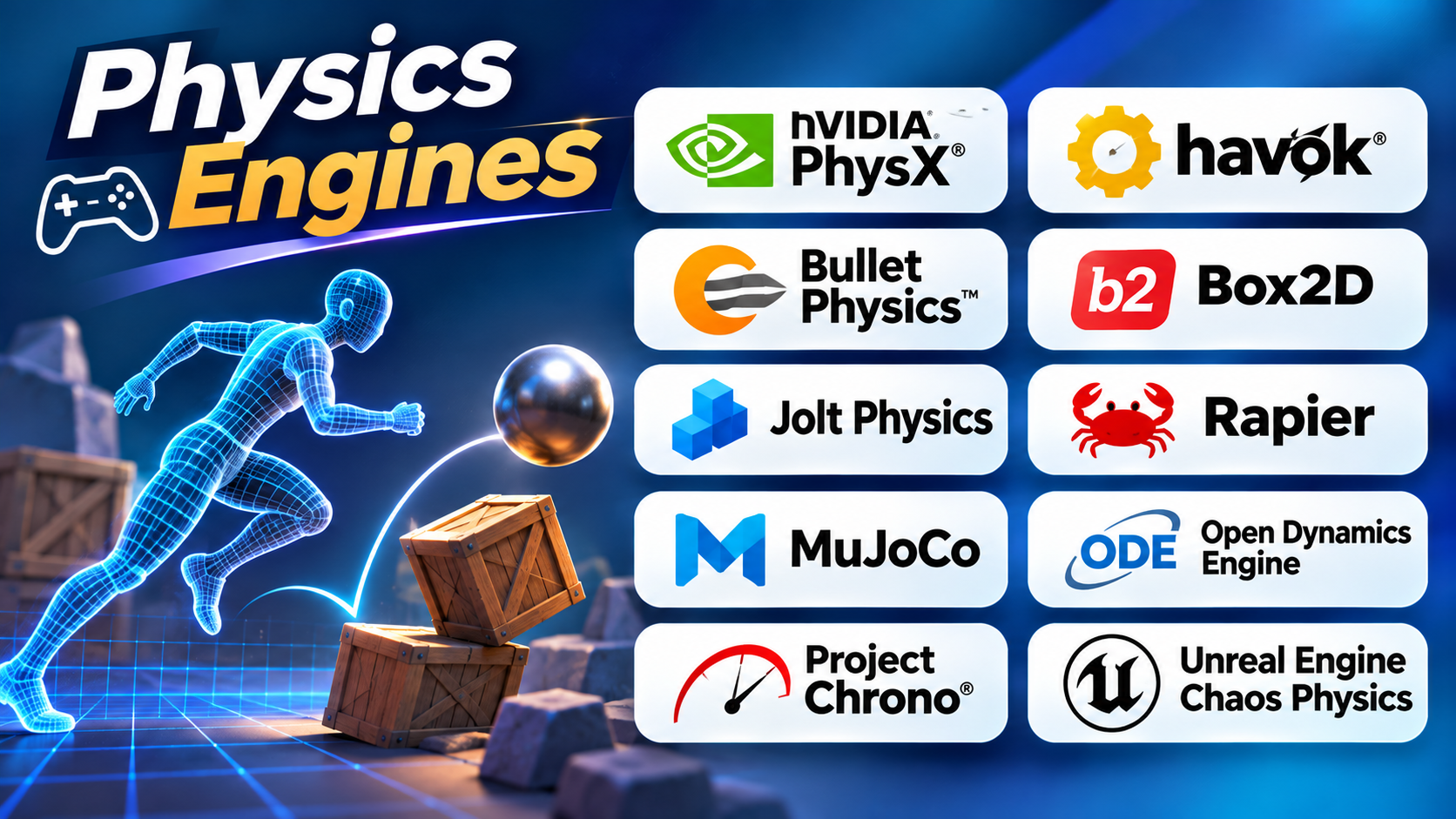
Top 10 Physics Engines
1. NVIDIA PhysX
NVIDIA PhysX is a real-time physics engine for games, simulations, and interactive applications. It helps developers create believable movement and object interactions. It supports rigid bodies, joints, vehicles, character controllers, and scene queries.
PhysX can also support soft-body and particle-based effects. These features help developers simulate cloth, liquids, and other deformable materials. Its range makes it useful for projects that need more than basic collision handling.
Developers can use PhysX through supported game and simulation platforms. Unity also uses PhysX for its built-in 3D physics system. This can make it a familiar choice for teams that already work with Unity.
PhysX offers CPU and GPU simulation options for supported features. GPU support can help with large simulation workloads. However, developers must check the needs of their target hardware. A feature that works on one platform may need a different setup elsewhere.
Pros
- Supports a wide range of 3D physics features.
- Includes vehicle and character simulation tools.
- Offers CPU and GPU options for supported workloads.
- Fits game and simulation development.
Cons
- Advanced features need careful setup.
- GPU support depends on the feature and platform.
- Developers must tune physics settings for their project.
PhysX suits teams that need a broad 3D physics system. It is also a practical option for projects built around supported NVIDIA tools.
2. Havok Physics
Havok Physics is a commercial physics engine built for game development. It focuses on real-time rigid-body simulation, collision handling, and complex object interactions. Game developers use it to create believable movement in busy virtual worlds.
Havok has a long history in game production. It provides tools for handling physical objects, constraints, and collision queries. These features can help games manage objects that move, collide, and connect through joints.
Havok can also work with Unreal Engine through an official integration. This gives teams another physics option within that development environment. Developers can use supported integration features within their Unreal projects.
Havok may suit studios that need a mature engine and professional support. However, it is not the same as a free, ready-to-use game engine. Teams should review licensing, platform support, and integration needs before choosing it.
Pros
- Designed for real-time game physics.
- Handles rigid bodies and complex constraints.
- Offers an Unreal Engine integration.
- Comes from a mature commercial physics technology line.
Cons
- Commercial licensing may not suit every team.
- Integration needs technical planning.
- Small projects may not need its full feature set.
Havok is worth considering for studios with demanding game physics needs. It can also suit teams that want a dedicated physics SDK.
3. Bullet Physics
Bullet Physics is an open-source engine for real-time collision detection and physical simulation. It supports rigid-body dynamics and offers tools for soft-body simulation. Developers can use it in games, visual effects, robotics, and research projects.
One of Bullet’s main strengths is its flexible design. Developers can use its physics features inside their own applications. They do not need to adopt a complete game engine just to add physical behavior.
Bullet also supports collision detection. This matters when an application needs to know whether objects touch or overlap. It can help with object movement, character interaction, and physical scenes.
The engine has a broad range of uses. Still, teams should check its maintenance state and project needs before they commit. They should also test its behavior with their own models and target hardware.
Pros
- Open-source software.
- Supports rigid-body and soft-body simulation.
- Useful for games, robotics, and visual effects.
- Can fit into custom applications.
Cons
- Integration requires programming knowledge.
- Performance depends on scene design and tuning.
- Teams may need to build their own tools around it.
Bullet suits developers who want a flexible physics library. It is also useful for research and custom simulation projects.
4. Box2D
Box2D is a physics engine made for 2D games. It helps developers simulate objects that fall, bounce, slide, and collide. It also supports joints that connect objects and control how they move.
The engine handles more than simple gravity. Developers can set properties such as density, friction, and bounce. These settings help create different material behaviors. A wooden box, rubber ball, and metal platform can respond in different ways.
Box2D also includes collision tools. These tools can detect overlaps and check paths through a scene. Developers can use them for triggers, projectiles, and other game interactions.
Its 2D focus makes Box2D a good fit for platform games, puzzle games, and side-scrolling action games. It is a library rather than a full game editor. Developers need to connect it to their graphics, input, and game systems.
Pros
- Built specifically for 2D physics.
- Supports rigid bodies, joints, and collision checks.
- Offers control over friction, density, and bounce.
- Works well as a library inside custom games.
Cons
- Does not provide a complete game development environment.
- Developers need programming skills to integrate it.
- It is not designed for full 3D simulation.
Box2D is a strong choice when a project needs focused 2D physics. It avoids the extra complexity of a full 3D physics system.
5. Jolt Physics
Jolt Physics is an open-source 3D physics engine written in C++. It focuses on rigid-body simulation and collision detection. Developers can use it in games and other real-time applications.
Jolt uses several body types. Static bodies do not move through simulation forces. Dynamic bodies respond to forces. Kinematic bodies move through controlled motion. This setup gives developers control over different objects in a scene.
The engine also provides collision shapes and motion settings. Developers can use these features to build characters, moving platforms, vehicles, and interactive objects. Its design supports multi-core processing, which can help with complex scenes.
Jolt is a library, not a complete game engine. Developers must connect it to their rendering, input, audio, and gameplay systems. They should also test its performance with their own scenes.
Pros
- Open-source C++ physics library.
- Focuses on real-time 3D rigid-body physics.
- Supports static, dynamic, and kinematic bodies.
- Designed with multi-core processing in mind.
Cons
- Requires programming and integration work.
- Does not include a full game editor.
- Teams need to test performance with their own content.
Jolt can suit developers who want a modern 3D physics library. It is especially worth reviewing for custom game engines and real-time projects.
6. Rapier
Rapier is a physics engine for both 2D and 3D applications. It uses the Rust programming language and targets games, animation, and robotics. It also provides bindings for JavaScript, C, and Python.
Rapier includes rigid-body simulation, collision detection, and joint constraints. These features help developers build objects that move and interact. They can also create connected systems such as ragdolls, vehicles, and robotic parts.
Web developers may find Rapier useful because it supports WebAssembly and JavaScript. This allows physics simulations to run in modern browsers. It can support browser games and interactive 3D experiences.
Rapier also offers optional deterministic simulation features. Determinism means a simulation can produce consistent results under defined conditions. This can matter in multiplayer games and repeatable tests. Developers should test their own setup before relying on it.
Pros
- Supports both 2D and 3D physics.
- Offers Rust, JavaScript, C, and Python bindings.
- Supports browser use through WebAssembly.
- Includes joints, sensors, and collision events.
- Open-source under the Apache 2.0 license.
Cons
- Rust may require a learning curve.
- Developers must integrate it with their application.
- Results still depend on simulation settings and platform behavior.
Rapier suits teams building games, browser experiences, and robotics applications. It offers useful flexibility across different programming environments.
7. MuJoCo
MuJoCo stands for Multi-Joint dynamics with Contact. It is a physics engine for simulating connected objects and their contact with the environment. It has a strong focus on robotics, biomechanics, animation, and machine learning research.
MuJoCo works well with articulated systems. These systems contain parts connected through joints. A robot arm is one example. A human-like model with moving limbs is another.
The engine helps researchers test how these systems move. They can study forces, joint motion, and contact with objects. This makes it useful for robot control and movement research.
MuJoCo provides C and C++ interfaces. It also supports Python workflows. Users define models with its MJCF format, which describes bodies, joints, shapes, and other simulation properties.
MuJoCo is not mainly a general-purpose game physics engine. Its focus is on simulation and research. A game team that only needs basic collisions may find it more complex than necessary.
Pros
- Designed for articulated-body simulation.
- Useful for robotics and biomechanics research.
- Supports machine learning workflows.
- Provides C, C++, and Python access.
- Offers model descriptions through MJCF.
Cons
- Its main focus differs from standard game physics.
- Model setup requires technical knowledge.
- It may be excessive for simple game interactions.
MuJoCo is a strong option for robotics and research teams. It is especially useful when joint movement and contact behavior matter.
8. Open Dynamics Engine (ODE)
Open Dynamics Engine, often called ODE, is an open-source library for simulating articulated rigid bodies. It can model connected objects such as vehicles, robots, and moving machines. It also includes collision detection.
ODE focuses on interactive and real-time simulation. Developers can connect rigid bodies through joints. For example, they can connect wheels to a vehicle body. They can also connect limbs to a character model.
The engine can help developers build scenes where objects move and react to changing conditions. Its collision system helps detect contact between objects. This supports physical interaction in games and virtual environments.
ODE is a library rather than a complete application. Developers must write code to create bodies, shapes, joints, and simulation steps. They should also review the project’s documentation and current support before starting a new build.
Pros
- Free and open-source.
- Supports articulated rigid-body simulation.
- Includes collision detection.
- Useful for vehicles and connected mechanisms.
- Designed for interactive simulation.
Cons
- Requires programming knowledge.
- Does not provide a complete game editor.
- Teams may need to build extra tools for their workflow.
ODE may suit developers who need a focused library for rigid-body systems. It can also support projects that already use custom simulation code.
9. Project Chrono
Project Chrono is an open-source multi-physics simulation platform. It can model rigid bodies, flexible bodies, vehicles, robots, and other connected systems. It also supports work that combines different physical effects.
Chrono goes beyond the needs of many game physics systems. Its modules can support vehicle dynamics, finite element analysis, fluid-solid interaction, and granular simulation. This makes it useful for engineering and research work.
The vehicle tools can model wheeled and tracked vehicles. Users can study suspension, tires, powertrains, and contact with terrain. This can help teams explore how vehicles behave on different surfaces.
Chrono also offers a Python interface through PyChrono. This can help researchers build simulation workflows with Python tools. However, the platform still requires technical setup and a clear understanding of the physical model.
Pros
- Open-source multi-physics platform.
- Supports rigid and flexible bodies.
- Includes vehicle and robotics simulation features.
- Offers finite element and fluid-solid interaction modules.
- Provides Python access through PyChrono.
Cons
- More complex than a basic game physics library.
- Requires engineering and simulation knowledge.
- Setup and model design can take time.
Project Chrono is a good fit for engineering research and advanced simulation. It is not the simplest choice for a small game project.
10. Unreal Engine Chaos Physics
Chaos Physics is the physics system built into Unreal Engine. It helps developers create physical interactions inside games and real-time applications. It supports rigid bodies, vehicles, cloth, ragdolls, and destruction effects.
One key feature is destruction. Developers can use Chaos tools to break objects into pieces during play. This can support scenes with damaged walls, collapsing structures, and other breakable objects.
Chaos also includes networked physics features. These can help projects where physical interactions must work across connected players. Developers still need to test network behavior and tune the simulation for their game.
Because Chaos lives inside Unreal Engine, teams can use it with the engine’s other tools. They can build physics behavior into gameplay and visual effects workflows. This can reduce the need to connect a separate physics library.
However, Chaos is tied to Unreal Engine. Teams using a different game engine may need another solution. Developers should also test performance in their target game, especially when scenes contain many moving or breakable objects.
Pros
- Built into Unreal Engine.
- Supports rigid bodies, vehicles, and ragdolls.
- Includes destruction and cloth features.
- Offers networked physics tools.
- Connects with Unreal’s game development workflow.
Cons
- Best suited to projects using Unreal Engine.
- Complex scenes need performance testing.
- Advanced physics behavior requires careful setup.
Chaos Physics is a practical choice for Unreal Engine developers. It gives game teams a broad set of physics tools in one environment.
Physics Engines Comparison Table
Each engine serves a different type of project. This table highlights their main uses and key differences.
| Physics Engine | Main Focus | 2D or 3D | Best Suited For |
|---|---|---|---|
| NVIDIA PhysX | Real-time physics and object interaction | 3D | Games and interactive simulations |
| Havok Physics | Rigid-body physics and collision handling | 3D | Professional game development |
| Bullet Physics | Rigid-body and soft-body simulation | 3D | Games, robotics, and custom applications |
| Box2D | 2D rigid-body physics | 2D | Platformers and puzzle games |
| Jolt Physics | Real-time rigid-body simulation | 3D | Custom game engines and real-time projects |
| Rapier | Rigid-body physics and collision detection | 2D and 3D | Games, web apps, and robotics |
| MuJoCo | Articulated systems and contact simulation | 3D | Robotics and research |
| Open Dynamics Engine | Rigid bodies and connected mechanisms | 3D | Robotics and custom simulations |
| Project Chrono | Multi-physics and vehicle simulation | 3D | Engineering and research |
| Unreal Engine Chaos Physics | Game physics and destruction | 3D | Unreal Engine games |
How to Choose the Right Physics Engine
The best engine depends on your project’s needs. A simple 2D game does not need the same tools as a robotics simulator.
Consider these points before making a choice:
1. Decide between 2D and 3D
Choose Box2D for a focused 2D physics workflow. Consider PhysX, Bullet, Jolt, or Chaos for 3D game projects. Rapier supports both dimensions.
2. Check your programming environment
Some engines fit certain languages and development systems better. Rapier supports several language bindings. Jolt uses C++. MuJoCo offers C, C++, and Python interfaces.
3. Understand the simulation needs
A basic game may only need gravity and collision detection. A vehicle simulator may need detailed suspension and tire behavior. A robotics project may need accurate joint and contact simulation.
4. Review licensing
Open-source tools such as Bullet, Box2D, Jolt, Rapier, and Project Chrono offer different licensing terms. Commercial tools may require a separate agreement. Always review the current terms before using an engine in a commercial product.
5. Test real project scenes
Build a small test with your actual objects. Add collisions, joints, and moving bodies. Then measure performance on your target hardware.
6. Check platform support
A desktop game, browser game, mobile app, and robotics system may have different needs. Confirm that the engine supports your target platforms and deployment plan.
Frequently Asked Questions
1. What is a physics engine?
A physics engine is software that calculates how objects move and interact. It handles effects such as gravity, friction, forces, and collisions. Developers use it to create believable movement in games and simulations.
2. Which physics engine is best for game development?
There is no single best choice for every game. PhysX, Havok, Bullet, Jolt, and Chaos can support different 3D game needs. Box2D is a strong option for 2D games. Your game engine, platform, and simulation needs should guide the choice.
3. Which physics engine is best for 2D games?
Box2D is a popular choice for 2D physics. It supports rigid bodies, joints, friction, and collision detection. Rapier also offers 2D support.
4. Are there free and open-source physics engines?
Yes. Bullet, Box2D, Jolt Physics, Rapier, MuJoCo, ODE, and Project Chrono are open-source projects. Check each project’s license and terms before using it in a commercial product.
5. What is the difference between 2D and 3D physics engines?
A 2D physics engine works with movement and collisions across two dimensions. A 3D engine handles movement and interaction in three dimensions. The right option depends on the type of game or simulation you plan to build.
6. Can physics engines simulate vehicles?
Yes. Some engines support vehicle-related simulation features. PhysX and Project Chrono offer vehicle tools. Other engines can support vehicle systems through custom code and integration.
7. What is the difference between rigid-body and soft-body physics?
Rigid-body physics simulates solid objects that keep their shape. Soft-body physics simulates objects that bend or deform. A rigid box uses rigid-body physics. A flexible cloth uses soft-body or cloth simulation.
8. Can physics engines work with robotics projects?
Yes. MuJoCo, Bullet, Rapier, ODE, and Project Chrono can support robotics workflows. They help simulate movement, joints, contact, and connected parts. The right choice depends on the robot and the accuracy required.
9. Does a physics engine replace a game engine?
No. A physics engine handles physical calculations. A game engine also provides tools for graphics, sound, input, scenes, and gameplay. Some game engines include their own physics systems. Others connect to separate physics libraries.
10. How can developers test a physics engine before choosing it?
Start with a small test project. Add moving objects, collisions, joints, and complex scenes. Check performance, stability, platform support, documentation, and ease of integration. Test with the same hardware and conditions planned for the final project.
Final Thoughts
The right physics engine depends on what you want to build. A 2D game may work well with Box2D. A 3D game may benefit from PhysX, Havok, Jolt, or Chaos Physics.
Rapier offers a useful option for web projects. MuJoCo suits robotics and research. Project Chrono supports advanced engineering simulations. Bullet and ODE offer flexible libraries for custom applications.
Before choosing an engine, test it with a small project. Check its performance, platform support, documentation, and licensing. Also, test how it handles collisions and complex scenes.
A good physics engine should match your project. It should also fit your team’s skills and development plans. Choose the one that gives you the right balance of speed, control, accuracy, and ease of use.