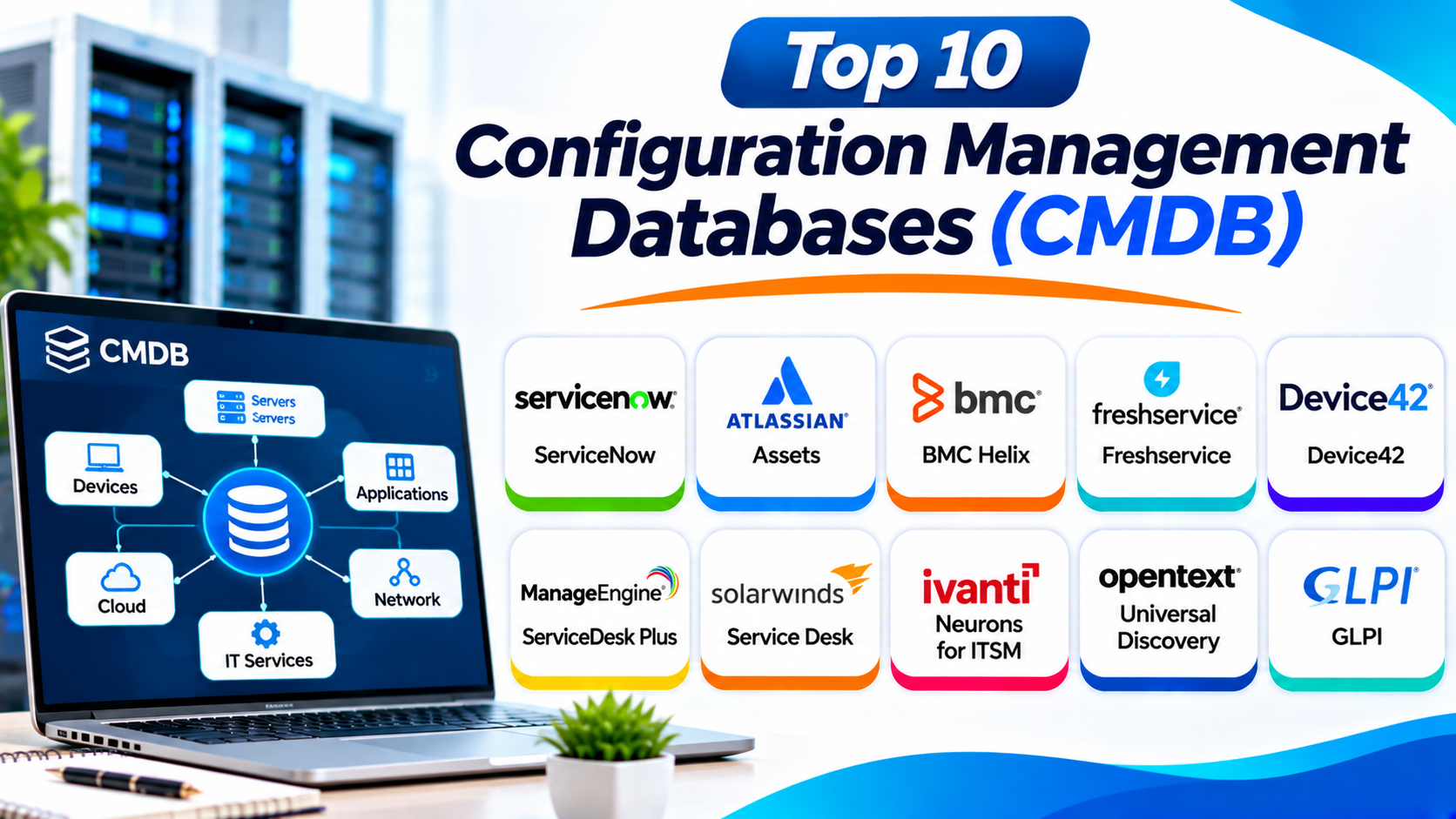
Introduction
Modern businesses depend on complex IT systems. These systems include servers, applications, networks, databases, and cloud services.
IT teams must understand how these components work together. A problem with one system can affect many other services.
A Configuration Management Database (CMDB) helps solve this challenge. It stores information about important IT components and their relationships.
These components are called Configuration Items (CIs). A CI can include a server, application, database, network device, or business service.
A CMDB helps teams understand their IT environment. It also supports better decisions during incidents, changes, and system upgrades.
This guide explores ten useful CMDB platforms. You will learn about their features, Pros, Cons, and best uses.
What Is a Configuration Management Database?
A Configuration Management Database stores information about an organization’s IT environment. It helps teams track technology components and their connections.
A CMDB can record:
- Servers and computers
- Network devices and equipment
- Business applications
- Databases and storage systems
- Cloud resources
- Software and operating systems
- IT services
- Owners and support teams
- Configuration details
- Relationships between IT components
For example, a company may run an online shopping service. That service may depend on web servers, databases, networks, and payment applications.
A CMDB can map these connections. When one component fails, IT teams can understand which services may face problems.
Why Do Businesses Need CMDB Tools?
IT environments keep changing. New devices, applications, cloud services, and connections appear every day.
Without accurate records, teams may struggle to understand their systems. A CMDB helps them maintain a clearer view.
- Better IT visibility: Teams can see important IT components in one place.
- Faster incident response: Support teams can identify affected systems.
- Safer changes: Teams can review dependencies before making changes.
- Better service mapping: Managers can understand how IT supports business services.
- Improved planning: IT teams can review infrastructure before upgrades.
- Stronger control: Teams can track ownership and configuration details.
- Less manual work: Discovery tools can collect information automatically.
- Better risk management: Teams can identify important system relationships.
Top 10 Configuration Management Databases (CMDB)
These platforms offer CMDB features through IT service management, infrastructure discovery, or asset management solutions. Each option serves different business needs.
1. ServiceNow Configuration Management Database
ServiceNow CMDB helps large organizations manage configuration data across complex IT environments. It provides a central view of configuration items and their relationships.
The platform supports hardware, software, applications, services, and infrastructure records. Teams can use this information to understand how technology supports business services.
ServiceNow also supports automated discovery and data integration. Its Service Graph Connectors help bring information from different systems into the CMDB.
The platform connects configuration data with incident, problem, and change management. This helps teams understand the possible impact of IT issues and planned changes.
ServiceNow suits organizations with large IT operations. However, businesses need proper governance to keep their CMDB accurate.
Key Features
- Configuration item management
- Automated discovery
- Service mapping
- Configuration data integration
- Relationship tracking
- Data quality management
- Incident and change management integration
- CMDB health reporting
Pros
- Supports complex enterprise environments.
- Connects configuration data with IT workflows.
- Offers broad integration capabilities.
- Supports service mapping and impact analysis.
- Provides strong configuration governance features.
Cons
- Implementation can take time.
- Licensing and setup can be costly.
- Advanced configuration may need specialist support.
- Poor data governance can reduce CMDB accuracy.
Best For: Large enterprises that need centralized configuration management across complex IT environments.
2. Atlassian Assets in Jira Service Management
Atlassian Assets provides asset and configuration management features within Jira Service Management. It helps teams organize objects and understand their relationships.
Teams can create object types for devices, applications, services, employees, and other resources. They can also connect these objects to support requests and business workflows.
Assets helps IT teams understand which resources support a service. This information can help during incident handling and change planning.
The platform also supports automation and data imports. Teams can use these features to maintain their configuration records.
Atlassian Assets works well for organizations already using Jira. However, teams should check the plan requirements and data model before deployment.
Key Features
- Configuration item records
- Flexible object schemas
- Relationship mapping
- Asset discovery integrations
- Data imports
- Automation rules
- Jira ticket integration
- Service dependency tracking
Pros
- Connects configuration data with Jira workflows.
- Offers flexible object structures.
- Supports automation and integrations.
- Helps teams manage assets and services together.
- Fits many software and DevOps teams.
Cons
- Advanced capabilities depend on the selected plan.
- Large data models need careful planning.
- Teams may need training to manage schemas.
- Some discovery needs require external integrations.
Best For: IT and DevOps teams that already use Jira Service Management.
3. BMC Helix CMDB
BMC Helix CMDB helps enterprises manage configuration data across large IT environments. It supports infrastructure, applications, services, and their relationships.
The platform helps teams collect configuration information from different sources. It also supports data normalization and reconciliation.
Normalization helps make records follow consistent rules. Reconciliation helps combine information from different sources and reduce duplicate records.
BMC Helix CMDB connects with IT service management and operations tools. This helps organizations understand system relationships and service impact.
Its enterprise features suit complex environments. However, teams should plan data governance and integrations carefully.
Key Features
- Configuration item management
- Data normalization
- Data reconciliation
- Relationship mapping
- Discovery integration
- Service impact analysis
- ITSM integration
- Configuration data governance
Pros
- Supports complex enterprise infrastructure.
- Offers data normalization and reconciliation.
- Helps manage relationships between components.
- Connects with IT service workflows.
- Supports large configuration environments.
Cons
- Setup can require specialist knowledge.
- Configuration models need careful planning.
- Costs may not suit smaller organizations.
- Data quality needs ongoing attention.
Best For: Large enterprises that need structured configuration management across complex infrastructure.
4. Freshservice CMDB
Freshservice includes CMDB capabilities within its IT service management platform. It helps IT teams manage assets, configuration items, and service relationships.
The platform provides a central place for configuration records. Teams can connect devices and other resources with employees and support requests.
Freshservice also supports asset discovery and dependency mapping. These features help teams understand how different components support IT services.
Its service desk connection makes it useful during incident management. Support staff can review related configuration information when solving problems.
Freshservice offers a simpler approach than some large enterprise platforms. Businesses with highly complex configuration models should still review its discovery and mapping capabilities.
Key Features
- Configuration item management
- Asset discovery
- Relationship mapping
- Service dependency visibility
- IT asset management
- Incident and change integration
- Workflow automation
- Configuration reporting
Pros
- Offers a user-friendly interface.
- Connects CMDB records with support tickets.
- Combines asset and service management.
- Supports discovery and dependency mapping.
- Suits growing IT teams.
Cons
- Advanced features may require higher plans.
- Complex environments may need extra integrations.
- Large configuration models require planning.
- Some workflows may need customization.
Best For: Small and mid-sized businesses that want CMDB features with an IT service desk.
5. Device42
Device42 focuses on infrastructure discovery and documentation. It helps IT teams understand the components inside data centers and hybrid environments.
The platform can discover servers, network devices, applications, and other infrastructure. It collects information and helps teams build a detailed configuration inventory.
Device42 also maps dependencies between infrastructure components. This helps teams understand how applications connect with servers, databases, and networks.
These maps can support data center planning and cloud migration. They can also help teams review the impact of infrastructure changes.
Device42 suits organizations that need deep technical visibility. Teams should check how it connects with their existing IT service management tools.
Key Features
- Automated infrastructure discovery
- Hardware and software inventory
- Application dependency mapping
- Network discovery
- Data center documentation
- Rack visualization
- IP address management
- ITSM integrations
Pros
- Offers detailed infrastructure discovery.
- Helps map application dependencies.
- Supports data center documentation.
- Provides useful network visibility.
- Helps teams plan migrations and changes.
Cons
- Advanced discovery may need technical setup.
- Large environments require careful configuration.
- Some users may need training.
- Full service workflows may need another ITSM platform.
Best For: Organizations that manage complex data centers and hybrid IT infrastructure.
6. ManageEngine ServiceDesk Plus CMDB
ManageEngine ServiceDesk Plus includes CMDB capabilities for IT service management. It helps businesses manage configuration items and their relationships.
Teams can record computers, servers, software, network devices, and other IT resources. They can also connect these records with service requests and incidents.
The platform supports relationship mapping. This helps IT teams understand which components depend on other systems.
ServiceDesk Plus also connects configuration data with change management. Teams can review affected items before approving changes.
It offers a practical option for many IT departments. Businesses should check the available CMDB features in their selected edition.
Key Features
- Configuration item tracking
- Asset discovery
- Relationship mapping
- Incident management integration
- Change management integration
- Asset inventory
- Service dependency tracking
- Configuration reports
Pros
- Combines service desk and CMDB features.
- Supports configuration relationships.
- Offers asset discovery capabilities.
- Connects records with IT service workflows.
- Provides cloud and on-premises options.
Cons
- Some features vary by edition.
- Advanced environments may need customization.
- Large CMDBs require good data management.
- The interface may take time to learn.
Best For: Small and mid-sized IT teams that need CMDB and service desk capabilities together.
7. SolarWinds Service Desk
SolarWinds Service Desk provides IT service management with configuration and asset management features. It helps teams connect IT resources with support operations.
The platform supports asset records and configuration relationships. Teams can use these records to understand which devices and services support their operations.
SolarWinds Service Desk connects configuration information with incidents and changes. This helps support staff review related assets when handling problems.
The platform also provides service management reports. These can help teams understand their IT operations and support performance.
It suits businesses that want a cloud-based service desk with CMDB capabilities. Organizations with advanced discovery requirements should check its integration options.
Key Features
- Configuration item records
- IT asset management
- Asset discovery integrations
- Incident management
- Change management
- Asset relationships
- Service desk workflows
- Reporting and dashboards
Pros
- Combines service desk and asset management.
- Connects asset records with incidents.
- Offers useful IT service workflows.
- Provides reporting tools.
- Suits organizations seeking cloud-based ITSM.
Cons
- Some CMDB features depend on the selected plan.
- Advanced discovery may require integrations.
- Complex service maps may need extra work.
- It may not suit every large infrastructure environment.
Best For: IT teams that want service management and configuration records in one cloud platform.
8. Ivanti Neurons for ITSM
Ivanti Neurons for ITSM helps organizations manage IT services and configuration information. It supports configuration records, asset relationships, and service workflows.
The platform can connect configuration data with incidents, problems, and changes. This helps IT teams understand how a change may affect other systems.
Ivanti also supports integrations with its wider IT management products. These connections can help teams collect information from devices and infrastructure.
Organizations can use its configuration data to improve service visibility. They should still define clear rules for discovery, ownership, and record updates.
Key Features
- Configuration item management
- Asset and configuration relationships
- IT service management workflows
- Incident and change integration
- Discovery integrations
- Service mapping support
- Automation
- Reporting and dashboards
Pros
- Connects CMDB with IT service workflows.
- Supports asset and configuration management.
- Offers integration with Ivanti products.
- Helps teams understand service relationships.
- Supports automation.
Cons
- Setup can require technical planning.
- Some features depend on product modules.
- Large environments need clear governance.
- Users may need training.
Best For: Organizations that want CMDB capabilities within a broader IT service and endpoint management environment.
9. OpenText Universal Discovery and CMDB
OpenText Universal Discovery and CMDB helps enterprises discover and manage complex IT environments. It supports detailed infrastructure information and configuration relationships.
The platform can collect information from servers, applications, networks, and other systems. It helps teams build a central view of their technology environment.
Universal Discovery supports configuration discovery and dependency mapping. These features help organizations understand how infrastructure components connect.
Its CMDB capabilities can support service management and IT operations. This makes it useful for enterprises with large and mixed environments.
However, deployment and configuration can require specialist knowledge. Businesses should plan integrations and data models before implementation.
Key Features
- Automated infrastructure discovery
- Configuration item management
- Dependency mapping
- Application relationship discovery
- Data center visibility
- Configuration data integration
- Service modeling
- Enterprise reporting
Pros
- Supports complex IT environments.
- Offers detailed discovery capabilities.
- Helps map infrastructure dependencies.
- Supports enterprise configuration models.
- Provides broad infrastructure visibility.
Cons
- Implementation can be complex.
- Advanced features may need specialist support.
- Licensing may not suit smaller organizations.
- Data governance remains important.
Best For: Large enterprises that need deep discovery and configuration mapping across hybrid infrastructure.
10. GLPI
GLPI is an open-source IT service management and asset management platform. It includes inventory and configuration management features.
Organizations can use GLPI to record computers, software, network devices, and other resources. They can also connect these records with help desk activities.
GLPI supports relationships between IT components. Teams can use its records to understand their infrastructure and support processes.
The platform also offers a plugin ecosystem. This allows organizations to extend its features based on their needs.
GLPI can suit businesses that want control over their deployment. However, self-hosting and customization may require technical skills.
Key Features
- IT asset inventory
- Configuration item records
- Hardware and software tracking
- Relationship management
- Help desk integration
- Plugin support
- Inventory automation integrations
- Reports and dashboards
Pros
- Offers an open-source option.
- Supports IT inventory and service management.
- Provides a flexible plugin ecosystem.
- Allows deployment control.
- Can suit budget-conscious IT teams.
Cons
- Self-hosting requires technical skills.
- Advanced features may need plugins.
- Customization can require extra work.
- Support options depend on the selected service.
Best For: Organizations that want flexible, open-source IT service and configuration management.
Comparison Table: Top 10 CMDB Tools
| Tool | Main Strength | Best For |
|---|---|---|
| ServiceNow CMDB | Enterprise configuration governance | Large enterprises |
| Atlassian Assets | Flexible object and relationship management | Jira and DevOps teams |
| BMC Helix CMDB | Data normalization and reconciliation | Complex enterprise IT |
| Freshservice CMDB | ITSM and configuration management | Growing IT teams |
| Device42 | Infrastructure discovery and dependency mapping | Data centers and hybrid IT |
| ManageEngine ServiceDesk Plus | CMDB with service desk workflows | Small and mid-sized businesses |
| SolarWinds Service Desk | Cloud ITSM and asset relationships | IT service teams |
| Ivanti Neurons for ITSM | Service workflows and configuration records | Ivanti environments |
| OpenText Universal Discovery and CMDB | Enterprise discovery and service mapping | Large hybrid environments |
| GLPI | Open-source IT inventory and service management | Budget-conscious organizations |
How to Choose the Right CMDB Tool
Choosing a CMDB platform requires careful planning. Your tool should match your infrastructure and IT service needs.
1. Understand Your IT Environment
Start by listing your IT components. Include servers, applications, databases, networks, cloud services, and user devices.
This list will help you understand the information your CMDB must store.
2. Check Automated Discovery
Manual records can become outdated quickly. Automated discovery helps collect information from connected systems.
Check whether the tool supports your devices, operating systems, networks, and cloud platforms.
3. Review Relationship Mapping
A useful CMDB should show how configuration items connect. This helps teams understand service dependencies.
Look for clear relationship maps and impact analysis features.
4. Check Data Quality Features
A CMDB needs accurate information. Duplicate and outdated records can create confusion.
Look for data validation, normalization, reconciliation, and health reporting.
5. Review ITSM Integration
Your CMDB should support your IT service processes. Check how it connects with incident, problem, and change management.
This connection can help teams make better support decisions.
6. Consider Cloud and Hybrid Support
Many organizations use both cloud and on-premises systems. Choose a tool that supports your full environment.
Check its discovery and integration options for each platform.
7. Review Security and Access
Configuration records can contain sensitive infrastructure details. Check user roles, access controls, and audit records.
Make sure the platform meets your security needs.
8. Compare Total Costs
Compare more than subscription prices. Include implementation, training, integrations, hosting, and maintenance.
Ask vendors for pricing based on your number of users and configuration items.
Common Uses of CMDB Software
Businesses use CMDB platforms for many IT operations.
- Tracking servers and network devices
- Managing application records
- Mapping business service dependencies
- Supporting incident management
- Planning infrastructure changes
- Reviewing system relationships
- Supporting problem investigations
- Managing cloud resources
- Preparing for system migrations
- Tracking configuration ownership
- Improving IT documentation
- Supporting security and compliance reviews
These activities help teams understand their IT environment. They can also reduce confusion during important changes.
Benefits of Configuration Management Database Tools
1. Better Infrastructure Visibility
A CMDB gives teams a central view of IT components. They can understand what exists and how systems connect.
2. Faster Incident Resolution
Support teams can review affected components during an incident. This helps them identify possible causes and related services.
3. Safer Change Management
Teams can check system dependencies before making changes. This helps reduce unexpected service problems.
4. Improved Service Mapping
Service maps show how infrastructure supports business services. This helps teams understand the wider impact of technical issues.
5. Better IT Planning
Accurate configuration records help teams plan upgrades and migrations. They can also review dependencies before replacing systems.
6. Stronger IT Governance
A CMDB helps teams maintain ownership and configuration records. This supports more consistent IT management.
7. Reduced Manual Work
Automated discovery can collect information from connected systems. This reduces repeated data entry.
Challenges of CMDB Implementation
A CMDB can provide useful information. However, organizations must manage several challenges.
Incomplete Configuration Data
A CMDB may miss devices or applications. Teams should review discovery coverage and update records regularly.
Outdated Records
IT environments change often. Teams need processes that update records when components change.
Duplicate Configuration Items
Different systems may report the same component. Data reconciliation can help reduce duplicate records.
Poor Relationship Mapping
Incorrect relationships can lead to poor impact analysis. Teams should validate important service connections.
Complex Implementation
Large organizations may have many systems and data sources. They should start with important services and expand gradually.
Lack of Ownership
Every important configuration item needs clear ownership. Teams should assign responsibility for reviewing and maintaining records.
Questions and Answers About CMDB Tools
1. What is a Configuration Management Database?
A Configuration Management Database stores information about IT components and their relationships. It helps teams understand their technology environment.
2. What does CMDB stand for?
CMDB stands for Configuration Management Database. It stores records about configuration items within an IT environment.
3. What is a Configuration Item?
A Configuration Item is a component that an organization manages. Examples include servers, applications, databases, networks, and IT services.
4. What is the difference between CMDB and ITAM?
IT Asset Management focuses on asset ownership, cost, and lifecycle. A CMDB focuses on configuration details and relationships between IT components.
5. What is the difference between CMDB and ITSM?
ITSM manages how an organization delivers and supports IT services. A CMDB provides configuration information that supports ITSM processes.
6. Which CMDB tool is best for large enterprises?
ServiceNow CMDB and BMC Helix CMDB are strong options for large enterprises. OpenText Universal Discovery and CMDB also suits complex infrastructure discovery needs.
7. Can small businesses use CMDB tools?
Yes. Freshservice, ManageEngine ServiceDesk Plus, and GLPI can suit smaller IT teams. The right choice depends on budget and required features.
8. Can a CMDB discover assets automatically?
Many CMDB platforms support automated discovery. They can collect information from devices, networks, applications, and other connected systems.
9. Why is relationship mapping important?
Relationship mapping shows how IT components depend on each other. It helps teams understand the impact of incidents and planned changes.
10. How often should a CMDB be updated?
A CMDB should update whenever important configuration changes occur. Teams should also review data quality on a regular schedule.
Final Thoughts
A CMDB helps businesses understand their IT infrastructure. It shows important components and the relationships between them.
ServiceNow and BMC Helix suit complex enterprise environments. Device42 and OpenText focus on detailed infrastructure discovery. Atlassian Assets works well for Jira teams.
Freshservice and ManageEngine offer CMDB features with IT service management. GLPI provides an open-source option for organizations that want more deployment control.
Before choosing, review discovery, relationship mapping, integrations, and data quality. Also consider implementation costs and ongoing maintenance.
A useful CMDB depends on accurate information. Choose a platform your IT team can maintain and trust.