Introduction
Every business needs a simple way to handle support requests. Employees need help with computers, accounts, and software. Customers also need quick answers to their questions.
Help desk and service desk software make this work easier. These tools collect requests, assign tasks, track progress, and help teams solve problems.
However, not every platform serves the same purpose. Some focus on customer support. Others help IT teams manage incidents, assets, and company services.
This guide explores ten popular platforms. It explains their features, Pros, Cons, and best uses. You can compare them and find the right fit for your team.
What Is Help Desk and Service Desk Software?
Help desk and service desk software help teams manage support requests. They turn messages and problems into organized tickets.
A ticket records an issue from the first report to its final solution. Support staff can assign tickets, add notes, set priorities, and track progress.
Help desk software often focuses on fixing user problems. Service desk software covers a wider range of IT services. It can also manage service requests, changes, assets, and knowledge.
Help Desk vs. Service Desk: What Is the Difference?
| Area | Help Desk Software | Service Desk Software |
|---|---|---|
| Main purpose | Solve user problems | Manage IT services |
| Main focus | Support tickets | Complete service delivery |
| Incident handling | Yes | Yes |
| Service requests | Basic support requests | Structured service requests |
| Asset management | Sometimes | Often |
| Change management | Limited | Common |
| Problem management | Basic | More advanced |
| Best for | Customer and user support | Internal IT and service teams |
A help desk often acts as the first point of contact. A service desk manages a wider range of service needs.
Some platforms support both types of work. Your choice should depend on your team’s daily tasks.
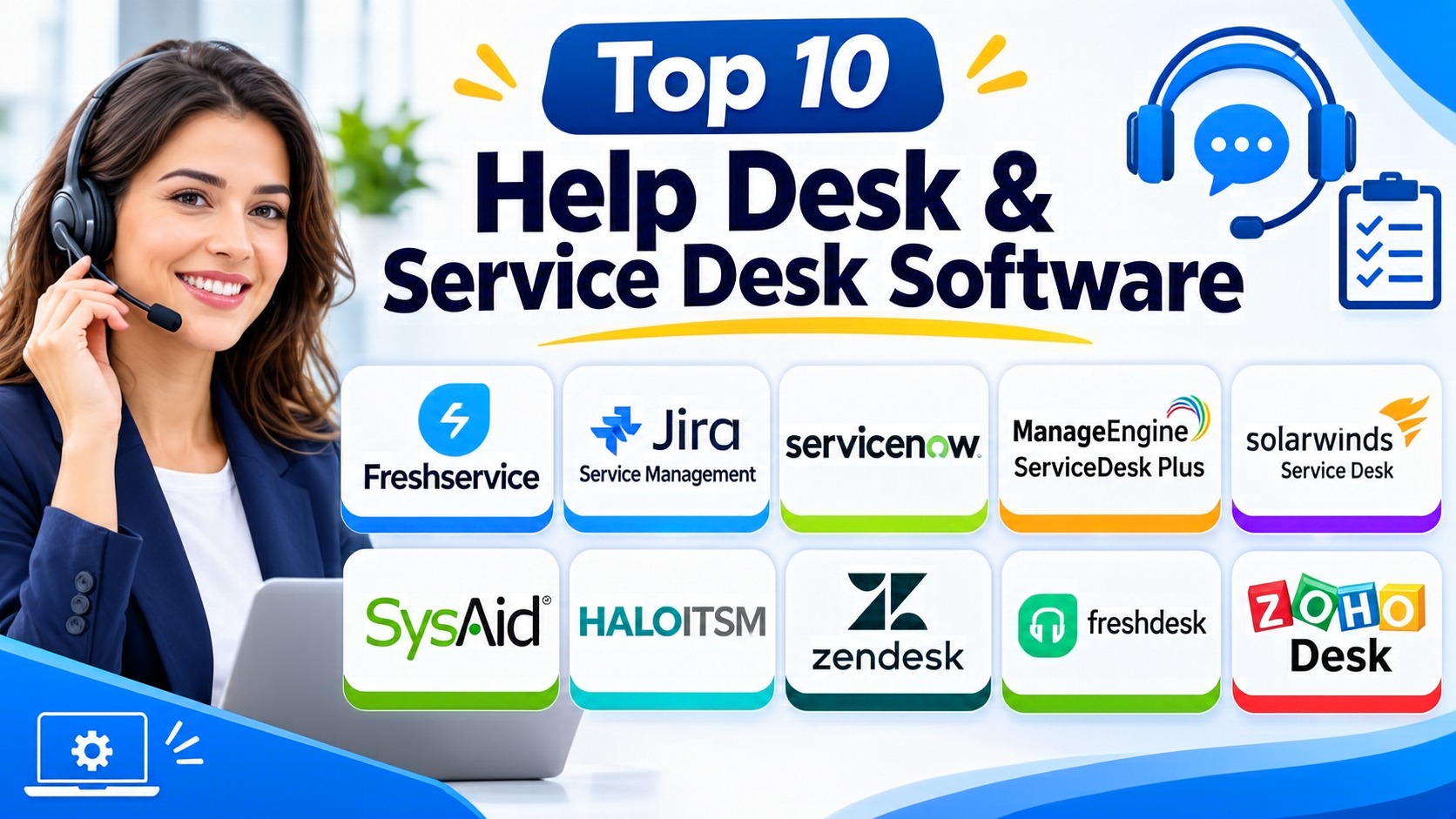
Top 10 Help Desk & Service Desk Software
1. Freshservice
Freshservice is an IT service management platform from Freshworks. It helps IT teams manage incidents, service requests, assets, and changes.
The platform offers a clear workspace for support agents. Teams can organize requests and track each issue from start to finish.
Freshservice also includes automation tools. These tools help teams assign tickets, set priorities, and manage routine tasks.
Its service catalog lets employees request common services. For example, staff can ask for new software, equipment, or account access.
Freshservice also offers asset management features. IT teams can track devices and connect assets with support tickets.
Key Features:
- Incident and service request management
- IT asset management
- Service catalog
- Change and problem management
- Workflow automation
- Knowledge base
- Service-level agreement tracking
- Reports and dashboards
- AI-assisted support features
Pros:
- Easy-to-use interface
- Strong IT service management features
- Helpful automation tools
- Supports asset tracking
- Offers a service catalog
- Works well for growing IT teams
Cons:
- Advanced features may need higher plans
- Some setup work takes time
- Costs can rise as teams add features
- Complex workflows may need careful planning
Best For: Businesses that need modern IT service management and asset tracking.
2. Jira Service Management
Jira Service Management comes from Atlassian. It helps IT, operations, and development teams manage service requests.
The platform connects service teams with software development workflows. This makes it useful when technical issues need help from developers.
Teams can manage incidents, changes, problems, and service requests. They can also create request portals for employees and customers.
Jira Service Management supports automation and service-level agreements. Teams can set rules to route tickets and track response times.
Its connection with other Atlassian products adds more value. For example, teams can link support tickets with Jira Software issues.
Key Features:
- Incident management
- Service request management
- Change management
- Problem management
- Service portals
- Knowledge management
- SLA tracking
- Workflow automation
- Developer tool integrations
- Asset and configuration management options
Pros:
- Strong connection with Jira Software
- Useful for IT and development teams
- Flexible ticket workflows
- Good incident management tools
- Supports service-level tracking
- Offers a free plan for small teams
Cons:
- New users may need training
- Advanced setup can become complex
- Some features depend on other Atlassian products
- Large workflows need regular management
Best For: IT teams, software companies, and businesses using Atlassian products.
3. ServiceNow
ServiceNow is an enterprise platform for IT service management and business workflows. It helps large organizations manage complex service operations.
Its IT Service Management tools cover incidents, problems, changes, and service requests. Teams can use a central service portal to manage employee needs.
ServiceNow also supports asset and configuration management. These features help IT teams understand their systems and connected resources.
The platform includes workflow automation and AI features. Businesses can use them to reduce manual work and improve service delivery.
ServiceNow supports more than IT teams. Organizations can also connect other departments through its wider service management products.
Key Features:
- Incident management
- Problem management
- Change management
- IT asset management
- Configuration management database
- Employee service portal
- Knowledge management
- Workflow automation
- AI-assisted service operations
- Enterprise reporting
Pros:
- Broad enterprise service management
- Strong workflow automation
- Supports complex IT processes
- Offers extensive integration options
- Helps manage assets and services
- Supports large organizations
Cons:
- Implementation can take significant time
- Costs may be high
- Administration can require skilled staff
- Smaller teams may not need its full feature set
Best For: Large businesses that need enterprise-wide service management.
4. ManageEngine ServiceDesk Plus
ManageEngine ServiceDesk Plus combines help desk ticketing with IT service management. It helps IT teams manage support requests and daily service operations.
The platform supports incident, problem, and change management. Teams can also manage service requests through a central portal.
Its asset management features help track computers, software, and other IT resources. Technicians can connect assets with tickets to understand problems faster.
ServiceDesk Plus also offers automation and reporting tools. These features help teams manage workloads and review service performance.
Businesses can choose cloud or on-premises deployment options. This gives IT teams more control over how they run the platform.
Key Features:
- IT help desk ticketing
- Incident management
- Problem management
- Change management
- Asset management
- Service catalog
- Knowledge base
- SLA management
- Workflow automation
- Reports and dashboards
- Cloud and on-premises options
Pros:
- Combines help desk and ITSM tools
- Offers asset management
- Supports on-premises deployment
- Includes useful reporting tools
- Provides several service management features
- Fits many IT support needs
Cons:
- The interface may feel busy to some users
- Advanced setup can take time
- Some features depend on the selected edition
- Large environments need careful configuration
Best For: IT departments that need ticketing, asset tracking, and service management.
5. SolarWinds Service Desk
SolarWinds Service Desk is a cloud-based IT service management platform. It helps teams manage incidents, service requests, assets, and changes.
The platform brings support tickets into one workspace. Technicians can assign requests, set priorities, and monitor progress.
Its asset management tools help teams track hardware and software. This gives technicians useful information when they investigate problems.
SolarWinds Service Desk also offers a service portal and knowledge base. Employees can use these tools to find answers or submit requests.
Reporting features help managers review ticket volumes and service performance. Teams can use this information to improve their support process.
Key Features:
- Incident management
- Service request management
- IT asset management
- Change management
- Problem management
- Service catalog
- Knowledge base
- Workflow automation
- SLA tracking
- Reporting and dashboards
Pros:
- Clear cloud-based workspace
- Combines ticketing and asset tracking
- Useful ITSM features
- Supports employee self-service
- Provides reporting tools
- Helps teams organize service requests
Cons:
- Some advanced features need higher plans
- Pricing may not suit every small team
- Custom workflows need planning
- Cloud deployment may not fit every IT policy
Best For: Businesses that want cloud-based IT service management and asset visibility.
6. SysAid
SysAid is an IT service management platform with help desk and automation features. It helps IT teams manage incidents, requests, and service workflows.
The platform provides a central ticketing system. Technicians can assign tickets, track progress, and communicate with users.
SysAid also offers asset management and service catalog tools. These features help IT teams manage equipment and common employee requests.
Automation can reduce repeated work. Teams can create workflows for ticket routing, approvals, and routine support tasks.
Its AI features can assist with support activities. Businesses should review the available features and plans before choosing a package.
Key Features:
- Help desk ticketing
- Incident management
- Service request management
- IT asset management
- Workflow automation
- Service catalog
- Knowledge base
- Self-service portal
- Reporting and analytics
- AI-assisted support features
Pros:
- Combines ticketing with ITSM tools
- Supports service automation
- Offers asset management
- Helps organize employee requests
- Includes self-service options
- Supports structured IT workflows
Cons:
- Setup may take time
- Some users may need training
- Advanced customization can require effort
- Costs depend on the selected package
Best For: IT teams that want ticket management, automation, and asset support in one platform.
7. HaloITSM
HaloITSM is a service management platform for IT and business support teams. It helps organizations manage incidents, requests, changes, and service operations.
The platform offers a configurable ticketing system. Teams can build workflows that match their internal processes.
HaloITSM also supports asset management and a service catalog. These tools help employees request services and help technicians manage resources.
Its reporting and automation features support daily service operations. Teams can monitor ticket progress and improve their workflows.
HaloITSM offers cloud and self-hosted options. This flexibility can help organizations with different deployment needs.
Key Features:
- Incident management
- Problem management
- Change management
- Service request management
- IT asset management
- Configuration management
- Service catalog
- Workflow automation
- Knowledge base
- Reporting and dashboards
- Cloud and self-hosted deployment
Pros:
- Broad ITSM feature set
- Flexible workflow configuration
- Supports asset management
- Offers different deployment choices
- Useful service catalog tools
- Can support growing organizations
Cons:
- Configuration can take time
- New users may need training
- Some advanced workflows need planning
- Smaller teams may not need every feature
Best For: Organizations that need configurable IT service management.
8. Zendesk
Zendesk is a customer service and help desk platform. It helps businesses manage customer questions across several communication channels.
The platform collects support requests in a shared workspace. Agents can respond to customers, assign tickets, and track conversations.
Zendesk supports email, messaging, chat, and other channels. Its automation tools help teams route requests and handle repeated tasks.
Businesses can also create help centers and knowledge bases. Customers can search for answers without contacting an agent.
Zendesk offers reporting and analytics for support teams. Managers can review ticket activity and measure service performance.
Key Features:
- Customer support ticketing
- Omnichannel communication
- Live chat and messaging
- Help center and knowledge base
- Ticket routing
- Workflow automation
- SLA management
- Reporting and analytics
- AI-assisted customer support
- Third-party integrations
Pros:
- Strong customer support features
- Supports multiple communication channels
- Useful ticket automation
- Offers self-service tools
- Provides detailed reporting
- Connects with many business applications
Cons:
- Costs can increase with add-ons
- Advanced features may need higher plans
- Setup requires workflow planning
- It is not a full ITSM platform by itself
Best For: Customer support teams that manage requests across multiple channels.
9. Freshdesk
Freshdesk is a customer support platform from Freshworks. It helps businesses organize customer questions and service requests.
The platform turns customer messages into tickets. Agents can assign, prioritize, and manage these tickets from one workspace.
Freshdesk supports email, chat, phone, and social channels through its available products and plans. This helps teams manage customer conversations in one place.
Its automation tools can assign tickets and send updates. The knowledge base also helps customers find answers on their own.
Freshdesk includes reporting features for support managers. Teams can use these reports to review response times and ticket trends.
Key Features:
- Ticket management
- Shared support inbox
- Email and chat support
- Omnichannel support options
- Knowledge base
- Customer portal
- SLA management
- Ticket automation
- Team collaboration
- Reporting and analytics
- AI-assisted support features
Pros:
- Easy to learn
- Useful ticket management tools
- Supports customer self-service
- Offers automation features
- Fits growing support teams
- Provides reporting tools
Cons:
- Advanced tools may need paid plans
- Costs can rise as teams grow
- Some channels depend on product and plan
- Complex support operations may need more customization
Best For: Small and growing businesses that need organized customer support.
10. Zoho Desk
Zoho Desk is a help desk platform for customer service teams. It helps businesses manage customer tickets and support conversations.
The platform brings requests from different channels into one workspace. Agents can organize tickets and respond to customers more easily.
Zoho Desk includes workflow automation and SLA management. Teams can set rules for ticket assignment, priorities, and follow-ups.
Its knowledge base helps customers solve common problems. The platform also connects with other Zoho products, including Zoho CRM.
Zoho Desk offers reports and dashboards for support managers. These tools help teams understand ticket activity and service quality.
Key Features:
- Multichannel ticket management
- Email and social support
- Customer self-service portal
- Knowledge base
- SLA management
- Workflow automation
- Ticket assignment rules
- CRM integration
- AI assistance through Zia
- Reports and dashboards
Pros:
- Works well with Zoho products
- Offers useful ticket automation
- Includes a customer portal
- Supports multiple channels
- Provides reporting tools
- Offers plans for different team sizes
Cons:
- Some features need higher plans
- New users may need time to learn the interface
- Advanced customization can take effort
- Best value often comes from the wider Zoho ecosystem
Best For: Small and midsize businesses that want affordable customer support tools.
Comparison Table: Top 10 Help Desk & Service Desk Software
| Software | Main Focus | Key Strength | Best For |
|---|---|---|---|
| Freshservice | ITSM | Asset and incident management | Growing IT teams |
| Jira Service Management | ITSM | Atlassian integration | IT and development teams |
| ServiceNow | Enterprise ITSM | Complex service workflows | Large organizations |
| ManageEngine ServiceDesk Plus | ITSM | Ticketing and asset tracking | IT departments |
| SolarWinds Service Desk | ITSM | Cloud service management | Internal IT teams |
| SysAid | ITSM | Automation and ticketing | IT support teams |
| HaloITSM | ITSM | Configurable service workflows | Growing organizations |
| Zendesk | Customer support | Omnichannel ticketing | Customer service teams |
| Freshdesk | Customer support | Easy ticket management | Growing businesses |
| Zoho Desk | Customer support | Zoho ecosystem integration | Small and midsize businesses |
How to Choose the Right Help Desk or Service Desk Software
Choosing the right platform takes more than comparing feature lists. You should first understand your team’s support needs.
1. Identify Your Main Support Needs
Decide whether you need customer support or internal IT support.
Choose a customer help desk for customer questions and complaints. Choose an IT service desk for incidents, assets, changes, and employee requests.
2. Check Ticket Management
Your platform should make ticket handling simple. Look for assignment rules, priority settings, status tracking, and ticket history.
These tools help agents manage requests without losing important details.
3. Review Automation Features
Automation can reduce repeated tasks. Look for automatic ticket assignment, alerts, approval steps, and follow-up rules.
Choose features that match your real workflows. Avoid paying for tools your team will not use.
4. Look for Self-Service Options
A good knowledge base can reduce repeated support requests. Employees and customers can search for answers before contacting an agent.
A service portal can also help users submit requests in a clear format.
5. Check Asset Management
IT teams often need to track laptops, software, servers, and other equipment. Choose a platform with asset management if these tasks matter to your business.
6. Review Integrations
Your help desk may need to connect with email, CRM, chat, identity, and project tools.
Check the integrations your team already uses. Confirm that the right features work with your chosen plan.
7. Compare Security and Deployment
Review access controls, data protection, audit logs, and available security options.
Also check whether you need cloud hosting or self-hosted deployment. Your IT policies may affect this choice.
8. Understand the Total Cost
Compare more than the starting price. Check agent limits, add-ons, automation costs, and setup needs.
Ask vendors about the full cost of the features you plan to use.
9. Test the User Experience
Ask support agents and employees to test the platform. A simple interface can help teams adopt the system faster.
Use a trial or product demo when available.
10. Plan for Future Growth
Choose software that can support more users and requests as your business grows. Make sure it can handle new workflows and service needs.
Common Uses of Help Desk & Service Desk Software
Businesses use these platforms for many support tasks.
- Customer question management
- Employee IT support
- Password and account requests
- Hardware and software issue tracking
- Incident management
- Service request handling
- Change approvals
- IT asset tracking
- Knowledge base management
- Customer complaint handling
- Internal service portals
- Support team reporting
These tools help teams manage work in a more organized way.
Benefits of Help Desk & Service Desk Software
Better Ticket Organization
The platform keeps support requests in one place. Teams can assign tickets and track their progress.
Faster Issue Handling
Automation can route requests to the right team. This helps reduce manual work and delays.
Clearer Team Communication
Agents can share notes and updates inside tickets. This helps teams understand each issue.
Improved User Experience
Customers and employees can check request status. Self-service tools also help users find answers faster.
Better Service Tracking
Reports show ticket volumes, response times, and team workloads. Managers can use this information to improve support.
Stronger IT Management
Service desk platforms can connect tickets with assets and changes. This helps IT teams manage services more carefully.
Challenges When Using Help Desk & Service Desk Software
These platforms offer many benefits, but teams should plan for a few challenges.
Setup and Configuration
Complex workflows need careful setup. Teams should define ticket types, priorities, and approval rules before launch.
User Training
Agents need to learn the system. Employees may also need guidance on using service portals.
Integration Work
Some tools may not connect directly with every business application. Teams should check integration needs before buying.
Cost Management
Extra agents, modules, and AI features can increase costs. Review the full pricing structure before choosing a plan.
Process Changes
Software cannot fix a poor support process by itself. Teams should review their workflows and improve them as needed.
Questions and Answers
1. What Is Help Desk Software?
Help desk software helps teams manage customer and employee support requests. It uses tickets to track issues, assign work, and record solutions.
2. What Is Service Desk Software?
Service desk software manages IT services and support. It often includes incident, problem, change, asset, and service request management.
3. What Is the Main Difference Between Help Desk and Service Desk Software?
A help desk mainly solves support problems. A service desk manages a wider range of IT services and processes.
4. Which Software Is Best for IT Service Management?
Freshservice, Jira Service Management, ServiceNow, and ManageEngine ServiceDesk Plus offer strong ITSM features. The best choice depends on team size and workflow needs.
5. Which Help Desk Software Is Best for Small Businesses?
Freshdesk and Zoho Desk are useful options for small businesses. Both offer customer ticket management and support features.
6. Can Help Desk Software Automate Ticket Assignment?
Yes. Many platforms support automatic ticket assignment. Teams can create rules based on ticket type, priority, team, or other details.
7. Does Service Desk Software Support Asset Management?
Many service desk platforms include asset management. Freshservice, ManageEngine ServiceDesk Plus, and ServiceNow offer asset-related features.
8. Can Customers Track Their Support Requests?
Yes. Many customer help desk tools provide customer portals. Users can submit tickets and check their status.
9. Is Cloud-Based Help Desk Software Better?
Cloud software can simplify access and maintenance. However, the best deployment depends on your security rules, budget, and IT needs.
10. How Do I Choose the Best Platform?
Start with your support needs. Then compare ticketing, automation, integrations, security, reporting, ease of use, and total cost.
Final Thoughts
Help desk and service desk software help businesses deliver better support. They keep requests organized and make teamwork easier.
Freshservice, Jira Service Management, and ServiceNow suit different IT service needs. ManageEngine ServiceDesk Plus, SysAid, and HaloITSM also offer useful ITSM features.
For customer support, Zendesk, Freshdesk, and Zoho Desk provide strong ticket management options. SolarWinds Service Desk offers another choice for internal IT teams.
There is no single platform that fits every business. Compare your needs, test the tools, and review the full cost.
The right software can help your team solve problems faster and deliver more reliable service.