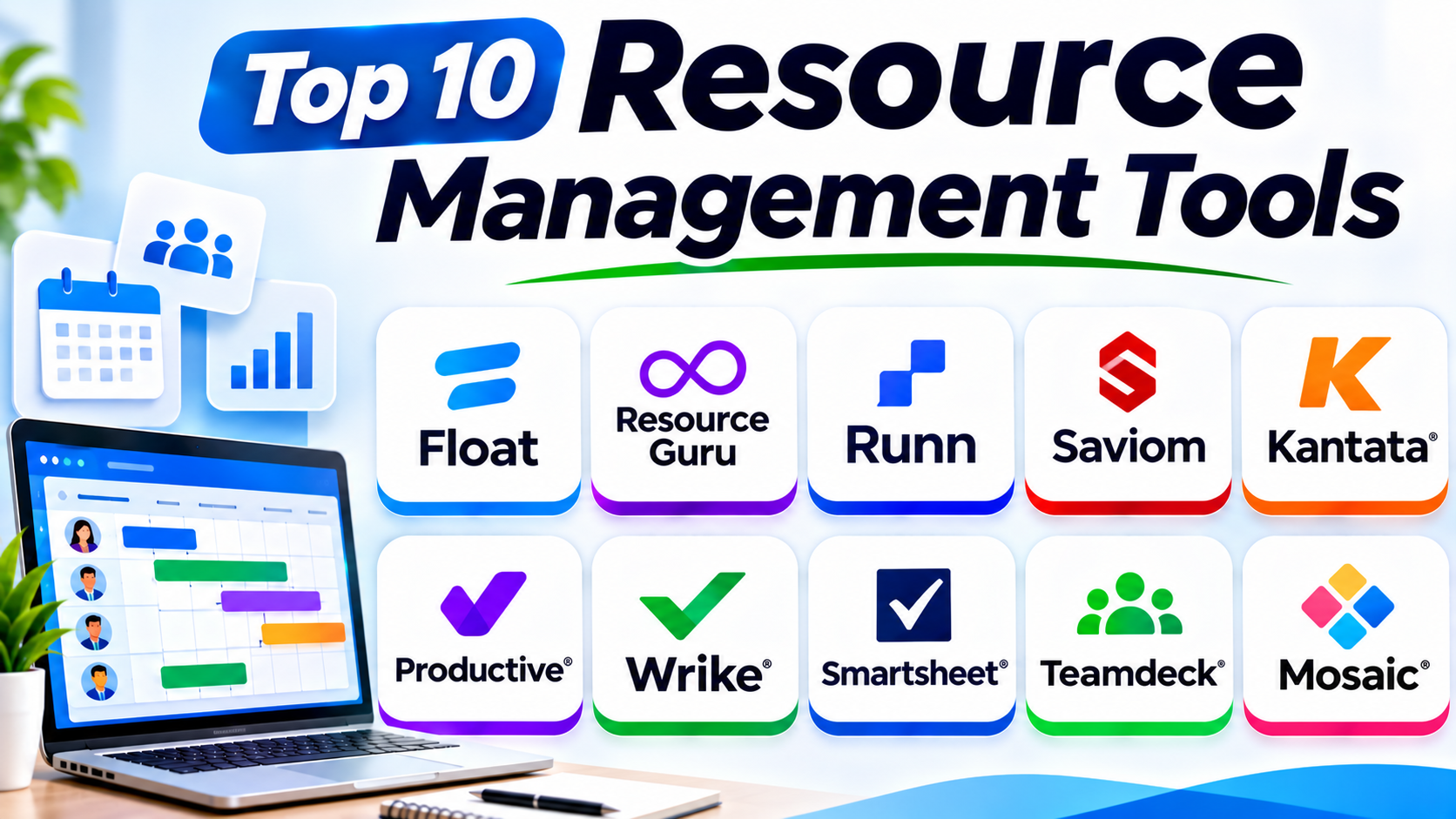
Top 10 Resource Management Tools: Best Software to Plan, Schedule, and Manage Team Resources
Introduction
Every project needs the right people, skills, time, and tools. But managing these resources can become difficult as work grows.
Team members may handle too many tasks. Some workers may have little work. Project managers may also struggle with changing schedules.
Resource management tools help solve these problems. They show who is available, who has work, and where teams need support.
These platforms help businesses plan work, balance workloads, and use resources wisely. They also help managers avoid delays and improve team performance.
This guide explores ten useful resource management tools. It explains their features, Pros, Cons, and best uses.
What Are Resource Management Tools?
Resource management tools help businesses plan and manage their resources. These resources can include employees, contractors, equipment, rooms, time, and budgets.
The software helps managers assign the right resources to the right work. It also shows team availability and workload levels.
For example, a project manager may need three designers next month. A resource management tool can show which designers have free time.
Managers can then assign work without overloading the team. This makes project planning easier and more organized.
Why Do Businesses Need Resource Management Software?
Businesses often manage many projects at once. Each project needs people, skills, time, and equipment.
Without a clear plan, teams can face several problems. Resource management software helps reduce these problems.
Key benefits include:
- Better workload planning: Managers can balance work across team members.
- Clear team availability: Everyone can see who has free time.
- Fewer scheduling conflicts: Teams can avoid double-booking people and equipment.
- Improved project planning: Managers can match resources with project needs.
- Better cost control: Businesses can track resource costs and planned work.
- Capacity forecasting: Teams can prepare for future work needs.
- Stronger teamwork: Everyone gets a clearer view of assigned work.
Top 10 Resource Management Tools
1. Float
Float is a resource planning and scheduling platform. It helps teams plan projects and manage people’s time.
The platform offers a visual schedule. Managers can assign work with a clear view of team availability.
Float helps businesses see who is busy and who has free time. Teams can also track planned hours and compare them with available capacity.
Its visual layout makes resource planning easier. Managers can move assignments when project needs change.
Key Features
- Visual resource scheduling.
- Team availability tracking.
- Workload and capacity planning.
- Project and task assignments.
- Time-off management.
- Utilization reports.
- Project planning and forecasting.
Pros
- Simple visual scheduling.
- Easy-to-understand workload views.
- Helpful for agencies and creative teams.
- Supports changing project plans.
- Makes team availability clear.
Cons
- It offers fewer project management features than large work platforms.
- Advanced business needs may require other systems.
- New users may need time to set up their schedules.
Best For: Agencies, studios, consulting teams, and businesses that need visual resource scheduling.
2. Resource Guru
Resource Guru is a dedicated resource scheduling platform. It helps businesses manage people, equipment, and meeting spaces.
The platform provides a shared booking calendar. Managers can check availability before assigning resources.
Its clash management feature helps teams avoid double bookings. The software also supports leave tracking and workload visibility.
Resource Guru works well for teams that want a focused scheduling tool. It does not require a large project management system.
Key Features
- Staff scheduling.
- Equipment and room booking.
- Resource availability calendars.
- Clash management.
- Leave and time-off tracking.
- Utilization reports.
- Team workload views.
Pros
- Easy-to-use booking calendar.
- Helps prevent double bookings.
- Supports people and physical resources.
- Clear availability information.
- Suitable for small and growing teams.
Cons
- It offers fewer advanced project planning features.
- Complex financial forecasting may need another tool.
- Some resource types may add to the cost.
Best For: Small and medium businesses that need simple staff, equipment, and room scheduling.
3. Runn
Runn is a resource planning and forecasting platform. It helps businesses manage team capacity across projects.
Managers can plan assignments and review future workloads. They can also create tentative projects before confirming the work.
Runn provides useful views of team utilization. These views help managers identify overloaded and underused resources.
The platform also supports project forecasting. This helps businesses understand future staffing needs and possible resource gaps.
Key Features
- Resource scheduling.
- Capacity planning.
- Team utilization tracking.
- Project forecasting.
- Tentative project planning.
- Scenario planning.
- Financial and project reports.
Pros
- Strong capacity planning features.
- Helpful forecasting tools.
- Clear workload views.
- Supports tentative project plans.
- Useful for professional services teams.
Cons
- Some advanced features need setup.
- Smaller teams may not need every planning feature.
- Integration needs should be checked before purchase.
Best For: Consulting firms, agencies, and project-based businesses that need capacity forecasting.
4. Saviom
Saviom is an enterprise resource management platform. It helps large organizations plan people, skills, and project capacity.
The platform supports resource forecasting and allocation. Managers can match employees with project needs.
Saviom also helps organizations understand resource demand. This allows managers to plan hiring, transfers, and future assignments.
Its reporting tools provide insight into resource use. Businesses can use these reports to improve planning across departments.
Key Features
- Enterprise resource planning.
- Resource capacity forecasting.
- Skills and availability matching.
- Project resource allocation.
- Workforce planning.
- Resource utilization reports.
- Demand and supply planning.
Pros
- Supports complex resource planning.
- Useful for large organizations.
- Helps match skills with project needs.
- Offers detailed planning and reporting.
- Supports long-term capacity decisions.
Cons
- It may require a longer setup process.
- Smaller teams may find it too complex.
- Businesses should request pricing and feature details.
Best For: Large organizations with complex resource needs and many active projects.
5. Kantata
Kantata provides professional services automation and resource management software. It helps service businesses manage people, projects, and financial performance.
The platform connects resource planning with project delivery. Managers can review team skills, availability, and assignments.
Kantata also supports project budgets and business performance tracking. This helps service firms understand how resource choices affect project results.
Its broad feature set suits businesses that manage client work. It can support resource planning across many teams and projects.
Key Features
- Resource planning and allocation.
- Skills and role matching.
- Team utilization tracking.
- Project financial management.
- Budget and cost tracking.
- Project forecasting.
- Business performance reports.
Pros
- Connects resource planning with project finances.
- Useful for professional services firms.
- Supports skills-based staffing.
- Offers broad project visibility.
- Helps track utilization and costs.
Cons
- It may be too broad for simple scheduling needs.
- Setup can require planning and training.
- Pricing generally requires a vendor discussion.
Best For: Consulting firms and large professional services businesses.
6. Productive
Productive is a business management platform for agencies and service companies. It connects resource planning with project work and financial data.
Managers can schedule employees and review their workloads. They can also check project budgets and team utilization.
The platform helps businesses understand how they use their staff. Its financial features also help managers review project costs and profitability.
Productive brings several business functions into one workspace. This can reduce the need to switch between separate tools.
Key Features
- Resource scheduling.
- Capacity planning.
- Project management.
- Time tracking.
- Budget management.
- Team utilization reports.
- Financial and profitability tracking.
Pros
- Combines resource and project management.
- Connects staff planning with budgets.
- Useful for agencies.
- Supports time and cost tracking.
- Provides business performance reports.
Cons
- Its broad feature set may take time to learn.
- Smaller teams may not need every feature.
- Businesses should compare plans before choosing.
Best For: Digital agencies, creative studios, and professional services companies.
7. Wrike
Wrike is a work management platform with resource planning features. It helps teams manage projects, tasks, workloads, and collaboration.
Its workload views help managers understand team capacity. They can review assignments and adjust work when priorities change.
Wrike also supports project dashboards and reports. These tools help managers track progress and spot resource problems.
The platform connects resource planning with daily project work. This makes it useful for teams that want one system for several work activities.
Key Features
- Workload management.
- Resource planning.
- Task and project tracking.
- Project dashboards.
- Time tracking.
- Team collaboration.
- Custom reports and workflows.
Pros
- Combines project and resource management.
- Offers flexible workflows.
- Supports team workload views.
- Provides useful reporting tools.
- Suitable for cross-functional teams.
Cons
- Some resource features depend on the selected plan.
- New users may need training.
- Large workspaces can require careful setup.
Best For: Growing businesses and large teams that need resource planning with project management.
8. Smartsheet Resource Management
Smartsheet Resource Management helps organizations plan people and project resources. It connects resource planning with work management.
Managers can review team availability and project assignments. They can also understand how different projects use shared resources.
The platform supports capacity planning and workload tracking. This helps teams find staffing gaps before they affect delivery.
Smartsheet works well for organizations that already use its work management platform. Teams should check the resource management product and its licensing needs before buying.
Key Features
- Resource allocation.
- Capacity planning.
- Team availability tracking.
- Project workload views.
- Resource forecasting.
- Utilization reports.
- Project portfolio visibility.
Pros
- Connects with the Smartsheet environment.
- Supports resource and project planning.
- Helps teams view capacity.
- Useful for multiple projects.
- Offers reporting and planning features.
Cons
- Resource Management may require a separate subscription.
- Some teams may need training.
- Its full value depends on the wider Smartsheet setup.
Best For: Organizations that use Smartsheet and need stronger resource planning.
9. Teamdeck
Teamdeck is a resource management platform for teams and project-based businesses. It helps managers schedule people and track working time.
The platform provides resource calendars and availability views. Managers can plan assignments and review employee workloads.
Teamdeck also supports timesheets and time-off management. These features help businesses compare planned work with actual working time.
Its simple planning approach can help agencies manage employees and freelancers. Teams can use it to keep schedules clear and organized.
Key Features
- Resource scheduling.
- Team availability calendars.
- Timesheets.
- Time-off management.
- Workload tracking.
- Project planning.
- Resource utilization reports.
Pros
- Combines scheduling and time tracking.
- Offers clear resource calendars.
- Useful for agencies and software teams.
- Supports employee and freelancer planning.
- Helps compare planned and actual time.
Cons
- It has fewer broad business features than large platforms.
- Complex enterprise needs may require extra tools.
- Teams should check integration options.
Best For: Agencies, software companies, and teams that manage employees and freelancers.
10. Mosaic
Mosaic is a resource planning platform that uses AI-supported insights. It helps businesses plan team capacity and assign people to projects.
The platform brings project and resource information together. Managers can review workloads and identify staffing needs.
Mosaic can help teams understand future resource demand. Its planning features support better decisions about hiring and project assignments.
The platform focuses on helping businesses use their people effectively. It can suit organizations that manage several projects at the same time.
Key Features
- Resource planning.
- AI-supported staffing insights.
- Capacity forecasting.
- Workload management.
- Project planning.
- Team utilization tracking.
- Resource reports and dashboards.
Pros
- Supports forward-looking resource planning.
- Helps managers review team workloads.
- Connects resource and project information.
- Useful for growing project-based businesses.
- Supports staffing decisions.
Cons
- Some teams may need time to understand its planning features.
- Pricing may require a sales discussion.
- Businesses should check its integrations and setup needs.
Best For: Project-based businesses that want resource forecasting and workload planning.
Resource Management Tools Comparison Table
| Tool | Main Strength | Best For | Key Resource Features |
|---|---|---|---|
| Float | Visual scheduling | Agencies and studios | Scheduling, capacity, utilization |
| Resource Guru | Simple booking | Small and medium teams | Calendars, clash management, leave |
| Runn | Capacity forecasting | Consulting and project teams | Forecasting, utilization, scenarios |
| Saviom | Enterprise planning | Large organizations | Skills, demand, capacity planning |
| Kantata | Services management | Professional services firms | Staffing, financials, utilization |
| Productive | Agency management | Creative and digital agencies | Scheduling, budgets, time tracking |
| Wrike | Work management | Growing and large teams | Workload, tasks, reporting |
| Smartsheet Resource Management | Connected planning | Smartsheet users | Allocation, capacity, forecasting |
| Teamdeck | Time and resource tracking | Agencies and software teams | Scheduling, timesheets, time off |
| Mosaic | AI-supported planning | Project-based businesses | Capacity, staffing, workload insights |
How to Choose the Best Resource Management Tool
The best platform depends on your team’s work and planning needs. Before you choose one, review these points.
1. Understand Your Resource Needs
First, decide what you want to manage. Some teams only need employee schedules.
Other businesses need to manage skills, equipment, rooms, budgets, and project capacity. Choose a tool that supports your main needs.
2. Check Scheduling Features
Look for clear calendars and easy assignment tools. Managers should quickly see who is free and who is busy.
A good schedule also helps prevent double bookings. This matters when several projects share the same people.
3. Review Capacity Planning
Capacity planning helps teams understand how much work they can handle. It also shows when teams may need extra support.
Choose software that shows current workloads and future availability. Forecasting tools can help managers plan upcoming projects.
4. Look for Skills Management
Some projects need special skills or experience. A resource tool should help managers find people with the right skills.
This makes project staffing more accurate. It can also help businesses use their talent better.
5. Check Reporting Features
Reports help managers understand resource use. They can show utilization, available capacity, planned work, and workload problems.
Choose reports that support real business decisions. Avoid paying for complex reports your team will not use.
6. Review Integrations
Your resource tool should work with your current systems. Check its links with project management, calendars, time tracking, and finance tools.
Good integrations reduce manual work. They also help keep business information in one place.
7. Compare Pricing and Support
Compare the total cost, not just the starting price. Some platforms charge extra for advanced features or additional resource types.
Also review customer support and training. A tool should fit both your budget and your team’s skills.
Common Uses of Resource Management Software
Businesses use resource management platforms in many ways.
- Project staffing: Assign the right people to each project.
- Employee scheduling: Plan work hours and availability.
- Equipment booking: Reserve machines, tools, and other assets.
- Capacity planning: Check how much work a team can handle.
- Workload balancing: Share tasks fairly across employees.
- Skills matching: Find people with the right experience.
- Time tracking: Compare planned hours with actual work.
- Project forecasting: Prepare for future staffing needs.
- Budget planning: Understand resource costs.
- Leave management: Plan around holidays and employee absences.
Benefits of Resource Management Tools
Resource management software offers several benefits.
- Better planning: Managers can make clear resource plans.
- Higher productivity: Teams can spend more time on useful work.
- Less overload: Managers can spot busy employees early.
- Fewer delays: Teams can find resource gaps before work starts.
- Better visibility: Everyone can understand current assignments.
- Smarter decisions: Reports help managers plan future work.
- Improved teamwork: Teams can coordinate their schedules.
- Better cost control: Businesses can review resource spending.
Challenges of Resource Management Software
These tools can improve planning, but teams may face some challenges.
- Setup time: Large platforms may need careful setup.
- Training needs: Employees must learn how to use the system.
- Data quality: Wrong availability data can create poor plans.
- Change management: Teams may resist new work methods.
- Integration issues: Some tools may not connect with every system.
- Software costs: Advanced features can increase total spending.
Businesses can reduce these problems with clear processes. They should also keep resource information accurate and review plans often.
Questions and Answers About Resource Management Tools
1. What are resource management tools?
Resource management tools help businesses plan and assign resources. They manage people, time, equipment, skills, and project capacity.
2. Why do businesses use resource management software?
Businesses use this software to balance workloads and plan projects. It also helps prevent scheduling conflicts and resource shortages.
3. Which resource management tool is best for small teams?
Float and Resource Guru are useful choices for simple scheduling. Teamdeck can also suit teams that need scheduling and timesheets.
4. Which tool is best for resource forecasting?
Runn and Saviom offer resource planning and forecasting features. Mosaic also supports forward-looking capacity planning.
5. Can resource management tools manage employees?
Yes. Many tools help managers schedule employees and review workloads. Some also support skills, availability, and leave planning.
6. Can these tools manage equipment?
Some platforms support equipment and room bookings. Resource Guru is one option for managing different resource types.
7. What is resource capacity planning?
Resource capacity planning shows how much work a team can handle. It helps managers compare available time with planned work.
8. What is resource utilization?
Resource utilization measures how much available time people spend on assigned work. Managers use it to understand workload and resource use.
9. Are resource management tools useful for agencies?
Yes. Agencies often manage employees, freelancers, and client projects. Tools like Float, Productive, and Teamdeck can help them plan resources.
10. How do I choose the right resource management software?
Start with your team’s main needs and budget. Then compare scheduling, forecasting, reporting, integrations, and ease of use.
Final Thoughts
Good resource planning helps businesses complete work with less confusion. It also helps teams use their time and skills wisely.
The ten tools in this guide offer different ways to manage resources. Float and Resource Guru focus on clear scheduling. Runn supports capacity forecasting, while Saviom handles complex enterprise planning.
Kantata and Productive connect resource planning with business operations. Wrike and Smartsheet bring resource features into wider work management systems. Teamdeck supports scheduling and time tracking, while Mosaic helps teams plan future capacity.
Before choosing a platform, understand your team’s daily needs. Compare the features, test the software, and review its total cost.
The right resource management tool can make planning easier. It can also help your team deliver better work with the resources it already has.