Introduction
Every business depends on technology. Employees use computers, phones, servers, software, and network devices each day.
But managing these assets can become difficult as a business grows. IT teams must know what they own, where it stays, and who uses it.
IT Asset Management (ITAM) software makes this work easier. It helps teams track assets from purchase to retirement.
These tools also help businesses manage software licenses, contracts, warranties, and maintenance records. Some platforms can even discover devices across a company network.
The right ITAM tool can save money and reduce daily work. It can also help teams protect company data and meet audit needs.
This guide explores ten useful IT Asset Management tools. You will learn about their features, Pros, Cons, and best uses.
What Is IT Asset Management Software?
IT Asset Management software helps businesses manage their technology resources. It keeps asset details in one central place.
An IT asset can include many things:
- Desktop computers and laptops
- Smartphones and tablets
- Servers and network equipment
- Printers and other office devices
- Business software and applications
- Cloud services and subscriptions
- Software licenses and contracts
- IT equipment used by remote workers
ITAM software tracks each asset through its full life. This process starts with buying and ends with safe disposal.
For example, an IT team can record a laptop’s purchase date. The team can also track its user, location, warranty, and repair history.
This information helps managers make better decisions. It also helps them avoid buying equipment they already own.
Why Do Businesses Need ITAM Tools?
Businesses need clear records of their technology. Without them, teams may lose track of devices and licenses.
ITAM tools help companies solve common problems.
- Better asset visibility: Teams can see the devices and software they own.
- Lower costs: Managers can find unused equipment and software licenses.
- Stronger security: Teams can identify unknown or outdated devices.
- Easier audits: Asset records help teams prepare for software and hardware checks.
- Better planning: Managers can plan upgrades and replacements.
- Less manual work: Automation can reduce spreadsheet updates and repeated tasks.
- Improved control: Teams can track who owns and uses each asset.
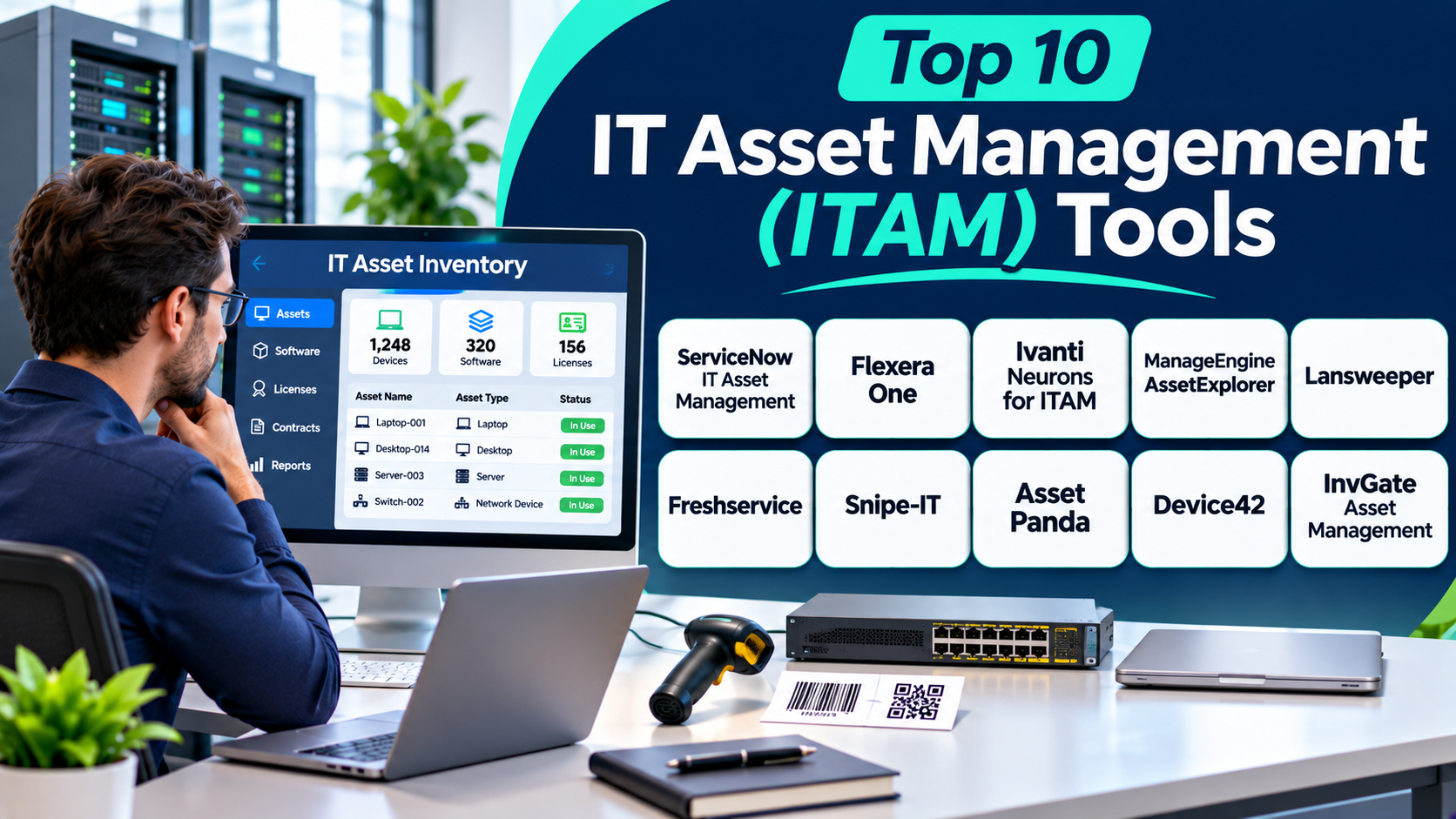
Top 10 IT Asset Management (ITAM) Tools
The following platforms support different IT asset management needs. Some focus on enterprise governance, while others suit smaller teams.
1. ServiceNow IT Asset Management
ServiceNow IT Asset Management helps large organizations manage technology assets across their business. It connects asset information with service management and configuration records.
The platform supports hardware and software asset management. Teams can track assets from procurement through deployment, maintenance, and retirement.
ServiceNow also helps businesses manage software licenses and asset costs. Its workflows can connect asset records with IT service processes.
Organizations can use its reporting tools to understand asset use. This can help teams find unused resources and plan future purchases.
However, the platform offers many features. Smaller companies may find its setup and management complex.
Key Features
- Hardware asset lifecycle management
- Software asset management
- Asset discovery and inventory
- Contract and procurement workflows
- License compliance tracking
- Integration with IT service management
- Asset reporting and dashboards
- Configuration management support
Pros
- Offers broad enterprise asset management features.
- Connects asset data with service workflows.
- Supports complex business environments.
- Helps teams manage software licenses.
- Provides detailed reports and dashboards.
Cons
- Setup can require careful planning.
- Advanced features may need expert support.
- Costs may not suit small businesses.
- The platform can feel complex for new users.
Best For: Large businesses that need enterprise-wide IT asset management.
2. Flexera One IT Asset Management
Flexera One IT Asset Management focuses on software and technology asset control. It helps organizations understand what software they use and what they pay for.
The platform supports software license management and compliance. It helps teams compare license rights with actual software use.
This can help businesses reduce unused software costs. It can also support better decisions during software renewals.
Flexera One also supports cloud and hybrid technology management. Teams can use its insights to understand complex technology environments.
Its strength lies in software asset management. Businesses with simple hardware tracking needs may not need its full range of features.
Key Features
- Software license management
- Software usage analysis
- License compliance support
- Software asset discovery
- Cloud cost visibility
- Technology spend insights
- Contract and entitlement management
- Reporting and optimization tools
Pros
- Offers strong software license management.
- Helps identify unused software.
- Supports complex enterprise environments.
- Provides useful cost insights.
- Helps teams prepare for license audits.
Cons
- Advanced features can take time to learn.
- Pricing may not suit smaller companies.
- Implementation can require specialist knowledge.
- Some organizations may need additional tools for hardware workflows.
Best For: Large organizations that need software license control and technology cost optimization.
3. Ivanti Neurons for ITAM
Ivanti Neurons for ITAM helps businesses manage technology assets across their environments. It supports asset discovery, lifecycle management, and software control.
The platform helps teams collect asset information. They can use this data to understand device status, ownership, and usage.
Ivanti also connects asset management with endpoint and IT service processes. This can help teams manage devices and support requests more effectively.
Organizations can use its asset records to improve control. It can also help teams understand their technology environment.
However, teams should review their needs before choosing the platform. Some advanced workflows may require planning and integration work.
Key Features
- Hardware asset management
- Software asset management
- Asset discovery and inventory
- Lifecycle tracking
- License management
- Endpoint management integration
- Asset reporting
- IT service workflow support
Pros
- Supports hardware and software assets.
- Connects asset data with IT operations.
- Helps teams improve asset visibility.
- Supports lifecycle management.
- Fits organizations with broader Ivanti environments.
Cons
- Setup may require technical knowledge.
- Some features may need additional modules.
- The interface can take time to learn.
- Costs depend on the selected products and services.
Best For: Organizations that want asset management connected with endpoint and IT service operations.
4. ManageEngine AssetExplorer
ManageEngine AssetExplorer helps businesses track hardware and software assets. It supports asset discovery, purchasing, contracts, and lifecycle management.
IT teams can use it to maintain asset records. They can also track software licenses and hardware details.
The platform supports asset scanning and inventory updates. This helps teams keep their records more accurate.
AssetExplorer also offers purchase and contract management features. These tools help businesses connect assets with important financial records.
Its range of features makes it useful for many IT departments. However, teams should review the available editions and deployment options before choosing.
Key Features
- Hardware asset tracking
- Software asset management
- Automated asset discovery
- Software license tracking
- Purchase order management
- Contract management
- Asset lifecycle tracking
- Reports and dashboards
Pros
- Offers many asset management features.
- Supports hardware and software tracking.
- Helps manage purchases and contracts.
- Provides discovery and inventory tools.
- Works well with other ManageEngine products.
Cons
- Some advanced features may need configuration.
- Large environments may need careful setup.
- The interface may feel busy to new users.
- Feature availability can vary by edition.
Best For: Small and mid-sized IT teams that need structured asset tracking and license management.
5. Lansweeper
Lansweeper focuses on discovering and understanding IT assets. It helps organizations build an inventory of connected technology.
The platform can scan networks and collect device information. This helps IT teams find computers, servers, printers, and other devices.
Lansweeper also provides asset intelligence. Teams can use this information to understand their technology environment.
Its discovery features can help identify unknown or unmanaged devices. This can support security and IT planning.
However, Lansweeper focuses strongly on discovery and inventory. Businesses that need full procurement and financial workflows may need another platform.
Key Features
- Automated network discovery
- Hardware and software inventory
- Device identification
- Asset reporting
- Network visibility
- Software inventory
- Technology risk insights
- Integration with IT tools
Pros
- Offers strong asset discovery features.
- Helps find unknown devices.
- Provides detailed inventory information.
- Supports large and mixed IT environments.
- Helps teams improve network visibility.
Cons
- It may need other tools for full lifecycle management.
- Advanced reporting may require setup.
- Large networks can need careful scan planning.
- Some capabilities depend on the selected plan.
Best For: IT teams that need detailed network discovery and asset inventory.
6. Freshservice
Freshservice combines IT service management with asset management. It helps IT teams manage assets and support requests in one place.
The platform offers a central asset inventory. Teams can track computers, software, and other technology resources.
Freshservice connects asset records with service tickets. This helps support staff understand which devices belong to each user.
Its workflow tools can also support approvals and routine IT tasks. Teams can use these features to improve service delivery.
Freshservice suits businesses that want a modern service desk with asset features. Companies with advanced software license needs should review its asset management scope.
Key Features
- Hardware and software inventory
- Asset discovery
- Asset lifecycle tracking
- Configuration management database (CMDB)
- Service desk integration
- Workflow automation
- Asset reporting
- Purchase and contract records
Pros
- Combines service desk and asset management.
- Offers a user-friendly interface.
- Connects assets with support tickets.
- Supports workflow automation.
- Fits growing IT teams.
Cons
- Some advanced features require higher plans.
- Asset capabilities may depend on the package.
- Complex enterprise needs may require extra configuration.
- Costs can increase as teams grow.
Best For: Small and mid-sized businesses that want IT service and asset management together.
7. Snipe-IT
Snipe-IT is an open-source IT asset management platform. It helps organizations track hardware, software licenses, accessories, and other resources.
Teams can assign assets to employees. They can also record check-in and check-out activity.
The platform supports barcode and QR code labels. These features make physical asset tracking easier.
Snipe-IT also keeps asset history. This helps teams understand who used an item and when its status changed.
Organizations can host Snipe-IT themselves or choose a hosted option. Self-hosting offers control, but teams must manage the server and updates.
Key Features
- Hardware asset tracking
- Software license records
- Employee asset assignment
- Barcode and QR code labels
- Check-in and check-out records
- Asset history
- Custom fields
- API access
Pros
- Offers an open-source option.
- Supports detailed hardware tracking.
- Provides barcode and QR code features.
- Helps track assigned equipment.
- Supports customization and API access.
Cons
- Self-hosting requires technical skills.
- It may need integrations for advanced discovery.
- Some enterprise workflows may require extra tools.
- Teams must manage their own hosting when self-hosted.
Best For: Small businesses, schools, and IT teams that need flexible asset tracking.
8. Asset Panda
Asset Panda is a cloud-based asset tracking platform. It helps businesses manage physical assets through configurable records and workflows.
Teams can track computers, devices, equipment, and other business resources. They can also use mobile tools to update asset information.
Asset Panda supports barcode scanning and asset audits. These features help employees check equipment without relying on spreadsheets.
The platform also offers custom fields and workflows. This makes it useful for organizations with different asset tracking needs.
However, businesses should review its IT-specific features before choosing it. Its wider asset tracking approach may suit some teams better than others.
Key Features
- Hardware and equipment tracking
- Barcode scanning
- Mobile asset management
- Custom asset fields
- Asset check-in and check-out
- Audit and inspection workflows
- Reports and dashboards
- User and location tracking
Pros
- Offers flexible asset records.
- Supports mobile asset tracking.
- Makes physical audits easier.
- Provides barcode scanning.
- Can support different types of assets.
Cons
- Advanced setup may take time.
- Pricing may not suit every small team.
- IT discovery features may not match specialist tools.
- Users may need training for custom workflows.
Best For: Businesses that manage IT equipment and other physical assets across multiple locations.
9. Device42
Device42 helps organizations discover and document their IT infrastructure. It provides visibility into hardware, software, networks, and connections.
The platform supports automated discovery. Teams can use it to collect information about servers, devices, applications, and infrastructure.
Device42 also maps relationships between technology components. This helps teams understand dependencies before making changes.
These features can support data center planning and cloud migration. They can also help teams maintain better infrastructure records.
Device42 focuses strongly on infrastructure discovery and documentation. Organizations should check whether its capabilities match their wider asset lifecycle needs.
Key Features
- Automated IT discovery
- Hardware and software inventory
- Data center documentation
- Application dependency mapping
- Network documentation
- IP address management
- Configuration management support
- Infrastructure reporting
Pros
- Offers detailed infrastructure discovery.
- Helps map technology relationships.
- Supports data center documentation.
- Helps teams plan migrations.
- Provides useful infrastructure visibility.
Cons
- Advanced discovery may need technical setup.
- Some users may need training.
- It may require other systems for complete asset workflows.
- Pricing can depend on organizational needs.
Best For: IT teams that manage complex infrastructure, data centers, and hybrid environments.
10. InvGate Asset Management
InvGate Asset Management helps organizations track and manage their IT assets. It supports asset discovery, inventory, and lifecycle workflows.
Teams can use the platform to maintain records of hardware and software. They can also connect asset information with service management processes.
InvGate offers tools for asset relationships and reporting. These features help IT teams understand their technology resources.
The platform can support businesses that want asset visibility without building every process from scratch. Teams should still review its integrations and workflow options before deployment.
Key Features
- Hardware asset inventory
- Software asset tracking
- Asset discovery
- Lifecycle management
- Configuration management
- Service management integration
- Asset relationship tracking
- Reports and dashboards
Pros
- Offers a clear asset management workspace.
- Supports hardware and software records.
- Connects asset data with IT workflows.
- Helps teams improve asset visibility.
- Supports structured asset management.
Cons
- Advanced needs may require configuration.
- Some integrations may depend on the selected plan.
- Large environments need careful planning.
- Teams should check feature fit before purchasing.
Best For: Small and mid-sized organizations that need asset tracking connected with IT service workflows.
Comparison Table: Top 10 ITAM Tools
| Tool | Main Strength | Best For |
|---|---|---|
| ServiceNow ITAM | Enterprise asset lifecycle control | Large enterprises |
| Flexera One | Software license optimization | Software-heavy organizations |
| Ivanti Neurons for ITAM | Asset and endpoint management | Hybrid IT environments |
| ManageEngine AssetExplorer | Hardware and software tracking | Small and mid-sized IT teams |
| Lansweeper | Automated asset discovery | Network inventory |
| Freshservice | ITSM and asset management | Growing businesses |
| Snipe-IT | Open-source asset tracking | Budget-conscious teams |
| Asset Panda | Mobile and physical asset tracking | Multi-location businesses |
| Device42 | Infrastructure discovery and mapping | Complex IT environments |
| InvGate Asset Management | Asset inventory and IT workflows | Small and mid-sized organizations |
How to Choose the Right IT Asset Management Tool
Choosing the right ITAM platform takes careful planning. Each business has different assets, budgets, and workflows.
Use these points to compare your options.
1. Identify Your Asset Types
First, list the assets your business needs to manage. These may include laptops, servers, software, phones, and cloud services.
Choose a tool that supports your asset types. Do not pay for features your team will never use.
2. Check Asset Discovery
Automatic discovery can save time. It helps teams find devices connected to business networks.
Check whether the tool supports your operating systems and network setup. Also review how often it updates asset records.
3. Review Lifecycle Management
A good ITAM tool should track assets through their full lifecycle. This includes buying, assigning, repairing, replacing, and retiring equipment.
Make sure the platform supports the stages your business follows.
4. Check Software License Management
Software licenses can create major costs. Poor tracking can also lead to compliance problems.
Choose a platform that records license details and software usage. Large organizations may need deeper license optimization features.
5. Review Integrations
Your ITAM tool may need to connect with other business systems. These can include help desk software, endpoint management, procurement, and finance tools.
Check available integrations before making a decision.
6. Compare Reports and Dashboards
Reports help managers understand asset use and spending. Look for clear reports on asset status, age, ownership, and cost.
Also check whether the platform allows custom reports.
7. Consider Security
Asset records can contain sensitive business information. Check user roles, access controls, audit logs, and security options.
Make sure the tool follows your organization’s security requirements.
8. Understand the Total Cost
Do not compare tools by subscription price alone. Include setup, training, integrations, hosting, and support costs.
Ask vendors for a clear estimate based on your asset count and needs.
Common Uses of IT Asset Management Software
Businesses use ITAM tools for many daily tasks.
- Tracking laptops and desktop computers
- Managing software licenses
- Recording hardware purchases
- Tracking warranties and service contracts
- Assigning devices to employees
- Managing equipment across offices
- Finding unused or unknown devices
- Planning hardware replacements
- Preparing for software audits
- Supporting IT service desk teams
- Tracking servers and network equipment
- Managing equipment returns from employees
These tasks help teams maintain better control. They also reduce the need for manual records.
Benefits of IT Asset Management Tools
ITAM software can improve many parts of IT operations.
Better Asset Visibility
Teams can see which assets the company owns. They can also check each asset’s location, user, and status.
Lower IT Spending
Asset records help teams find unused devices and licenses. Managers can reuse existing resources before buying new ones.
Improved Security
IT teams can identify devices that need updates. They can also find unknown equipment and review software use.
Easier Audits
Central asset records make audits easier to prepare for. Teams can check license details, purchase records, and ownership information.
Better Planning
Asset history helps managers plan upgrades and replacements. It also supports better technology budgets.
More Efficient IT Support
Support teams can view asset details when they receive service requests. This helps them understand device history and resolve problems faster.
Challenges of IT Asset Management
ITAM tools offer many benefits. However, businesses must manage a few challenges.
Incomplete Asset Records
A tool cannot provide useful reports if its records are incomplete. Teams should create clear rules for adding and updating assets.
Poor Data Quality
Incorrect device names, owners, or locations can cause confusion. Regular checks help keep asset information accurate.
Complex Integrations
Some businesses use many IT systems. Connecting these systems may require technical work.
Employee Adoption
Employees must follow asset assignment and return processes. Clear instructions can help teams use the system correctly.
Ongoing Maintenance
Asset records change when employees move, devices get replaced, or software expires. Teams need a regular process for updating records.
Questions and Answers About IT Asset Management Tools
1. What is an IT Asset Management tool?
An IT Asset Management tool helps businesses track technology resources. It manages hardware, software, licenses, contracts, and asset records.
2. Why is ITAM important for businesses?
ITAM helps businesses understand what technology they own. It can reduce waste, improve security, and support better planning.
3. What assets can ITAM software track?
Most ITAM tools track computers, laptops, servers, phones, printers, and software. Some platforms also manage cloud resources and network equipment.
4. What is the difference between ITAM and ITSM?
ITAM focuses on managing technology assets. ITSM focuses on delivering and supporting IT services. Many platforms connect both functions.
5. What is the difference between ITAM and CMDB?
ITAM tracks asset ownership, cost, and lifecycle details. A Configuration Management Database (CMDB) records configuration items and their relationships. Some platforms support both.
6. Which ITAM tool is best for large enterprises?
ServiceNow IT Asset Management and Flexera One are strong options for large organizations. The right choice depends on license needs, workflows, and existing systems.
7. Which ITAM tool is suitable for small businesses?
ManageEngine AssetExplorer, Freshservice, and Snipe-IT are worth considering. Small businesses should compare ease of use, hosting, and total cost.
8. Is open-source ITAM software available?
Yes. Snipe-IT offers an open-source option for asset tracking. GLPI is another open-source platform that supports IT inventory and service management.
9. Can ITAM software track software licenses?
Yes. Many ITAM platforms record software licenses and usage. Some also support license compliance and optimization.
10. How often should businesses update asset records?
Teams should update records whenever an asset changes. They should also run regular checks to find missing or incorrect information.
Final Thoughts
IT Asset Management plays an important role in modern business operations. It helps teams understand, control, and protect their technology resources.
The best tool depends on your organization’s size and needs. ServiceNow suits large enterprises with complex workflows. Flexera One focuses on software license control. Lansweeper offers strong discovery, while Snipe-IT provides flexible asset tracking.
ManageEngine AssetExplorer and Freshservice can suit growing IT teams. Ivanti, Asset Panda, Device42, and InvGate support other asset management needs.
Before choosing, review your asset types, discovery needs, integrations, and budget. Test the platform with real asset records when possible.
A well-chosen ITAM tool can reduce waste and improve control. It can also help your IT team make better decisions.