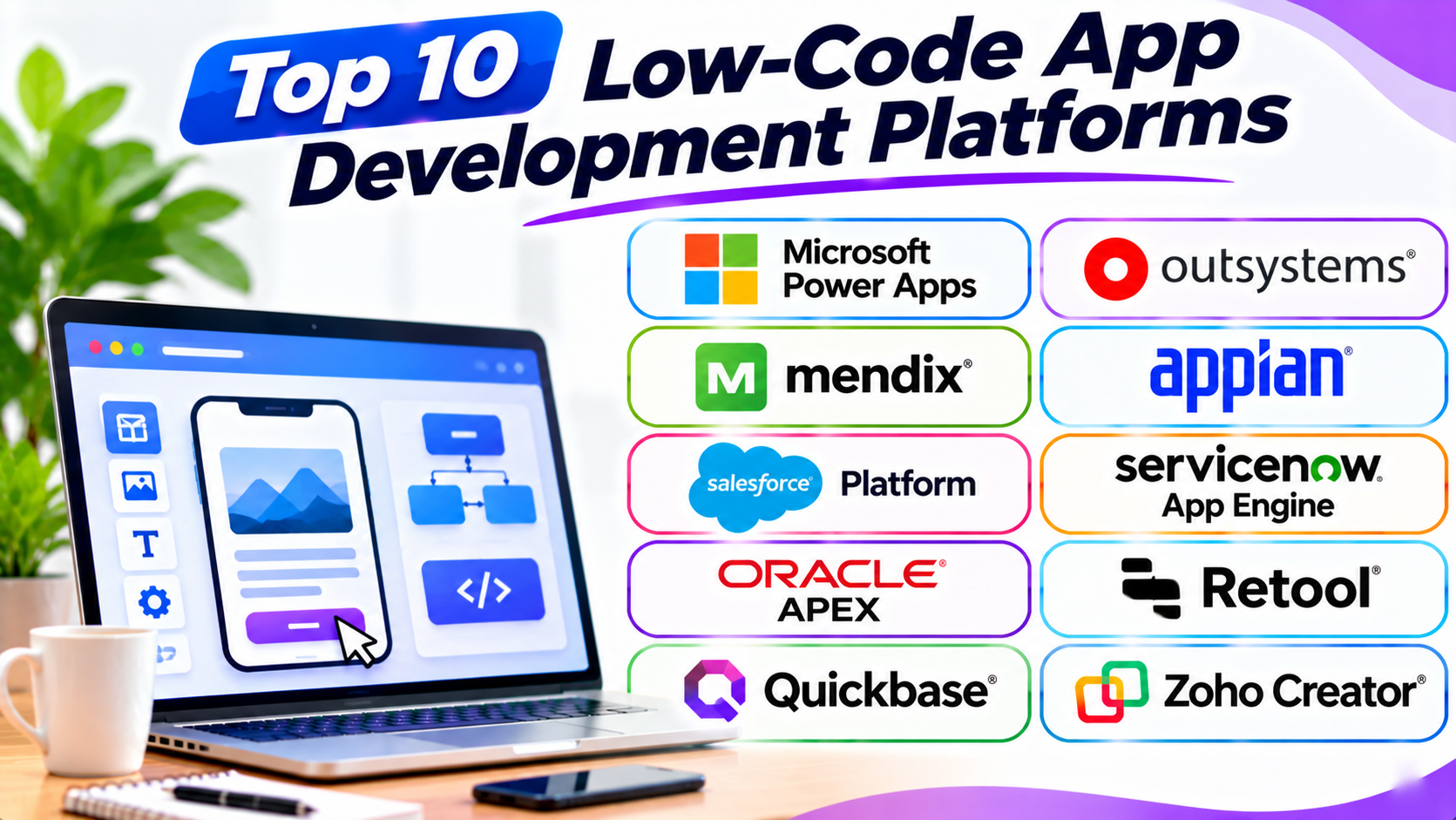
Introduction
Building an app no longer needs a large coding team. Low-code platforms make app development faster and easier. They combine visual tools with the option to write code.
These platforms help businesses create mobile apps, web apps, and internal tools. They also support workflows, data management, and system connections.
Some platforms suit business users. Others serve professional developers who need more control. This guide compares ten popular low-code app development platforms. It covers their main features, pros, and cons.
What Is a Low-Code App Development Platform?
A low-code app development platform helps users build software with less manual coding. It provides visual editors, ready-made parts, and workflow tools.
Users can create screens and connect data through visual controls. Developers can also add code when they need custom features.
Low-code platforms support many types of applications, such as:
- Business process applications.
- Customer and employee portals.
- Mobile business apps.
- Inventory and order systems.
- Approval and workflow tools.
- Reports and data dashboards.
- Internal management applications.
Low-code does not mean no code. Some projects still need developers. Teams should also check security, hosting, integrations, and long-term costs.
Top 10 Low-Code App Development Platforms
1. Microsoft Power Apps
<text>Microsoft Power Apps</text> helps businesses create custom applications. It forms part of the Microsoft Power Platform. It works closely with Microsoft 365, Dataverse, and other Microsoft services.
Users can build apps with visual editors. They can create forms, dashboards, and business screens. They can also connect apps to business data.
Power Apps offers two main app styles. Canvas apps give users control over screen layouts. Model-driven apps use data and business processes to shape the interface.
Power Fx is its formula language. It lets users add rules and app behavior. Developers can also extend apps through connectors and custom code.
Power Apps suits businesses that already use Microsoft products. It works well for approval systems, staff tools, and business workflows.
Key Features
- Canvas and model-driven app builders.
- Dataverse data platform.
- Microsoft 365 integrations.
- Power Fx formulas.
- Power Automate workflow connections.
- Mobile app support.
- Data connectors.
- Admin and security controls.
Pros
- Strong Microsoft ecosystem support.
- Offers flexible app design options.
- Connects with many business services.
- Supports mobile and web experiences.
- Useful for internal business applications.
Cons
- Advanced features need learning.
- Licensing can become complex.
- Premium connectors may add costs.
- Large apps need careful performance planning.
2. OutSystems
<text>OutSystems</text> is a low-code platform for enterprise application development. It helps teams create complex web and mobile applications.
Users design application screens through visual tools. They can also define data models and business logic. Developers can add custom code when needed.
OutSystems includes tools for app testing and deployment. It also supports application monitoring and updates. These features help teams manage apps throughout their life.
Businesses use OutSystems for customer portals, employee apps, and large business systems. It suits organizations with complex requirements and professional development teams.
Key Features
- Visual application development.
- Web and mobile app creation.
- Workflow and business logic tools.
- Database and API integrations.
- Application testing tools.
- Deployment management.
- Performance monitoring.
- Security and governance features.
Pros
- Supports complex applications.
- Offers strong development controls.
- Helps teams manage app lifecycles.
- Supports business system integrations.
- Includes tools for testing and monitoring.
Cons
- Can be expensive for smaller teams.
- Advanced use needs trained developers.
- Setup may take time.
- Platform-specific skills can create dependency.
3. Mendix
<text>Mendix</text> is a low-code application development platform from Siemens. It helps business teams and developers build applications together.
The platform uses visual models to create app screens, data, and workflows. Users can design interfaces and connect business information. Developers can add custom code when projects need more control.
Mendix supports web and mobile applications. It also offers tools for testing, deployment, and app management. Teams can use its cloud options or other supported hosting setups.
Manufacturing, finance, and other large organizations use Mendix. It suits teams that need many connected business applications.
Key Features
- Visual application modeling.
- Web and mobile app development.
- Workflow automation.
- Data and API connections.
- Reusable application components.
- Team collaboration tools.
- Testing and deployment support.
- Cloud and enterprise hosting options.
Pros
- Supports complex business applications.
- Helps business and IT teams work together.
- Offers flexible deployment choices.
- Provides reusable design components.
- Supports large app portfolios.
Cons
- New users may need training.
- Enterprise plans can cost more.
- Advanced customization needs technical skills.
- Complex projects need good planning.
4. Appian
<text>Appian</text> is a low-code platform focused on business process automation. It helps companies connect people, data, and tasks in one application.
Users can create forms, workflows, and process screens. They can define how tasks move between teams. The platform also connects with external business systems.
Appian offers case management tools. These help teams manage work that needs several steps. Examples include customer requests, claims, and approval processes.
The platform also supports automation and AI features. It suits organizations with complex operations and strict process needs.
Key Features
- Visual app development.
- Process and workflow automation.
- Case management.
- Data integration tools.
- Business rules and forms.
- Robotic process automation options.
- AI-supported features.
- Enterprise security controls.
Pros
- Strong process automation tools.
- Useful for complex business workflows.
- Connects data from different systems.
- Supports case management.
- Offers enterprise governance features.
Cons
- May feel complex for simple apps.
- Pricing can be high for small teams.
- Advanced workflows need planning.
- Teams may need specialist training.
5. Salesforce Platform
<text>Salesforce Platform</text> helps businesses build applications around Salesforce data and services. It supports visual development and custom coding.
Users can create screens with Lightning App Builder. They can also use Salesforce Flow to automate tasks. These tools help teams build business apps without coding every feature.
Developers can extend applications with Apex and other Salesforce tools. The platform also connects with Salesforce CRM data. This helps teams create apps for sales, customer service, and partner management.
Salesforce Platform suits companies that already use Salesforce. It helps them extend their CRM system with custom business applications.
Key Features
- Lightning App Builder.
- Salesforce Flow automation.
- CRM data integration.
- Custom objects and records.
- User access and security controls.
- AppExchange integrations.
- Apex development options.
- Reporting and dashboards.
Pros
- Works closely with Salesforce CRM.
- Offers visual and code-based development.
- Supports business workflow automation.
- Provides many integrations.
- Helps extend existing CRM systems.
Cons
- Works best within the Salesforce ecosystem.
- Licensing can become costly.
- Advanced customization needs Salesforce skills.
- Data and platform limits need review.
6. ServiceNow App Engine
<text>ServiceNow App Engine</text> helps organizations build workflow applications. It runs on the ServiceNow platform and connects with its business services.
Users can create forms, pages, data models, and workflows. Visual tools help teams build applications with less manual coding. Developers can also extend apps when needed.
App Engine supports business processes across departments. Companies can create tools for employee requests, service tasks, and approvals.
Its platform controls help organizations manage access and application changes. It suits businesses that already use ServiceNow for IT and business services.
Key Features
- Visual application development.
- Workflow automation.
- ServiceNow data integration.
- Forms and dashboards.
- User roles and access controls.
- Reusable application components.
- Application management tools.
- Enterprise governance features.
Pros
- Strong fit for ServiceNow customers.
- Useful for workflow applications.
- Connects with service management data.
- Supports access and governance controls.
- Helps replace manual business processes.
Cons
- Less useful outside the ServiceNow ecosystem.
- Licensing may be costly.
- Advanced configuration needs training.
- Complex workflows need careful design.
7. Oracle APEX
<text>Oracle APEX</text> is a low-code platform for building data-driven applications. It works with Oracle Database and helps teams create web applications.
Users can build pages, forms, reports, and dashboards. They can use visual tools to arrange page elements. The platform also offers built-in features for handling data.
Oracle APEX uses SQL and PL/SQL for database work and advanced logic. SQL helps users manage information in databases. PL/SQL adds programming features for Oracle Database.
Businesses use APEX for reporting systems, internal tools, and data management apps. It suits teams that already work with Oracle Database.
Key Features
- Visual web app builder.
- Oracle Database integration.
- Forms and reports.
- Interactive dashboards.
- SQL and PL/SQL support.
- User authentication and access controls.
- Responsive page layouts.
- Application deployment tools.
Pros
- Strong connection with Oracle Database.
- Useful for data-heavy applications.
- Offers built-in reporting tools.
- Supports custom database logic.
- Can reduce manual development work.
Cons
- Best suited to Oracle environments.
- SQL knowledge helps with advanced work.
- Design options may need customization.
- Teams must understand database security.
8. Retool
<text>Retool</text> is a low-code platform for building internal business tools. It helps technical teams create applications that connect to databases and APIs.
Users can build dashboards, admin panels, and data management screens. They can add tables, forms, buttons, and charts. They can then connect these elements to business data.
Retool supports SQL and JavaScript for custom behavior. This gives developers more control than many simple visual builders.
Teams use Retool for customer support tools, inventory systems, and operations dashboards. It suits developers who want to build internal tools quickly.
Key Features
- Visual internal tool builder.
- Database connections.
- REST and GraphQL API support.
- SQL and JavaScript options.
- Tables, forms, and charts.
- User permissions.
- Workflow automation.
- Cloud and self-hosted options.
Pros
- Speeds up internal tool development.
- Connects with many data sources.
- Gives developers custom logic options.
- Useful for admin dashboards.
- Offers flexible deployment choices.
Cons
- Best suited to internal applications.
- SQL or JavaScript may be needed.
- Complex interfaces need careful design.
- User and builder pricing needs review.
9. Quickbase
<text>Quickbase</text> is a low-code platform for business applications and workflow management. It helps teams organize data and improve daily operations.
Users can create apps with forms, tables, reports, and dashboards. They can set rules for tasks and approvals. The platform also connects information across business teams.
Quickbase supports project tracking, field operations, and process management. It helps companies replace spreadsheets and disconnected tools.
Its visual features suit business teams. IT teams can also manage access and app governance.
Key Features
- Visual application builder.
- Business data management.
- Workflow automation.
- Forms and reports.
- Dashboards and charts.
- Role-based access.
- Third-party integrations.
- Project and operations tracking.
Pros
- Useful for business operations.
- Helps replace manual spreadsheets.
- Offers workflow automation.
- Supports team data sharing.
- Provides reports and dashboards.
Cons
- Advanced features need training.
- Pricing may not suit small teams.
- Custom design options have limits.
- Complex data models need planning.
10. Zoho Creator
<text>Zoho Creator</text> is a low-code platform for building business applications. It helps companies create custom tools and automate daily tasks.
Users can build forms, reports, dashboards, and workflows. They can connect data and set rules through visual tools. The platform also offers scripting for advanced needs.
Zoho Creator works with other Zoho products. It can also connect with outside services through APIs and integrations.
Businesses use it for inventory management, customer records, employee tools, and approval systems. It suits small and midsize companies that want flexible business apps.
Key Features
- Visual app builder.
- Forms and reports.
- Workflow automation.
- Database management.
- Mobile app support.
- Zoho product integrations.
- API connections.
- Deluge scripting for custom logic.
Pros
- Useful for business applications.
- Connects with other Zoho products.
- Offers workflow automation.
- Supports mobile app access.
- Provides visual tools and scripting.
Cons
- Advanced features may need scripting.
- New users may need training.
- Complex apps need careful planning.
- Some features depend on the selected plan.
Low-Code App Development Platforms Comparison Table
| Platform | Best For | Main Strength | Skill Level |
|---|---|---|---|
| Microsoft Power Apps | Microsoft-based business apps | Microsoft integrations | Beginner to Advanced |
| OutSystems | Enterprise applications | Full application lifecycle | Intermediate to Advanced |
| Mendix | Large business app projects | Visual modeling and teamwork | Intermediate to Advanced |
| Appian | Process-heavy applications | Workflow automation | Intermediate to Advanced |
| Salesforce Platform | CRM-based applications | Salesforce data and automation | Intermediate to Advanced |
| ServiceNow App Engine | Service workflows | ServiceNow integration | Intermediate to Advanced |
| Oracle APEX | Database-driven applications | Oracle Database support | Intermediate to Advanced |
| Retool | Internal business tools | Database and API connections | Intermediate |
| Quickbase | Business operations apps | Data and workflow management | Beginner to Intermediate |
| Zoho Creator | Small and midsize business apps | Business app automation | Beginner to Intermediate |
How to Choose the Right Low-Code Platform
Choosing a platform takes more than comparing feature lists. You need to understand your app, users, and business systems.
1. Define Your App Requirements
Start by listing what your app must do. Decide who will use it and what tasks it should support.
A customer portal needs different tools from an employee approval app. Clear requirements help you avoid the wrong platform.
2. Check Your Existing Technology
Look at the systems your company already uses. A Microsoft-based business may prefer Power Apps. A Salesforce customer may find Salesforce Platform more suitable.
Oracle APEX may fit teams that use Oracle Database. Existing systems can affect both cost and setup time.
3. Review Visual and Coding Options
Some teams want mostly visual development. Others need custom code for special features.
Check whether the platform supports formulas, scripts, APIs, and custom components. Choose a tool that matches your team’s skills.
4. Compare Workflow Features
Many business apps depend on approvals and repeated tasks. Check how the platform handles rules, alerts, and automated steps.
Appian and ServiceNow App Engine focus strongly on business processes. Power Apps also connects with Power Automate.
5. Check Database and API Support
Your app may need information from several systems. Review database connections and API support.
Also, check how the platform handles data updates and access. A good data setup helps apps stay reliable.
6. Review Security and Governance
Business apps may hold private customer or company data. Check user roles, permissions, audit logs, and security controls.
Large organizations should also review testing and release management. These features help teams control changes.
7. Understand Hosting and Deployment
Some platforms offer managed cloud hosting. Others support private cloud or on-premises deployment.
Choose a setup that meets your company rules. Also, check backup, recovery, and monitoring options.
8. Calculate the Full Cost
Compare more than the starting price. Review user limits, app limits, storage, integrations, and support costs.
Enterprise platforms may require custom quotes. Ask for the full cost of development and long-term use.
9. Test with a Real Project
Build a small version of your planned app. Test the main workflow and connect real sample data.
Ask users to try it. Their feedback can reveal problems before a full launch.
Common Mistakes to Avoid
Low-code tools can speed up development. But poor choices can still create long-term problems.
- Choosing by price alone: A low starting cost may hide extra charges.
- Ignoring app complexity: Simple platforms may struggle with advanced requirements.
- Skipping data planning: Poor data structure can cause errors later.
- Overlooking security: Set clear roles and access rules.
- Ignoring integrations: Confirm that key business systems can connect.
- Building without user feedback: Test the app with real users.
- Forgetting performance: Check how the app handles larger data sets.
- Ignoring platform limits: Review storage, users, and workflow limits.
- Skipping documentation: Record how the app works and who manages it.
- Ignoring future costs: Plan for support, updates, and growth.
Questions and Answers
1. What is a low-code app development platform?
A low-code platform helps users build apps with visual tools and limited coding. It also lets developers add code for advanced features.
2. What is the difference between low-code and no-code?
Low-code platforms allow some coding when needed. No-code platforms focus on visual building without programming. Low-code tools often offer more control for complex apps.
3. Which low-code platform is best for beginners?
Microsoft Power Apps, Quickbase, and Zoho Creator can suit beginners. The best choice depends on your existing systems and app needs.
4. Which platform is best for enterprise applications?
OutSystems and Mendix support large enterprise projects. Appian also suits complex business processes. Compare governance, hosting, and integration needs before choosing.
5. Is Microsoft Power Apps a low-code platform?
Yes. Power Apps offers visual app builders and formula-based logic. It also supports custom development through the wider Microsoft ecosystem.
6. Can low-code platforms build mobile apps?
Yes. Many platforms support mobile app experiences. Check whether they create native apps, mobile-friendly web apps, or both.
7. Can developers add custom code to low-code apps?
Yes. Many platforms support scripts, formulas, APIs, or custom components. The exact options depend on the product.
8. Are low-code platforms secure?
Many offer access controls and security features. However, teams must configure them correctly. Review the platform’s security and compliance options before using sensitive data.
9. Can low-code platforms connect to existing databases?
Yes. Many platforms connect to databases and business systems. Check the supported connectors and API options.
10. Is Retool suitable for customer-facing apps?
Retool mainly focuses on internal tools. Some teams use it for external experiences. Check its user management, security, and pricing options for that purpose.
11. What is Oracle APEX used for?
Oracle APEX helps teams create web applications that use Oracle Database. It works well for reports, forms, dashboards, and data-driven business tools.
12. Can small businesses use low-code platforms?
Yes. Small businesses can use them for stock tracking, customer records, and approval tasks. Compare plans and user limits before starting.
13. Do low-code platforms replace software developers?
No. They reduce repetitive coding work. Developers still help with complex logic, integrations, security, and system design.
14. How much do low-code platforms cost?
Costs vary by platform and plan. Some offer public pricing. Others use custom enterprise quotes. Check user limits and extra service costs.
15. What should I test before launching a low-code app?
Test the main workflows, user access, and data connections. Also check mobile screens, speed, and error handling. Ask real users to review the app.
Final Thoughts
Low-code platforms help teams build useful applications with less manual coding. They can speed up business projects and reduce repetitive work.
Power Apps suits companies that use Microsoft services. OutSystems and Mendix support complex enterprise projects. Appian focuses on process automation. Salesforce Platform helps extend CRM systems.
ServiceNow App Engine suits service workflows. Oracle APEX works well with Oracle Database. Retool helps developers build internal tools. Quickbase supports business operations. Zoho Creator offers flexible tools for smaller teams.
Before you choose, define your app requirements. Check security, integrations, and long-term costs. Then test the platform with a small real project.
The best platform is the one that fits your team and business needs.