Introduction
Modern apps need to share data with other services. They must also respond to events as they happen. Webhooks make this process simple.
A webhook sends data when a certain event occurs. For example, an online store can send a webhook after a customer places an order. Another app can then update the order status.
However, webhook systems need careful management. Failed requests, lost events, repeated messages, and slow responses can cause problems. Teams also need ways to inspect events and fix delivery issues.
Webhook management tools help solve these problems. They help teams send, receive, test, route, and monitor webhook events.
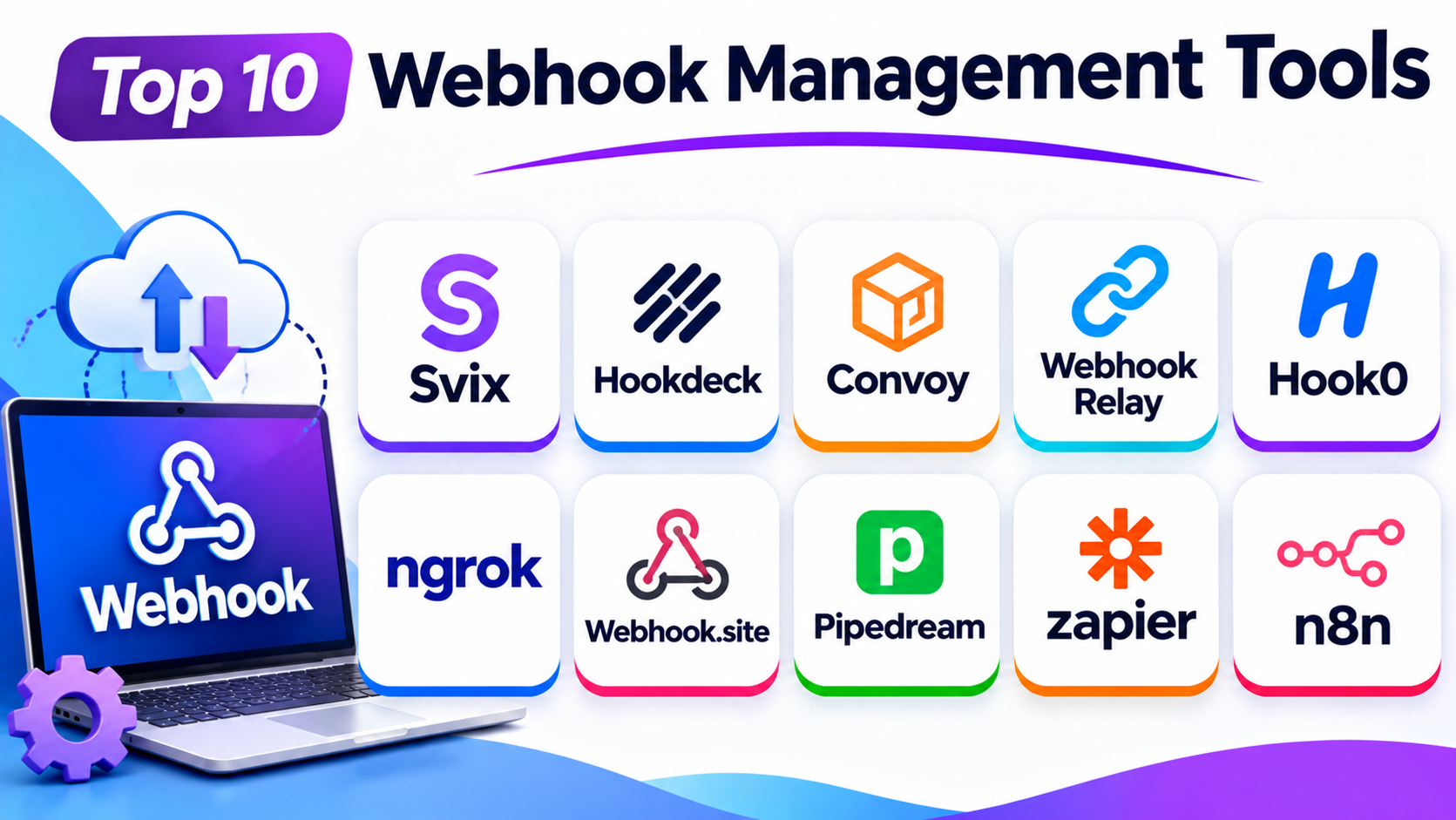
This guide covers ten useful webhook management tools. It explains their features, Pros, Cons, and best uses. It also includes a comparison table to help you choose.
What Is a Webhook Management Tool?
A webhook management tool helps apps exchange data through event-based messages.
It can help a team:
- Send event updates to other apps.
- Receive events from outside services.
- Track successful and failed deliveries.
- Retry failed requests.
- Inspect webhook data.
- Route events to the right services.
- Test webhook endpoints.
- Protect messages with signature checks.
These features help teams build more reliable app connections. They also reduce the work needed to manage webhooks by hand.
Top 10 Webhook Management Tools
1. Svix
Svix is a webhook platform for sending events from one app to another. It helps software companies deliver updates to their customers.
The platform focuses on reliable webhook delivery. It helps teams manage endpoints, track messages, and handle delivery failures.
Svix also offers tools for webhook testing and customer-facing management. This makes it useful for SaaS products that send many events to outside apps.
Key Features
- Webhook sending and delivery tracking.
- Automatic retries for failed deliveries.
- Message logs and event inspection.
- Webhook endpoint management.
- Signing and security support.
- Customer-facing webhook management options.
- Self-hosted deployment options.
Pros
- Built for reliable outbound webhook delivery.
- Helps teams manage many customer endpoints.
- Offers useful delivery records.
- Supports self-hosting.
- Reduces the need to build webhook systems from scratch.
Cons
- Some advanced features may require paid plans.
- New users may need time to learn the platform.
- Teams with only a few simple webhooks may not need every feature.
Best For: SaaS companies that send webhooks to customers and partner apps.
2. Hookdeck
Hookdeck helps teams receive and manage incoming webhooks. It works as a layer between external services and your own application.
Many apps receive events from payment services, online stores, and other platforms. These events can arrive at busy times or fail to reach their destination.
Hookdeck helps teams manage this traffic. It can inspect events, control their flow, and send them to the right place.
The platform also helps developers find and fix webhook problems. Its event history makes it easier to understand what happened.
Key Features
- Incoming webhook collection.
- Event inspection and monitoring.
- Event routing and filtering.
- Automatic retry support.
- Event replay for troubleshooting.
- Payload transformation.
- Traffic control and buffering.
Pros
- Strong tools for incoming webhook management.
- Makes event problems easier to inspect.
- Helps manage sudden traffic increases.
- Supports routing and filtering.
- Useful for apps that receive events from many providers.
Cons
- Some advanced features may require higher plans.
- New users may need time to understand its event controls.
- Teams that only send webhooks may prefer another platform.
Best For: Development teams that receive webhooks from many external services.
3. Convoy
Convoy is a webhook gateway for sending and receiving events. It helps teams manage webhook delivery through a central system.
The platform focuses on delivery control and event tracking. It helps developers handle failed requests and manage webhook destinations.
Convoy also supports self-hosted use. This can help teams that want more control over their own systems and data.
Before choosing Convoy for a new production project, review its current maintenance, support, and release activity.
Key Features
- Webhook sending and receiving.
- Delivery tracking.
- Automatic retry support.
- Event logs and monitoring.
- Endpoint management.
- Self-hosted deployment.
- Controls for managing event delivery.
Pros
- Supports both sending and receiving webhooks.
- Offers a self-hosted option.
- Gives teams control over webhook delivery.
- Helps track failed requests.
- Can suit teams with custom hosting needs.
Cons
- Requires technical knowledge to manage.
- Self-hosting adds setup and maintenance work.
- Teams should check current project activity before adoption.
Best For: Technical teams that want a self-hosted webhook gateway.
4. Webhook Relay
Webhook Relay helps receive and forward webhooks between different systems. It can connect public webhook sources with private servers and local development environments.
This can be useful when a service cannot reach a computer directly. Webhook Relay provides a way to forward incoming requests to the right destination.
The platform also supports webhook routing and message handling. Developers can use it to connect systems without exposing every private service to the public internet.
Key Features
- Webhook forwarding.
- Multiple destination support.
- Private server connections.
- Local development support.
- Request inspection.
- Event routing.
- Payload transformation options.
Pros
- Helps connect public and private systems.
- Useful for local webhook testing.
- Supports different forwarding needs.
- Reduces manual connection work.
- Offers flexible routing options.
Cons
- Some features may need extra setup.
- Advanced routing can take time to learn.
- Teams with simple webhook needs may find it more than they need.
Best For: Developers who need to forward webhooks to private servers or local systems.
5. Hook0
Hook0 is an open-source webhook delivery platform. It helps applications send event messages to registered endpoints.
The platform focuses on making webhook delivery easier to manage. It offers tools for tracking events and handling delivery problems.
Hook0 can suit teams that want a simple webhook service. Its open-source approach also gives technical teams more control over deployment.
Teams should compare its hosting, support, and feature needs before choosing a plan.
Key Features
- Outbound webhook delivery.
- Endpoint management.
- Delivery tracking.
- Retry support.
- Event management.
- Open-source deployment options.
- Hosted service options.
Pros
- Offers an open-source option.
- Helps manage outbound webhook events.
- Can suit smaller projects.
- Gives technical teams deployment choices.
- Provides a focused webhook service.
Cons
- May offer fewer advanced options than larger platforms.
- Self-hosting needs technical care.
- Teams should review support options before production use.
Best For: Small and growing teams that need a focused webhook delivery service.
6. ngrok
ngrok helps developers expose local services to the internet. This makes it useful for testing webhooks during development.
A webhook provider often needs a public URL to send an event. A local computer usually does not have a public address that outside services can reach.
ngrok solves this problem by creating a secure tunnel to a local service. Developers can then test webhook events without deploying their apps to a public server.
It also provides request inspection tools. These help developers see incoming traffic and find errors.
Key Features
- Secure tunnels to local services.
- Public URLs for local development.
- Request inspection.
- Traffic visibility.
- Webhook testing support.
- Access controls.
- Support for different development workflows.
Pros
- Makes local webhook testing easier.
- Reduces the need for temporary public servers.
- Helps developers inspect incoming requests.
- Works with many development setups.
- Offers useful tunnel controls.
Cons
- It is not a full webhook delivery platform.
- Public tunnel settings need careful security checks.
- Some advanced features may require paid plans.
Best For: Developers who need to test incoming webhooks on local computers.
7. Webhook.site
Webhook.site is a simple tool for inspecting incoming web requests. It gives users a unique URL that can receive webhook messages.
Developers can send test events to that URL. The tool then displays the request details, headers, and payload.
This makes it easier to understand what another service sends. It also helps developers test integrations before connecting them to a live app.
Webhook.site is useful for quick checks. It is not a complete replacement for a production webhook delivery system.
Key Features
- Unique webhook URLs.
- Request inspection.
- Header and payload viewing.
- Webhook testing.
- Request history.
- API support.
- Tools for checking incoming messages.
Pros
- Easy to start using.
- Useful for quick webhook tests.
- Shows request details clearly.
- Helps find payload and header issues.
- Works well during development.
Cons
- It does not replace a full production webhook gateway.
- Advanced team controls may need paid plans.
- Users should avoid sending real secrets or private data to test endpoints.
Best For: Developers who need to inspect and test webhook requests quickly.
8. Pipedream
Pipedream is an automation platform for connecting apps and services. It lets teams start workflows when webhook events arrive.
A workflow can receive an event and then perform other tasks. For example, it can update a database, send a message, or notify a team.
Pipedream combines webhook triggers with app connections and workflow steps. This makes it useful for teams that want to automate tasks without building every connection from scratch.
It also supports custom logic for more advanced workflows.
Key Features
- Webhook triggers.
- App integrations.
- Workflow automation.
- Event processing.
- Data transformation.
- Scheduled workflows.
- Custom steps and controls.
Pros
- Connects webhooks with many apps.
- Helps automate repeated tasks.
- Offers visual workflow tools.
- Supports custom processing.
- Useful for quick integration projects.
Cons
- Complex workflows can become harder to manage.
- Usage limits depend on the selected plan.
- It is broader than a dedicated webhook delivery platform.
Best For: Teams that want to connect webhook events with automated workflows.
9. Zapier Webhooks
Zapier Webhooks helps users connect webhooks with thousands of app workflows. It is part of the wider Zapier automation platform.
Users can receive webhook data and use it to start an automated task. They can also send data to another service through a webhook action.
For example, a form submission can trigger a workflow. The workflow can then add a contact to a system or send a team alert.
Zapier makes these tasks easier for people who do not want to build custom integrations.
Key Features
- Webhook triggers.
- Webhook actions.
- No-code workflow creation.
- Connections with many apps.
- Data transfer between services.
- Workflow filters and conditions.
- Automation history.
Pros
- Easy for beginners to use.
- Connects webhooks with many apps.
- Reduces manual work.
- Offers visual workflow building.
- Useful for business automation.
Cons
- Advanced workflows may need paid plans.
- Task limits can affect high-volume use.
- It offers less control than a dedicated webhook gateway.
Best For: Business teams that want to connect webhooks with no-code automations.
10. n8n
n8n is a workflow automation platform with webhook triggers and actions. It helps teams connect apps, process data, and automate tasks.
Users can create workflows that start when a webhook arrives. The workflow can then check the data and send it to other services.
n8n also offers self-hosting options. This gives technical teams more control over where their automation system runs.
Its visual workflow editor makes it easier to understand how each step connects.
Key Features
- Webhook triggers and responses.
- Visual workflow editor.
- App and service connections.
- Data transformation.
- Conditional workflow steps.
- Self-hosted deployment.
- Workflow execution history.
Pros
- Offers flexible workflow automation.
- Supports self-hosting.
- Connects webhooks with many services.
- Helps reduce repeated tasks.
- Works for both technical and non-technical users.
Cons
- Complex workflows need careful planning.
- Self-hosting requires maintenance.
- Some advanced features may need technical skills.
Best For: Teams that want webhook-based automation with control over deployment.
Comparison Table of the Top 10 Webhook Management Tools
| Tool | Main Purpose | Key Strength | Best For |
|---|---|---|---|
| Svix | Outbound webhook delivery | Reliable event delivery and endpoint management | SaaS companies |
| Hookdeck | Inbound webhook management | Event inspection, routing, and replay | Developers receiving webhooks |
| Convoy | Webhook gateway | Sending, receiving, and self-hosting | Technical teams |
| Webhook Relay | Webhook forwarding | Connecting public and private systems | Developers and IT teams |
| Hook0 | Webhook delivery | Open-source delivery service | Small and growing teams |
| ngrok | Local webhook testing | Secure tunnels to local apps | Developers |
| Webhook.site | Request inspection | Simple payload and header viewing | Testing and debugging |
| Pipedream | Workflow automation | Webhook-based app connections | Automation teams |
| Zapier Webhooks | No-code automation | Easy connections with many apps | Business users |
| n8n | Workflow automation | Visual workflows and self-hosting | Technical and business teams |
How to Choose the Right Webhook Management Tool
The right tool depends on your project and daily work. Start by deciding what you need it to do.
1. Decide Whether You Send or Receive Webhooks
Some tools focus on sending events to customers. Others focus on receiving events from outside services.
Svix can suit outbound delivery. Hookdeck can suit inbound event handling. Choose a tool that matches your main need.
2. Check Retry and Replay Features
A webhook can fail because a server is down or a network connection breaks. Retry features can send the message again.
Replay features let teams send an earlier event again. These features help when a system needs to recover from an issue.
3. Review Security Controls
Webhook messages can contain important business data. Check whether the tool supports signing, access controls, and secure connections.
Also, avoid sending private data to public testing tools.
4. Look at Event Monitoring
A good management tool should help you see what happened to each event. Logs and delivery records can help teams find errors.
Clear monitoring can also reduce the time spent fixing problems.
5. Consider Hosting Options
Some teams prefer a hosted service. Others want to run the system on their own servers.
Hosted tools can reduce maintenance work. Self-hosted tools can offer more control, but they need setup and care.
6. Compare Pricing and Usage Limits
Webhook traffic can grow as your app gets more users. Check event limits, storage periods, and extra usage costs.
Choose a plan that fits your current needs and future growth.
Common Uses of Webhook Management Tools
Webhook tools support many types of apps and business tasks.
Payment Updates
A payment service can send an event after a payment succeeds or fails. Your app can then update the order or account.
Online Stores
An online store can send events after orders, refunds, or stock changes. Other systems can use these events to update records.
Customer Notifications
Apps can send events when users sign up or change account details. Other services can then send emails or alerts.
CRM Connections
A business can use webhooks to share customer updates between sales and support tools.
App Monitoring
Developers can receive alerts when a system detects an error or a service changes its status.
Workflow Automation
Teams can start tasks when an event arrives. They can update records, send messages, or move data between apps.
Questions and Answers
1. What is a webhook management tool?
A webhook management tool helps apps send, receive, track, and control event messages. It can also help teams fix failed deliveries.
2. How do webhooks work?
A webhook sends data when a chosen event occurs. The receiving app gets that data through an endpoint.
3. What is the difference between a webhook and an API?
An API usually waits for an app to request data. A webhook sends data when an event occurs.
4. Why do webhooks fail?
Webhooks can fail because of server errors, network issues, timeouts, or incorrect URLs. Security checks can also block requests.
5. What is webhook retry?
A retry sends a failed webhook request again. It helps deliver events after a temporary problem.
6. What is webhook replay?
Replay sends an earlier event again. Teams often use it to recover from errors or test a system.
7. Which tool is best for webhook testing?
Webhook.site helps users inspect incoming requests. ngrok helps developers test webhooks on local services.
8. Which tool is best for sending webhooks to customers?
Svix is a strong choice for customer-facing webhook delivery. It offers endpoint management and delivery tracking.
9. Can I manage webhooks without coding?
Yes. Tools such as Zapier and Pipedream offer visual workflow features. They help users connect services with less custom development.
10. Are open-source webhook tools available?
Yes. Some tools offer open-source or self-hosted options. Examples include Convoy, Hook0, and n8n, though their roles differ.
Final Thoughts
Webhooks help apps share data when important events happen. But teams need the right tools to manage them well.
Svix suits products that send webhooks to customers. Hookdeck helps teams receive and inspect incoming events. Convoy and Hook0 offer options for teams that want more control.
Tools such as ngrok and Webhook.site help developers test and inspect requests. Pipedream, Zapier, and n8n connect webhook events with useful workflows.
Before you choose, check your event volume, security needs, and hosting plans. Also, test the tool with your real workflow.
The best webhook management tool is the one that fits your needs. It should help your apps share data with less effort and fewer errors.